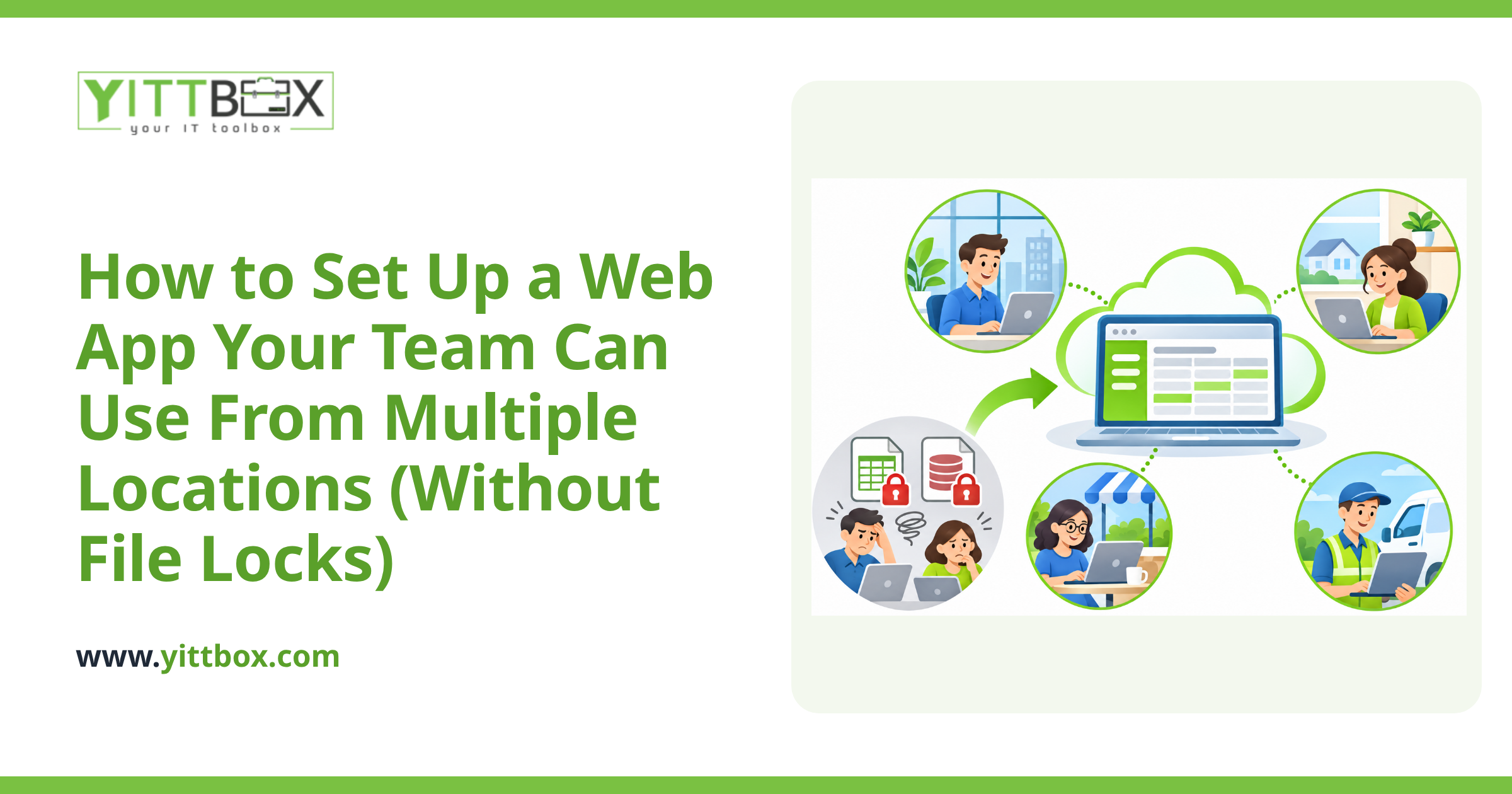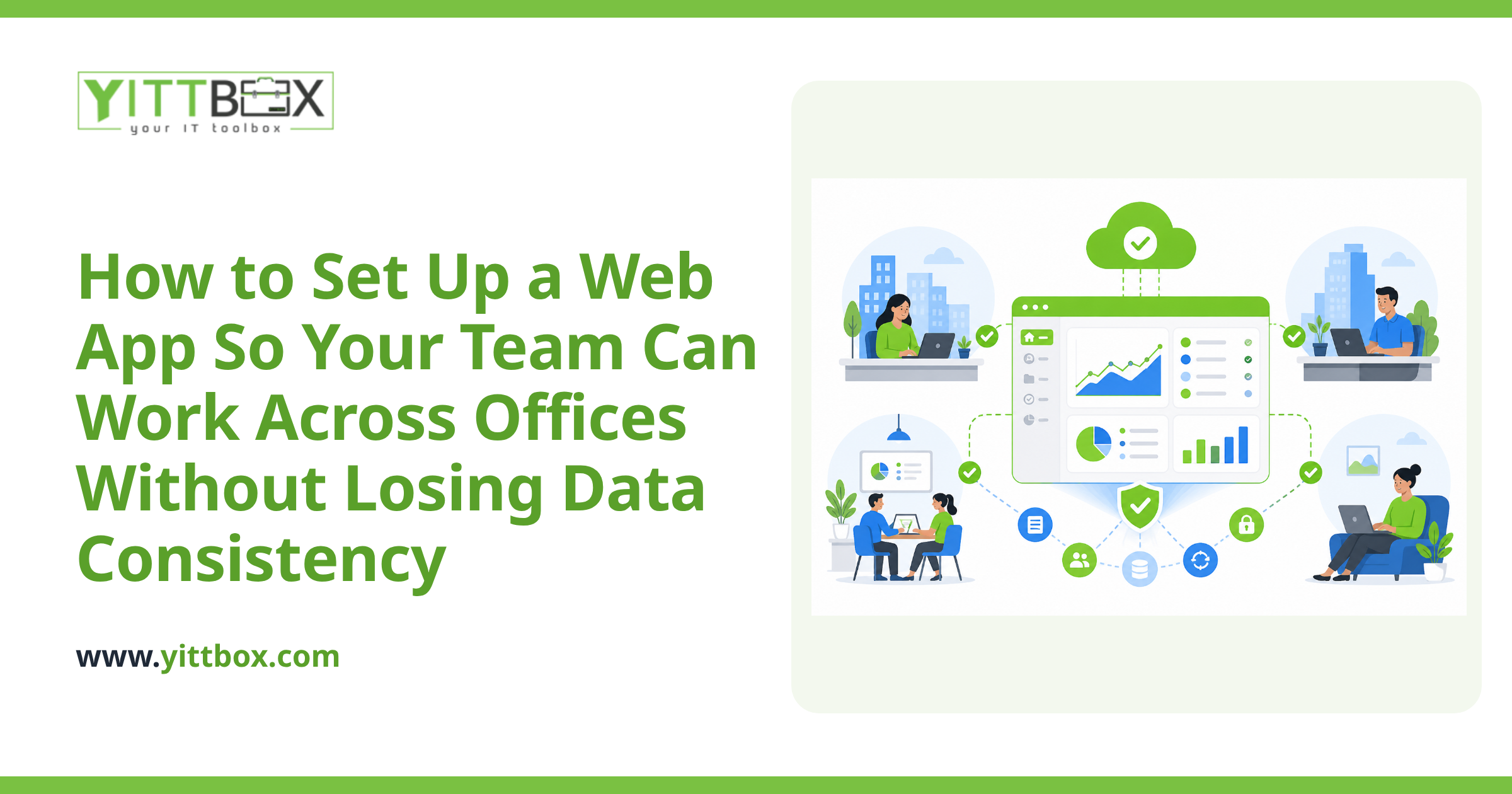

Your team is spread across a few offices, some home desks, and maybe a job site or two. Everyone needs the same up-to-date information: orders, customer notes, inventory, schedules. But right now that information lives in a spreadsheet someone emails around, or in separate copies that never quite match. Somebody updates a number in one place, nobody else sees it, and by Friday you're not sure which version is true.
If that sounds familiar, a real-time web app can fix it. Here are the questions small-business owners ask us most often when they're thinking about making the switch.
What does "real-time sync" actually mean for my team?
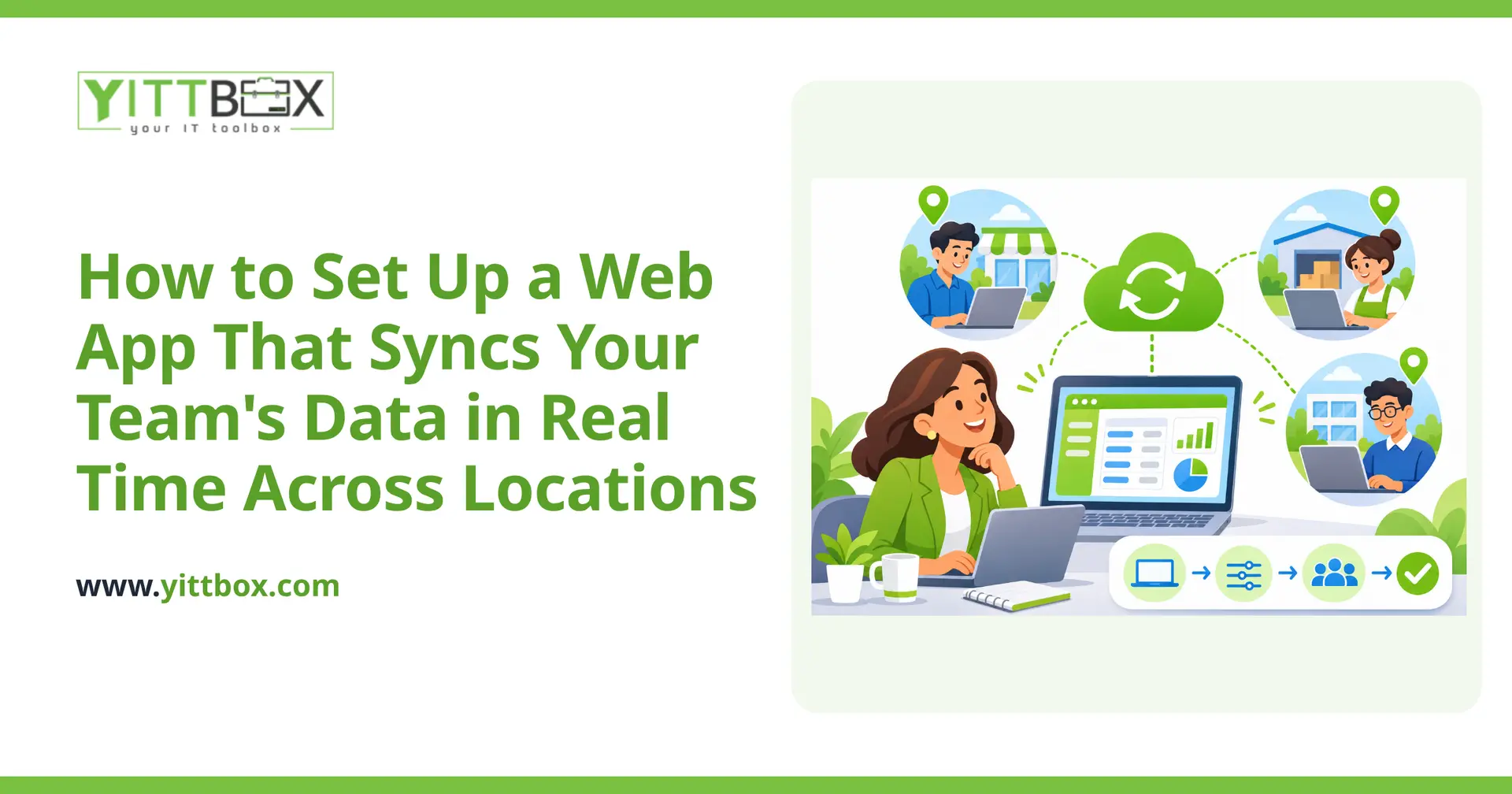
It means everyone sees the same information the moment it changes. When one person updates a customer record, marks a job complete, or edits a stock count, that change appears for everyone else right away — no refreshing, re-sending, or waiting.
In practice, real-time sync gives your team:
- One source of truth. There's only one live copy of the data, not five slightly different ones floating around in email.
- Fewer mistakes. Nobody works off an outdated number or double-books the same slot.
- Location independence. A person at home and a person in the office are working from the exact same screen.
Do I need to replace all my current software to make this work?
Usually not. Most businesses keep the tools that already work well and connect them, rather than starting from scratch. A custom web app can pull from your accounting software, your email, or an existing database and bring everything into one place your team actually uses.
The bigger change is often moving off manual spreadsheets or an aging desktop database. Those tend to be the real bottleneck, because they were never built to be shared live across locations. If that's where you are, our guide on moving from spreadsheets to a proper web app walks through what that transition looks like without the jargon.
How does a web app sync data across remote locations?
The data lives in one central place online, and everyone's app connects to it over the internet. Instead of each location holding its own file, they all read from and write to the same shared store. When a change is saved, the app pushes that update out to everyone connected.
A well-built setup handles the tricky parts for you:
- Handling two people at once. If two staff edit related information at the same time, the app decides how to combine or flag those changes so nothing gets quietly overwritten.
- Spotty connections. If someone briefly loses signal, the app can hold their changes and sync them when they reconnect.
- Permissions. Different people see and edit only what their role allows — a warehouse view is not the same as a manager view.
Is my data safe if it's stored online?
Yes — when it's set up properly, online storage is typically safer than files on individual laptops. A central web app can be backed up automatically, protected behind logins, and access-controlled by role, so a lost laptop doesn't mean lost data.
Good practice for a shared web app includes:
- Individual logins for each team member, so you know who changed what.
- Regular automatic backups so you can recover if something goes wrong.
- Encrypted connections so data is protected as it travels between your team and the server.
How long does it take to build something like this?
It depends on how much you need on day one. A focused first version that solves your single biggest pain — say, a shared job tracker or live inventory list — can come together far faster than a do-everything system. We generally recommend starting small, getting your team using it, then adding features once you see what actually helps.
The honest answer is that the timeline hinges on your specific workflow, and no one can give you a real number without understanding how your business runs. That's exactly what a free, no-pressure review is for — you tell us what's slowing your team down, and we tell you plainly what it would take to fix.
What should I have ready before I start?
You don't need a technical plan or a spec document. What helps most is clarity on the problem. Before you reach out, it's worth jotting down:
- What information gets shared across your team and where it lives now.
- Where things break down — the moments where wrong or outdated data causes headaches.
- Who needs access and roughly what each role does.
With that in hand, the conversation moves quickly, and you get useful answers instead of a sales pitch.
The short version
A real-time web app takes the guesswork out of shared information. Everyone works from the same live data, no matter where they're sitting, and the day-to-day cleanup of mismatched files simply goes away. You don't have to rip out everything you use today, and you don't have to figure out the technical side alone.
If you're tired of chasing the right version of a spreadsheet, we're happy to take a look at your situation and explain your options in plain English. There's no obligation and no pushy follow-up — just a free review to help you decide what makes sense.
Comments
Be the first to comment on this post.