
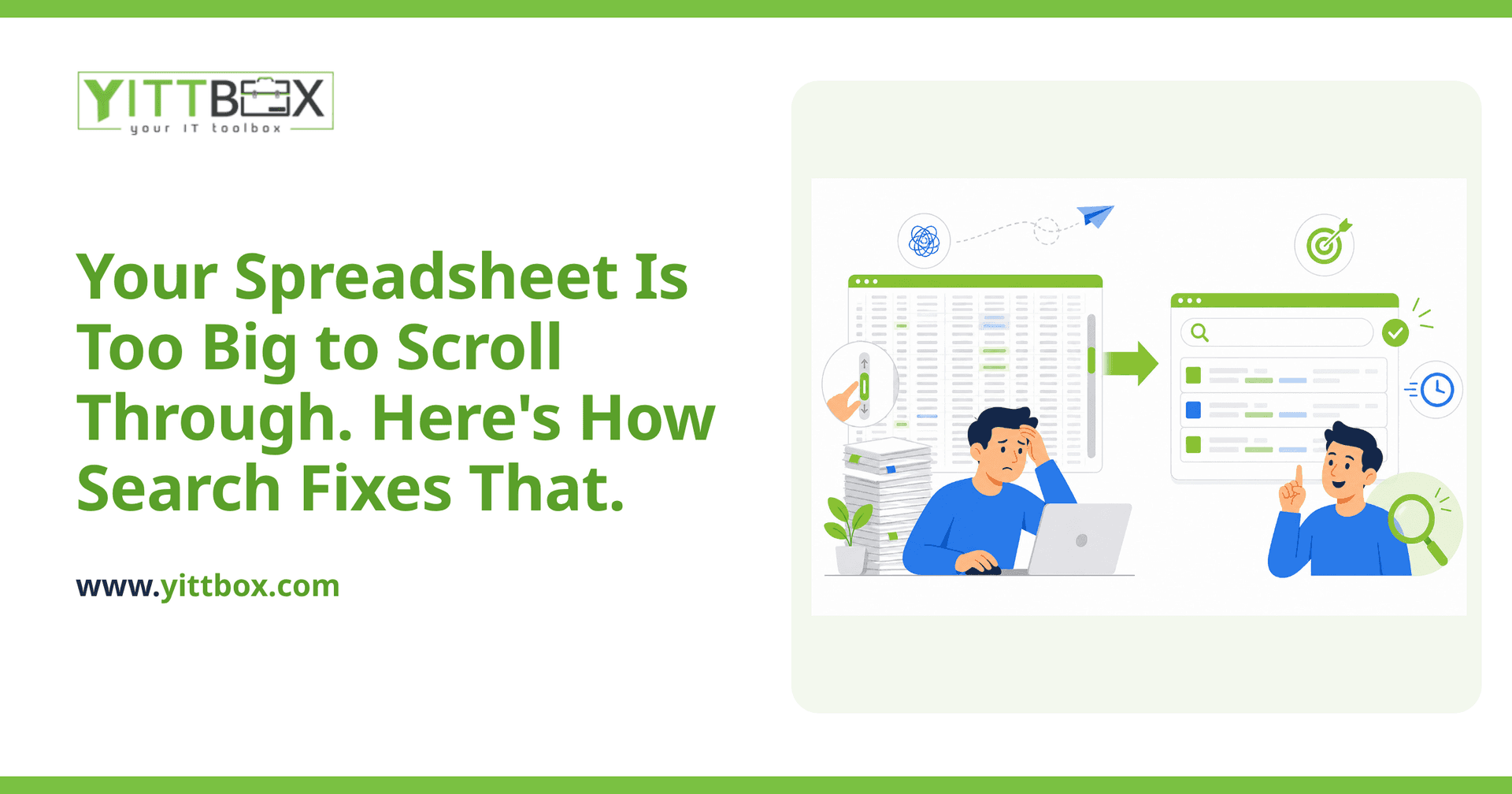
You know the feeling. You open the spreadsheet, hit Ctrl+F, type a customer name, and wait while your computer thinks about it. Maybe it finds the row. Maybe it finds three rows and you're not sure which one is current. And when the file has thousands of rows and a dozen columns, even that quick find starts to feel like archaeology.
When a spreadsheet grows past the point where you can eyeball it, a proper search function isn't a luxury — it's the difference between answering a customer in five seconds and putting them on hold for five minutes. Here are the questions small-business owners ask us most about adding search, answered plainly.
Why can't I just keep using Ctrl+F in my spreadsheet?
Because Ctrl+F only matches exact text in whatever you can see, and it stops being reliable once your data gets large or messy. It won't handle a misspelled name, it can't search two related sheets at once, and it gives you no way to filter results down. A real search function in a web app can look across every field, ignore small typos, and narrow results by the things that actually matter to you — like status, date range, or location.
Put simply: Ctrl+F finds a word. A built-in search finds the answer.
What does a good search function actually do?
A well-built search does more than match letters. For a small business, the features worth having usually include:
- Search-as-you-type results — matches appear as you type, so you don't have to guess the exact spelling.
- Search across multiple fields at once — one box that checks names, phone numbers, order numbers, and notes together.
- Filters alongside search — narrow by date, status, category, or whatever your business runs on.
- Tolerance for typos and partial words — "jonson" still finds "Johnson."
- A clear result you can act on — click a match and go straight to the full record, not just a highlighted cell.
None of that is possible in a spreadsheet without a lot of fragile formulas. In a web app, it's a standard, expected part of the setup.
Do I need to rebuild my whole system to get search?
Not necessarily, but it helps to be honest about what's involved. Search works best when your data lives in a proper database rather than a flat spreadsheet, because a database is built to look things up quickly. If your business is still running on a large spreadsheet or an aging Access file, moving that data into a web app is usually the step that unlocks fast, reliable search — along with a lot of other improvements you've probably been wanting.
The good news is that this move is more routine than most owners expect. We do this kind of migration regularly, and you can read more about converting a spreadsheet into a web app to see what the process looks like from start to finish.
How fast will search be once my data is in a web app?
Fast enough that speed stops being something you think about. A database is designed to find a single record among tens of thousands almost instantly, even while several people are using the system at the same time. The lag you feel today in a big spreadsheet largely disappears, because the app isn't loading the entire file every time — it's asking the database a precise question and getting a precise answer back.
Can more than one person search at the same time?
Yes — and this is one of the biggest day-to-day wins. Shared spreadsheets get slow, lock up, or show conflicting copies when several people are in them. A web app is built for multiple users at once. Everyone searches the same live data, sees the same up-to-date results, and no one accidentally overwrites someone else's work. For a growing team, that alone is often worth the switch.
How do I know what kind of search my business actually needs?
Start by watching how you look things up today. The way you already hunt for information tells you almost everything about the search you need. Ask yourself:
- What do I search for most often — a customer, an order, a product?
- What details do I wish I could filter by but currently can't?
- How often does a typo or a slightly different spelling send me digging?
- How many people need to find the same information in a day?
Those answers shape a search function that fits how you really work, instead of a generic box that technically searches but doesn't help.
What's the first step to getting this built?
The first step is a plain conversation about your situation — no pushy sales call, no obligation. We offer a free, no-pressure review where we look at your current spreadsheet or system, tell you honestly what's possible, and explain in plain English what it would take. If a simple change gets you most of the way there, we'll say so.
If your spreadsheet has outgrown Ctrl+F, you don't have to keep scrolling. When you're ready, tell us what you're working with and we'll walk you through your options — clearly, and at your pace.
Comments
Be the first to comment on this post.