
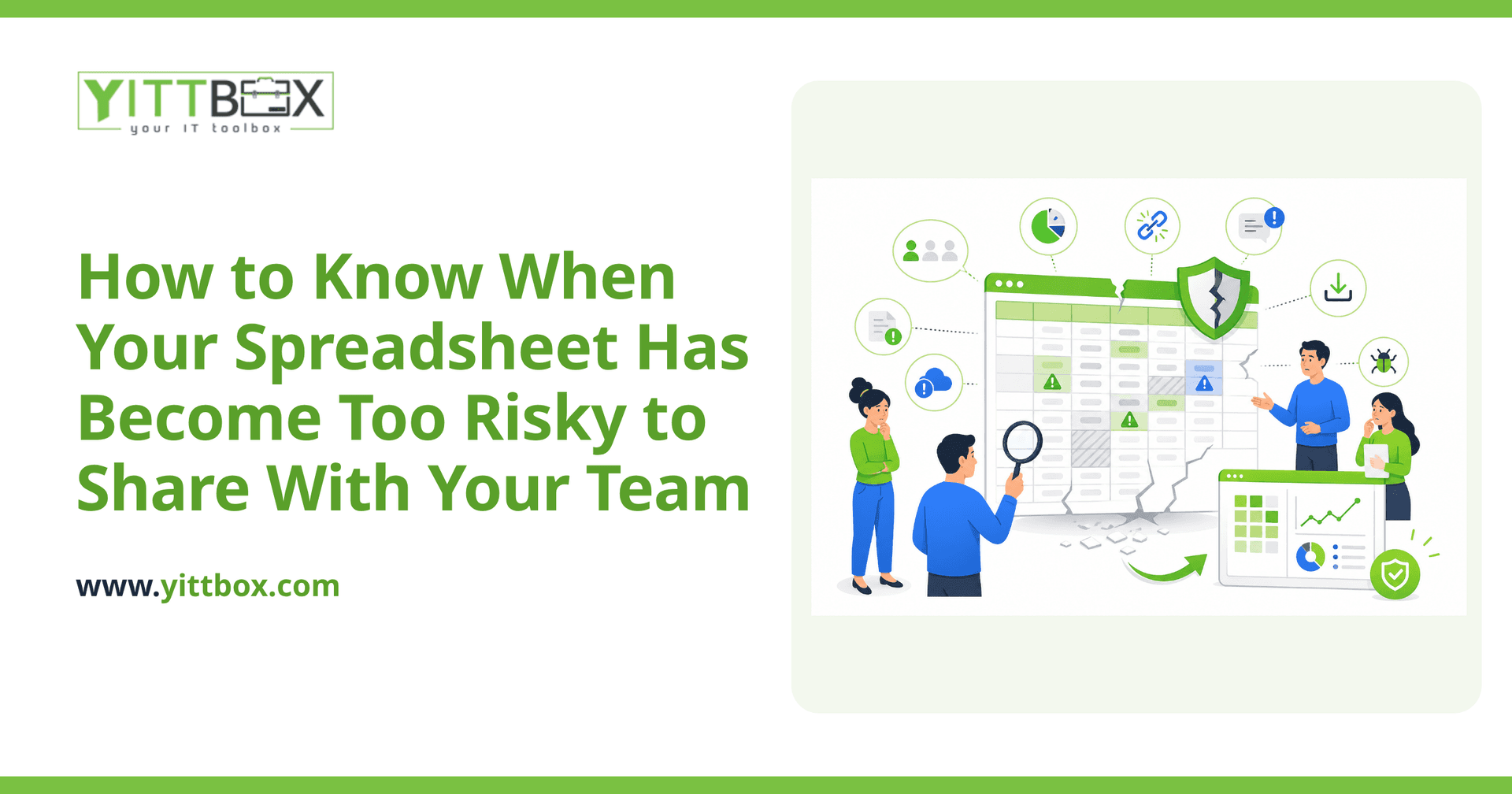
There's a moment every growing business hits: the trusty spreadsheet that ran your whole operation for years quietly turns into a liability. It still works — mostly — but now three people edit it, two of them have their own copies, and nobody's completely sure which version is the real one. If that sounds familiar, you're not doing anything wrong. You've simply outgrown the tool. The tricky part is spotting the point where a helpful spreadsheet becomes a genuine risk to your data, your team, and your reputation.
This post walks through the warning signs in plain English, so you can decide for yourself whether it's time to make a change.
How do I know if my spreadsheet has become too risky to share?
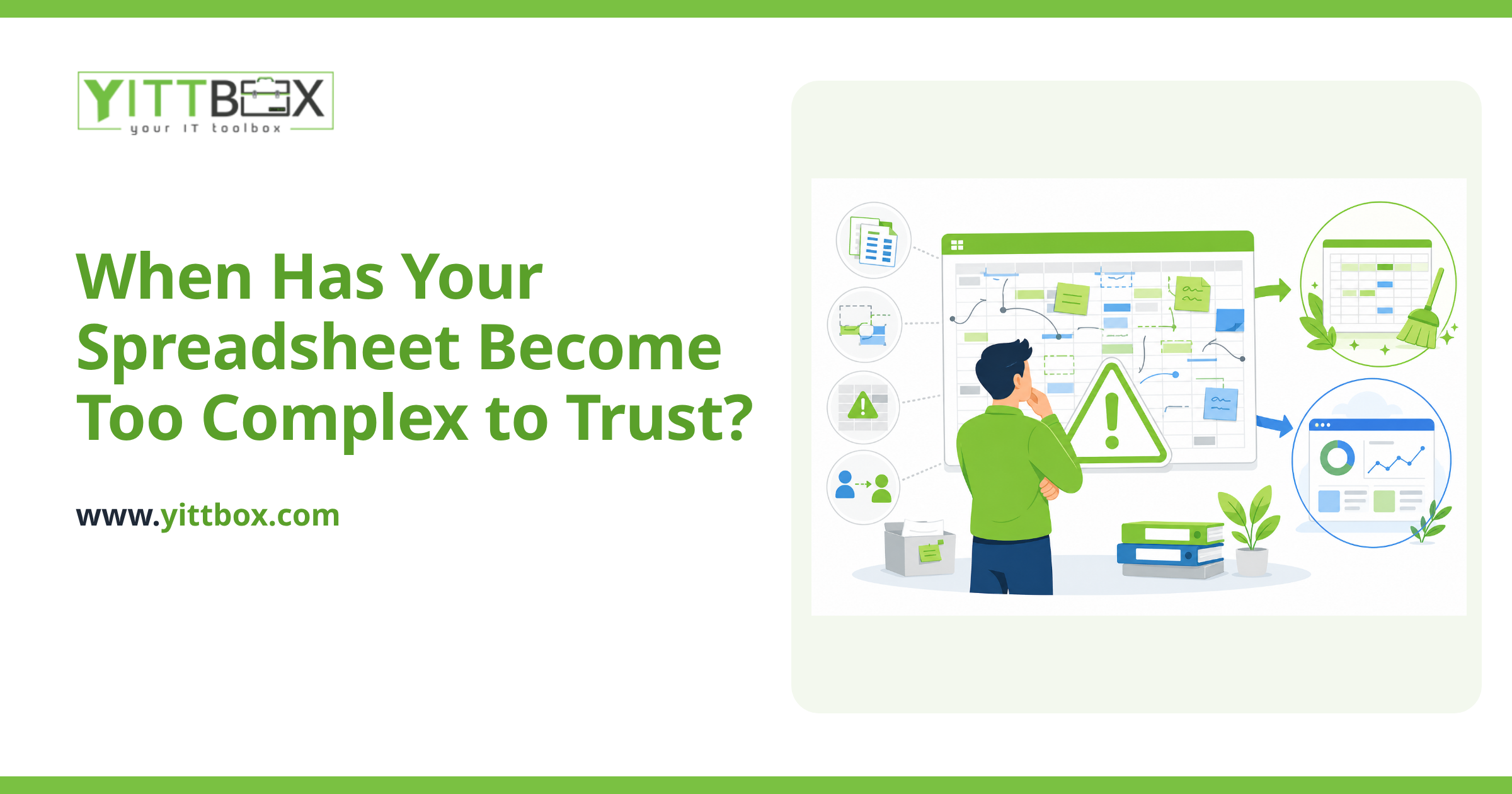
The clearest sign is that you've started to feel nervous every time you send it to someone. When you catch yourself thinking "I hope they don't break the formulas" or "I'd better keep a backup just in case," that instinct is telling you something. A spreadsheet has crossed into risky territory when:
- More than one or two people need to edit it regularly.
- People keep their own copies because sharing the live one feels dangerous.
- A single wrong click could wipe out data you can't easily get back.
- You rely on one person who "just knows how it works."
- You store sensitive information — customer details, pricing, payroll — in a file anyone can copy or email.
If two or more of those are true, the spreadsheet isn't just inconvenient anymore. It's a single point of failure.
What actually goes wrong when a whole team shares one spreadsheet?
Shared spreadsheets fail in quiet, expensive ways. The damage usually isn't one big crash — it's lots of small mistakes that add up. Common problems include:
- Version confusion. Two people edit at once, or someone works from last week's copy, and suddenly your numbers don't match.
- Accidental overwrites. A stray delete or a dragged formula corrupts data, and there's no easy trail to undo it.
- No record of who changed what. When something's wrong, you can't tell who touched it or when.
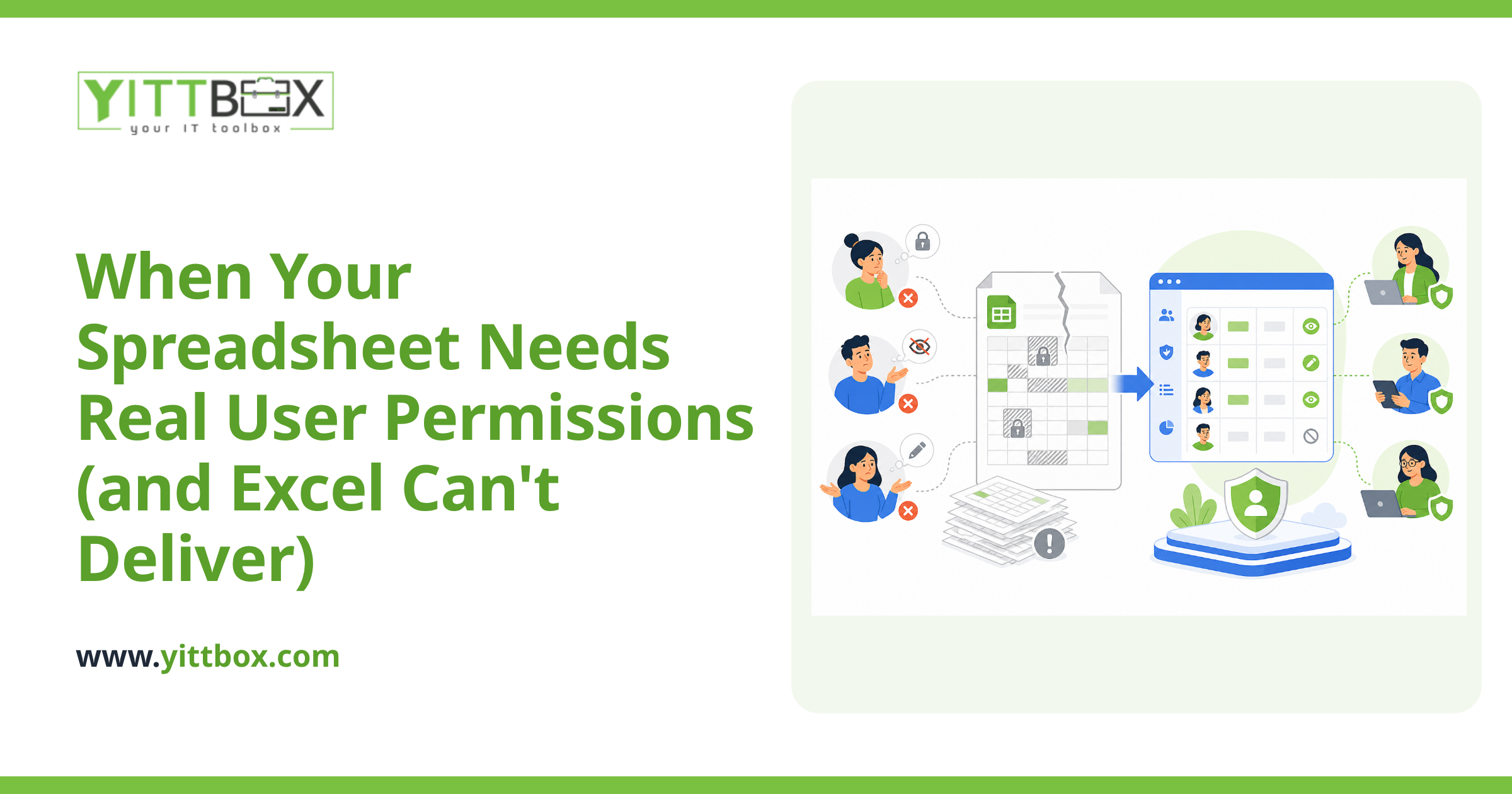
- Everyone sees everything. A spreadsheet has no real permissions, so the moment you share it, the whole file is exposed — including the parts you didn't mean to show.
None of these are the spreadsheet's fault. It was built for one person doing calculations, not a team running a business.
Isn't it safer to just lock the file or add passwords?
It helps a little, but it doesn't solve the real problem. Passwords and locked cells slow people down without giving you the two things you actually need: control over who can see what, and a reliable history of changes. Locked cells get unlocked. Passwords get shared. And the more you bolt on to keep a spreadsheet safe, the harder it becomes for your team to actually use it.
At some point you're spending more effort protecting the file than you'd spend replacing it. When you reach that stage, it's worth converting the spreadsheet into a proper application where permissions, backups, and edit history are built in from the start.
What's the difference between a spreadsheet and a real application?
A spreadsheet is a blank grid that trusts everyone to do the right thing. A custom application is built around your specific process, so it guides people and prevents mistakes. In practice that means:
- Each person sees only what they're allowed to see.
- The system checks entries, so you can't accidentally put text where a date belongs.
- Changes are saved automatically, with a record of who did what.
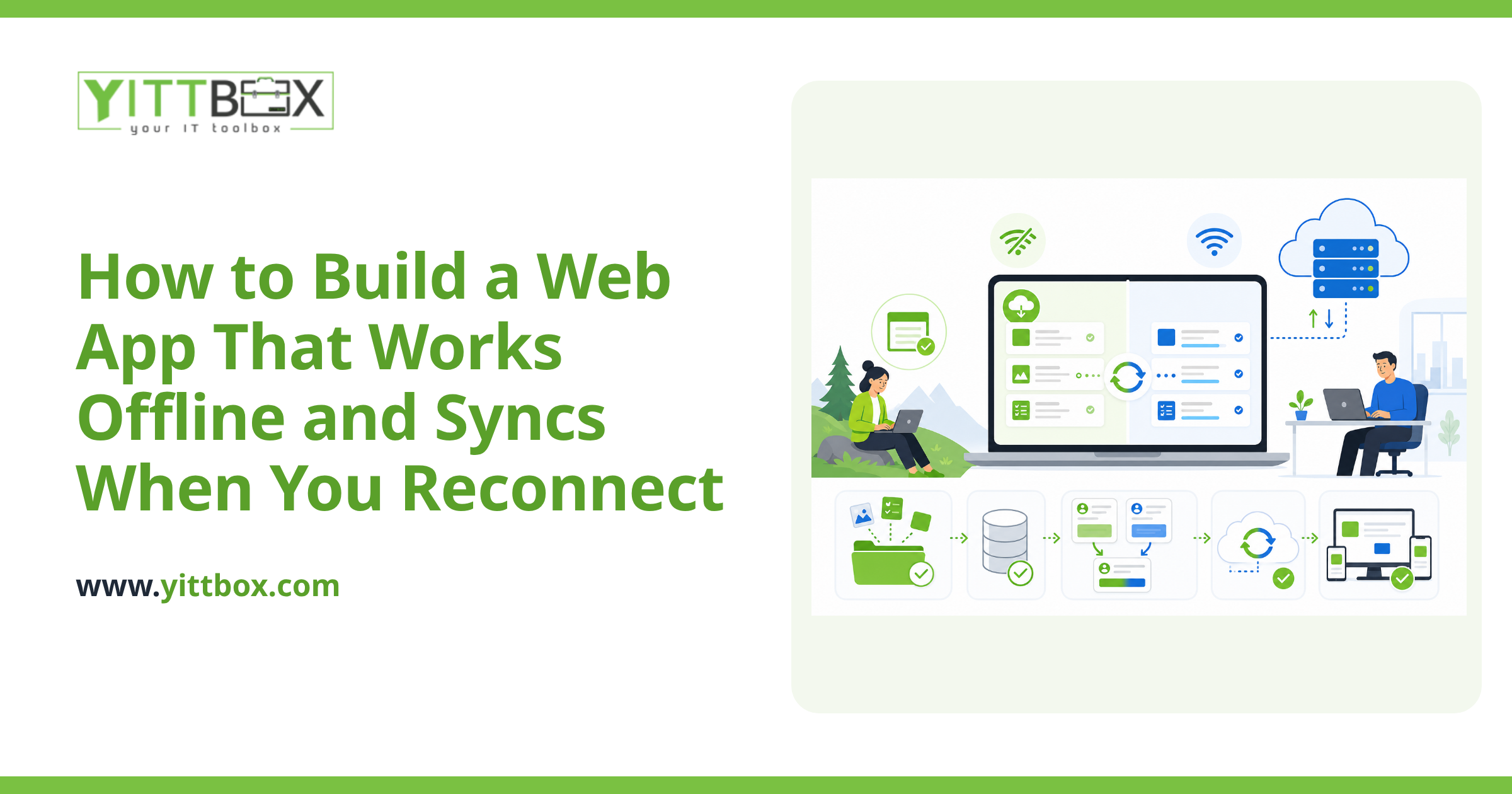
- Several people can work at the same time without overwriting each other.
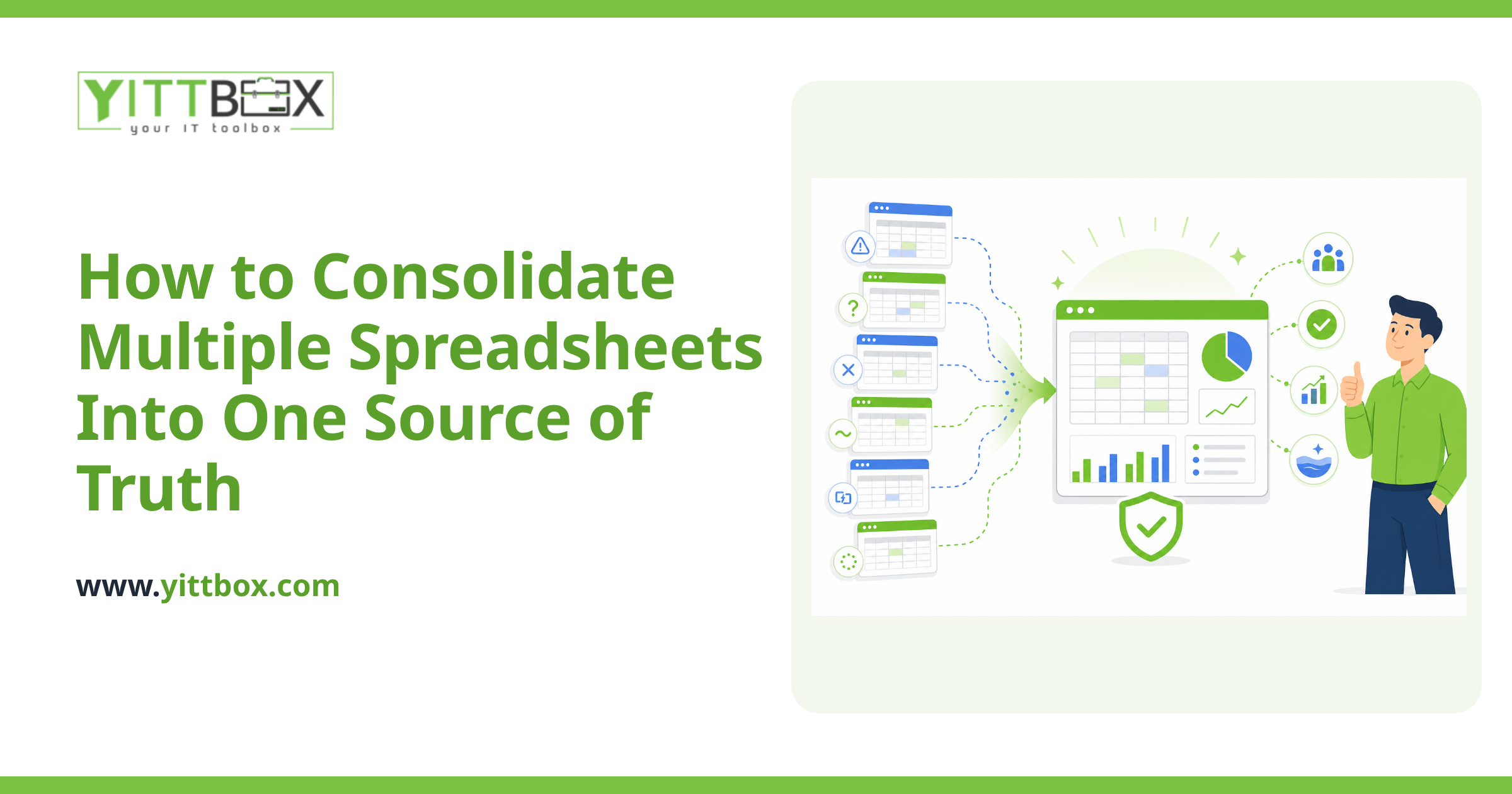
- Your data lives in one trustworthy place instead of a dozen copies.
The goal isn't fancy technology for its own sake. It's giving your team a tool they can rely on without holding their breath.
Does moving off spreadsheets mean a huge, expensive project?
Not necessarily. Plenty of businesses start by replacing just the one spreadsheet that's causing the most stress — the one you'd panic about losing. You don't have to overhaul everything at once. A focused first step often solves the biggest risk and pays for itself in time saved and mistakes avoided.
The honest answer is that it depends on how your spreadsheet is used and how much of your process it covers. That's exactly the kind of thing worth talking through before you commit to anything, which is why we offer a free, no-pressure review of your situation. You get a clear picture of your options in plain English — no jargon, no sales pitch.
How do I decide whether it's worth changing now?
Ask yourself one practical question: if this file disappeared or got corrupted tomorrow, how bad would it be? If the answer is "we'd lose days of work" or "we couldn't run the business," you've already outgrown the spreadsheet. Waiting only means the eventual mistake is bigger and harder to recover from.
You don't need to decide today. But it helps to understand what a safer setup would look like and what it would take to get there.
Where to start
If your spreadsheet has quietly become the thing you're most afraid to lose, that's the signal. We're happy to take a look and tell you honestly whether it's worth changing — or whether you're fine as you are for now. There are no pushy sales calls and no obligation. Book a free review of your situation whenever you're ready, and we'll walk through your options together, in plain English.
Comments
Be the first to comment on this post.