It's Monday morning. Before you can answer a simple question — how did sales go last week, which customers are behind on payments, what's sitting in the warehouse — someone on your team has to open the Access database, run a few queries, export the results, and paste them into a spreadsheet to make the numbers presentable. By the time the report lands in your inbox, half the morning is gone and the figures are already a little out of date.
If that sounds familiar, you're not doing anything wrong. Access got your business this far. But manual reporting quietly costs you hours every week and, worse, it slows down the decisions that actually move your business. Here's how to think about moving toward automated business intelligence (BI) — in plain English, without the jargon.
What does "automated business intelligence" actually mean?
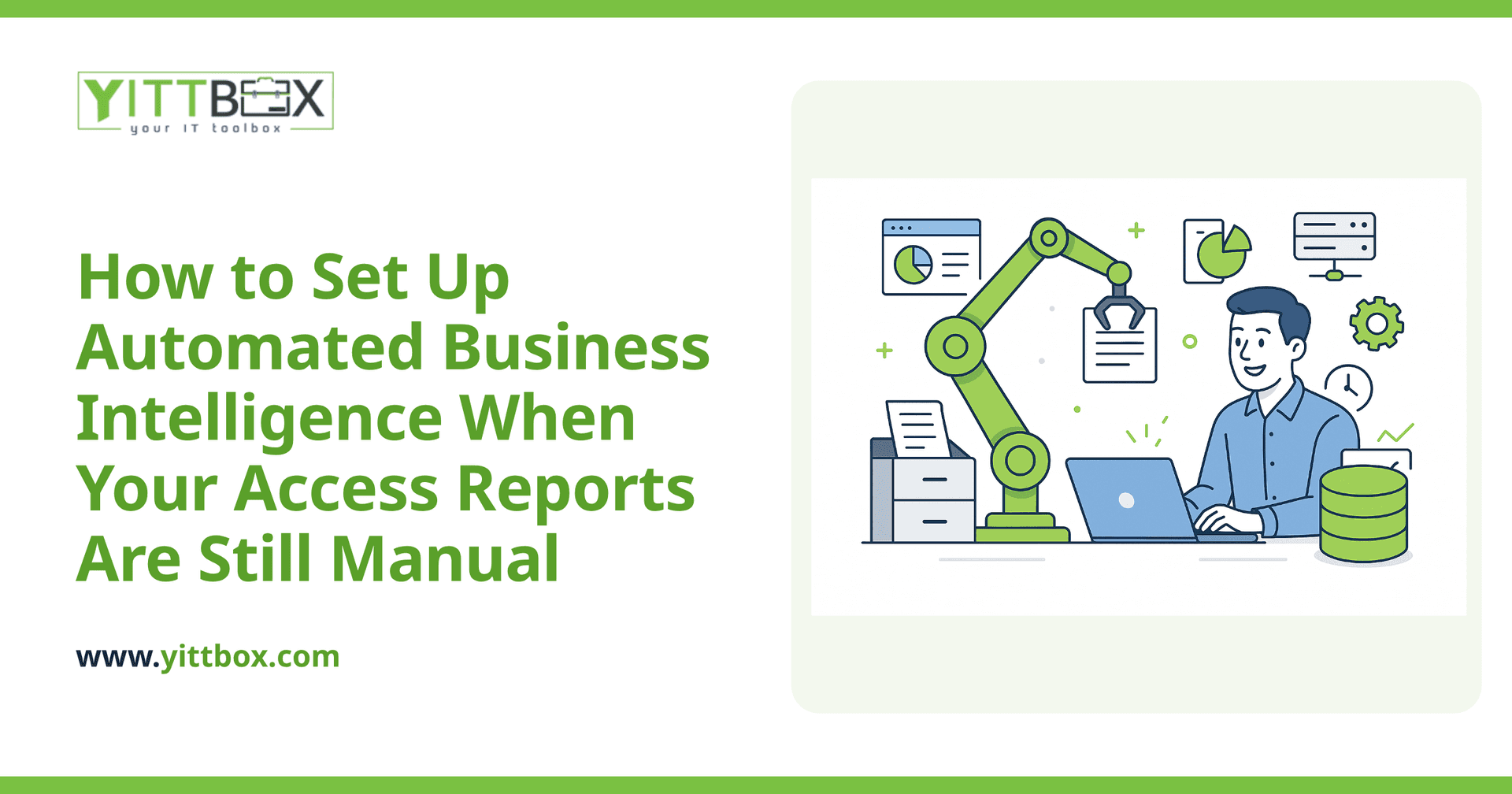
It means your reports build and refresh themselves, so the numbers are ready when you are — no manual exporting or copy-pasting required.
In practice, automated BI usually looks like a dashboard you open in your browser that shows your key figures updated on a schedule (or in real time). Instead of a person running queries and formatting a spreadsheet, the system pulls the data, does the calculations, and presents it the same way every time. You get:
- Fewer errors — no more broken formulas or a step someone forgot.
- Faster answers — the report is already there when you need it.
- Consistency — everyone looks at the same numbers, defined the same way.
Can I automate reporting without ripping out my Access database?
Often, yes — at least as a first step. You don't always have to replace everything on day one.
Access can frequently act as the data source while a reporting layer sits on top of it and pulls figures automatically. This lets you get automated dashboards running sooner and prove the value before committing to a bigger change. It's a sensible way to reduce risk and spread out the cost.
That said, Access has real limits — it struggles when several people need to use it at once, when your data grows large, or when you need to reach the reports from outside the office. So while automating on top of Access is a great starting point, many businesses eventually benefit from moving that data into a more modern foundation. If you're weighing that up, our guide to converting an Access database into a modern web application walks through what's involved.
What reports should I automate first?
Start with the reports you run most often and the ones people fight over. Those give you the fastest payback.
A good rule of thumb: automate the report that someone rebuilds by hand every single week. Common candidates include:
- Sales and revenue — by period, product, region, or salesperson.
- Outstanding invoices — who owes what, and how overdue it is.
- Inventory or stock levels — what's running low before it becomes a problem.
- Job or project status — what's in progress, what's stuck, what's done.
You don't need to automate everything at once. Pick one painful report, get it working well, and build from there.
How do I make sure the automated numbers are actually correct?
Agree on clear definitions up front, then check the automated report against a manual one for a short period until you trust it.
Most reporting disputes come down to definitions, not math. What counts as a "sale" — when it's quoted, invoiced, or paid? Is an invoice "overdue" at 30 days or 45? Nailing these down before anything is built is the single biggest thing you can do to get trustworthy numbers. Once the automated report is live, run it side by side with your old manual version for a few cycles. When they match, you can retire the manual work with confidence.
How long does this take, and how disruptive is it?
A focused first dashboard is usually a matter of weeks, not months, and it can be built without interrupting how your team works day to day.
Because automated reporting can often be added alongside your existing database, your staff keep doing their jobs the same way while the new reports come together in the background. The key is clear, plain-English communication at every stage so you always know what's happening and why — no surprises, no baffling status updates. When you're ready to understand the effort and cost for your specific situation, you can request a straightforward estimate.
What if I'm not sure it's worth it yet?
Then don't commit to anything — just get an honest look at where you stand first.
You don't need to have it all figured out before you talk to someone. The goal isn't to sell you a big project; it's to help you see clearly whether automating your reports would save enough time and headache to be worthwhile. Sometimes the answer is a small change on top of Access. Sometimes it points toward a bigger modernization down the road. Either way, you deserve a clear, jargon-free picture before you spend a penny.
The bottom line
Manual Access reports work — until they quietly drain your time and slow your decisions. Automated business intelligence gives you reliable numbers on demand, and you can often get there in stages, starting right on top of the database you already have.
If you'd like a second opinion, we offer a free, no-pressure review of your current reporting setup. No pushy sales calls, no obligation — just plain advice on what's possible. When you're ready, tell us a little about your situation and we'll take a look.
Comments
Be the first to comment on this post.