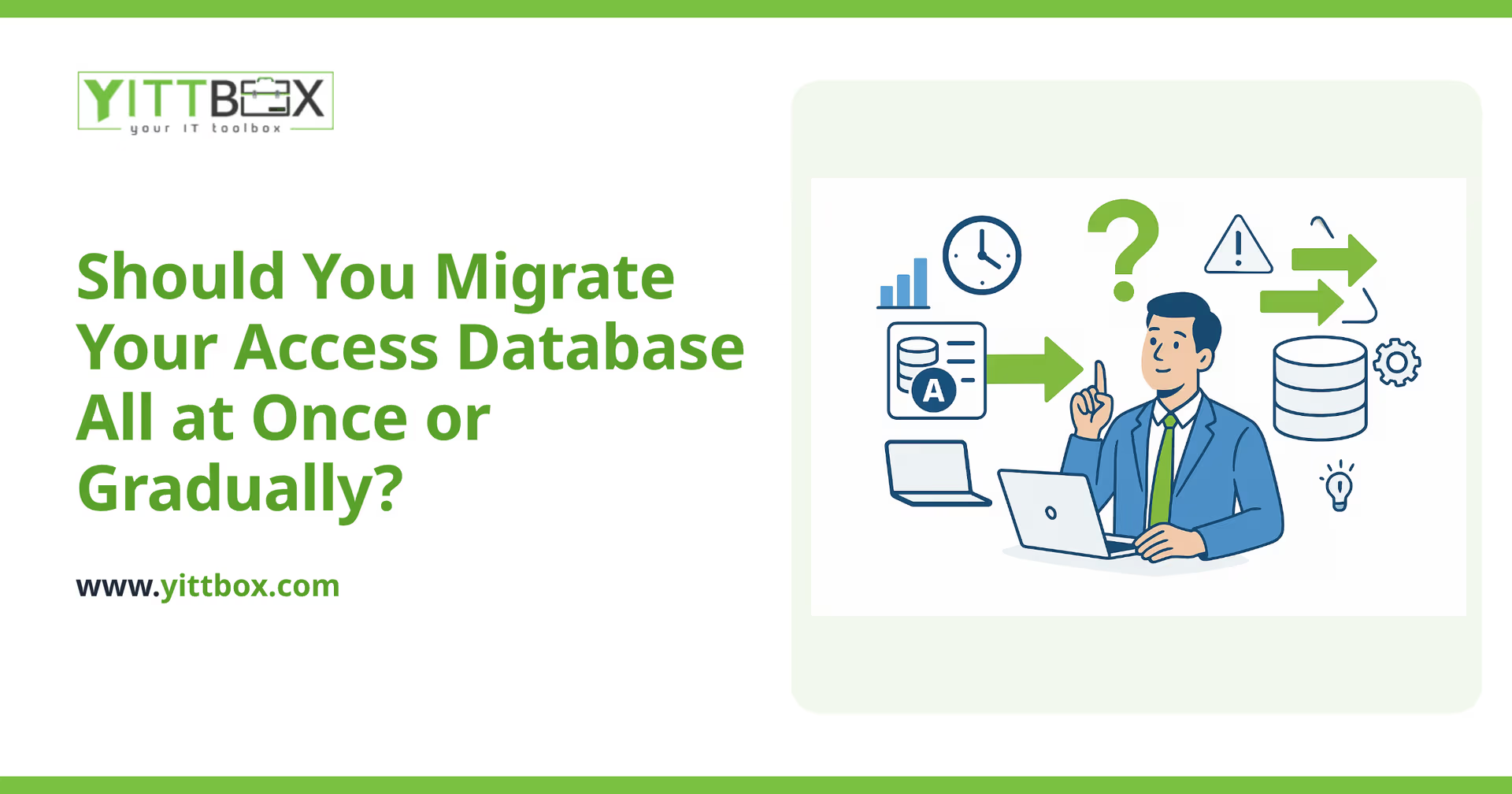
Your Access database has kept the business running for years. But now it's slowing you down — it only works on certain office computers, two people can't safely use it at the same time, and every small change feels risky. You know it's time to move to something modern. The big question is how: do you replace the whole thing in one go, or move it piece by piece?
There's no single right answer. The best approach depends on how your database is built, how your team works, and how much disruption your business can absorb. Here are the real questions owners ask us, with straight answers to each.
What does an "all at once" migration actually mean?
An all-at-once (or "big bang") migration means you build the complete replacement, test it thoroughly, then switch everyone over on a chosen date. The old Access database is retired and the new system takes over in one move.
This works well when:
- Your database is relatively small or self-contained.
- Your team can pause or run in parallel for a short cutover period.
- You want a clean break rather than maintaining two systems.
The trade-off is that more of the work happens before you see any benefit. You wait longer for the launch, but when it arrives, everything moves together and there's no half-in-half-out period to manage.
What does a gradual migration involve?
A gradual (or phased) migration moves your database in stages. You might start with the most painful part — say, customer records or order tracking — get that working in the new system, then tackle the next area a few weeks later. The old and new systems run side by side until the last piece is moved.
This suits businesses that:
- Rely on the database daily and can't afford a hard stop.
- Have a large or tangled database with many interconnected parts.
- Want to see real improvements early rather than waiting for one big finish.
The trade-off is coordination. For a while, some data lives in the old system and some in the new, so the two need to stay in step. Done carefully, that's manageable — but it does add moving parts.
Which option is cheaper?
All at once is often lower in total cost, because you're not building temporary bridges between old and new systems while both run at once. Gradual can spread the cost over time, which helps cash flow, but the extra coordination usually adds to the overall total.
The honest answer is that the cost gap depends entirely on your specific database. A tidy, well-structured one is cheaper to move whole; a sprawling one with years of workarounds may be safer — and ultimately cheaper — moved in stages. That's exactly the kind of thing we look at during a free estimate, so you get a real number instead of a guess.
Which option is less risky?
It depends on what "risk" means for you. All at once carries more risk on launch day, because everything changes together — which is why thorough testing beforehand matters so much. Gradual spreads the risk out: if one phase has a hiccup, only that part is affected and the rest of the business keeps running.
For many small businesses that can't afford downtime, gradual feels safer day to day. For businesses that can schedule a quiet weekend to switch over, all at once removes the complexity of running two systems at once.
Will my team have to learn everything at once either way?
Not necessarily — and this is a real advantage of the gradual approach. When you move one area at a time, your team learns the new system in small, digestible pieces. By the time the final phase lands, most people are already comfortable.
With an all-at-once switch, training happens closer to launch, so it's worth planning a proper handover and a short support window afterward. Either way, a good migration keeps the day-to-day experience familiar so your staff aren't relearning how to do their jobs.
Can I keep working while the migration happens?
Yes. Whichever route you choose, the goal is to keep your business running throughout. In a gradual migration, you keep using Access for the parts that haven't moved yet. In an all-at-once migration, the old system typically stays live right up until the cutover, so there's no gap where you can't access your data.
The key is a clear plan for how and when your live data moves across, so nothing is lost and nobody is left waiting. You can read more about how we handle these projects on our database conversion page.
So how do I actually decide?
Start by answering three plain questions:
- How much downtime can you tolerate? Very little points toward gradual.
- How complex is your database? Simple and self-contained points toward all at once.
- What's your budget rhythm? One project vs. spreading cost over stages.
You don't have to work this out alone. We'll take a proper look at your current Access setup, explain the options in plain English, and recommend the approach that fits your business — not the one that's easiest for us. There are no pushy sales calls and no obligation.
When you're ready, request a free, no-pressure review and we'll tell you honestly what a move would involve. Or learn more about converting your Access database first — whichever feels right.
Comments
Be the first to comment on this post.