

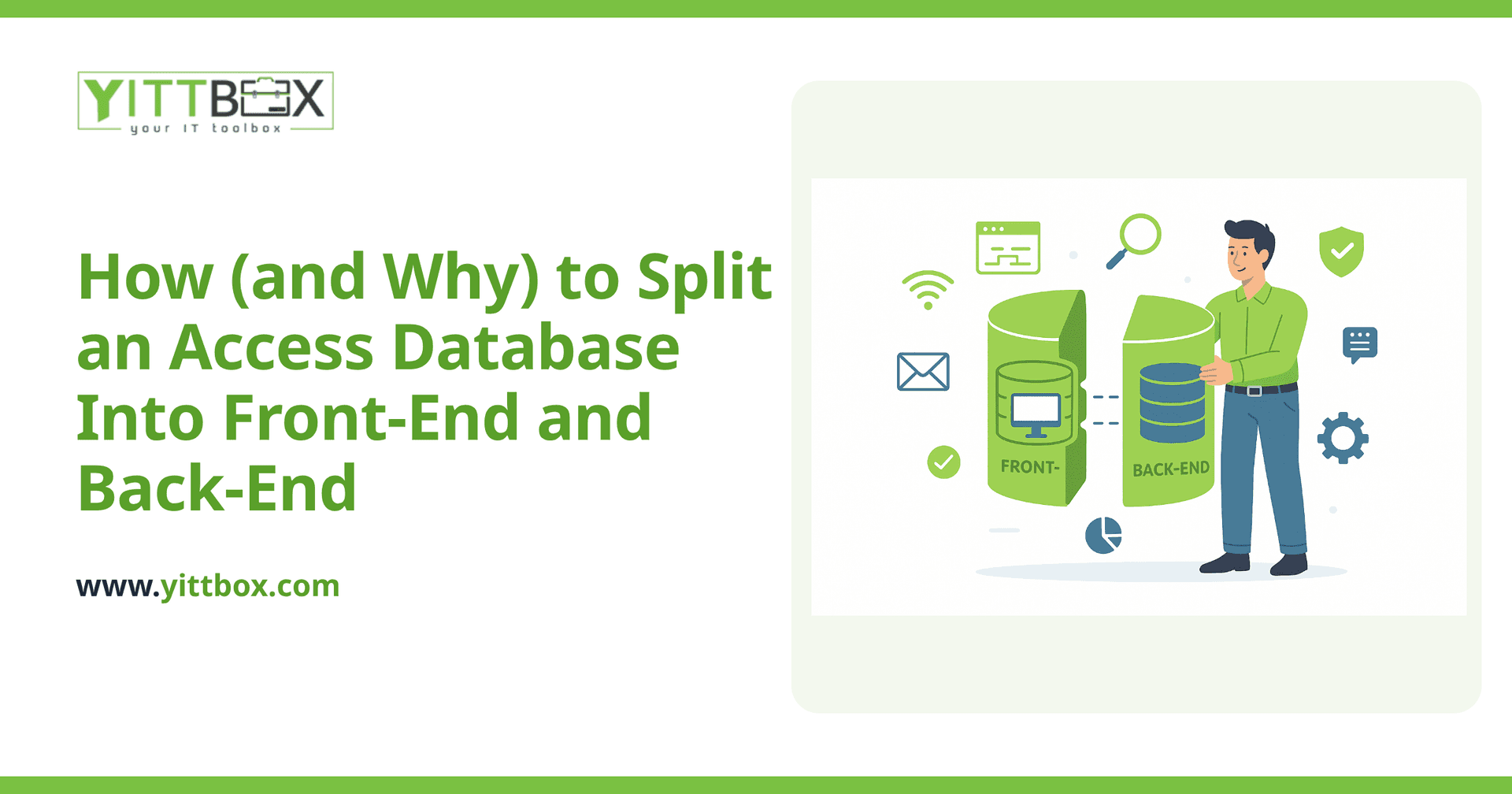
If you take one piece of practical advice from this whole cluster, make it this one: if your Access database is still a single .accdb file with tables, forms, and reports all mixed together, splitting it is the highest-value, lowest-effort fix available to you — and it's the standard first step before any bigger modernization decision.
What does "splitting" an Access database actually mean?
A split Access database separates your data (tables) into one file — the back-end — from your forms, reports, and queries into a second file — the front-end. The back-end lives on a shared network drive where everyone's front-end connects to it over linked tables. Each user gets their own copy of the front-end, either on their own machine or accessed via a shortcut that always points to the current version.
Why does this fix so much?
An unsplit database has everyone hitting the exact same file for both data and interface simultaneously — every form load, every report, every design change all fight over the same file lock. Splitting isolates the part that genuinely needs to be shared (the data) from the part that doesn't (the interface), which directly reduces lock contention, shrinks the shared file that's exposed to network interruptions, and lets you update the front-end (fix a form, add a report) without touching the data at all — no more "everyone log out so I can make a change."
What are the concrete steps?
Access has a built-in Database Splitter Wizard (Database Tools → Move Data → Access Database) that automates most of this: it creates the back-end file with just your tables, replaces those tables in your original file with linked-table references, and turns your original file into the front-end. Before running it: take a full backup, make sure everyone is logged out, and note down any hardcoded file paths in VBA that might reference the original single-file location.
What should you double-check after splitting?
Confirm every linked table connects correctly (a broken link shows a "#Deleted" or "#Name?" error in place of data), re-test every form and report against the new structure, and verify performance over your actual network path — a slow or unreliable network share undermines the benefit of splitting just as much as an unsplit file would.
Is splitting enough on its own, or is it just a stopgap?
It depends on scale. For a small-to-mid-size team well within Access's concurrency ceiling, a proper split can be a durable, long-term fix — not just a stopgap. It only becomes a stopgap once you're already brushing up against Access's harder limits (file size, real concurrency ceilings, remote access needs) that splitting alone can't remove, at which point it's a sensible interim step on the way to a fuller migration rather than the destination itself.
What if the database is already heavily used and you can't take it fully offline?
Schedule the split for a low-usage window (evening, weekend) rather than attempting it live — the wizard needs exclusive access to the file, and a mid-operation interruption is exactly the kind of event that risks corruption. Communicate the maintenance window clearly, confirm every session is closed (not just minimized), and keep the pre-split backup untouched until you've fully verified the split version works.
How do you handle the back-end location itself?
Put the back-end on a reliable, always-on network location — a proper file server, not someone's individual workstation that might be off or asleep. Map it via a consistent network path (a mapped drive letter or, more robustly, a UNC path) so every front-end's linked-table connection doesn't break the moment someone's drive mapping differs. Whoever administers the back-end location should also own its backup schedule — a split database is only as safe as the back-end's backup discipline.
What's the single most common mistake teams make after splitting?
Losing track of which copy is the "real" front-end master. Once several people have their own local front-end copies, an ad-hoc edit to one specific user's copy can quietly become the unofficial "latest version" that never makes it back to the source everyone else deploys from. Keep one clearly labeled master front-end file, version it (even a simple date in the filename helps), and always edit and redistribute from that single source.
How does splitting fit into the bigger modernization picture?
Splitting is deliberately the first article in this cluster because it's the step nearly every team should take regardless of what comes next. Whether you stay on Access indefinitely, move the data to a real server database over ODBC, or eventually migrate to a custom web app, a properly split database is the cleaner starting point for all three paths — it isolates exactly the piece (the data) that any of those next steps needs to touch.
This article is part of our Microsoft Access modernization guide — the hub for our full Access modernization cluster, including migration targets, database architecture, and ongoing operations.
Comments
Be the first to comment on this post.



