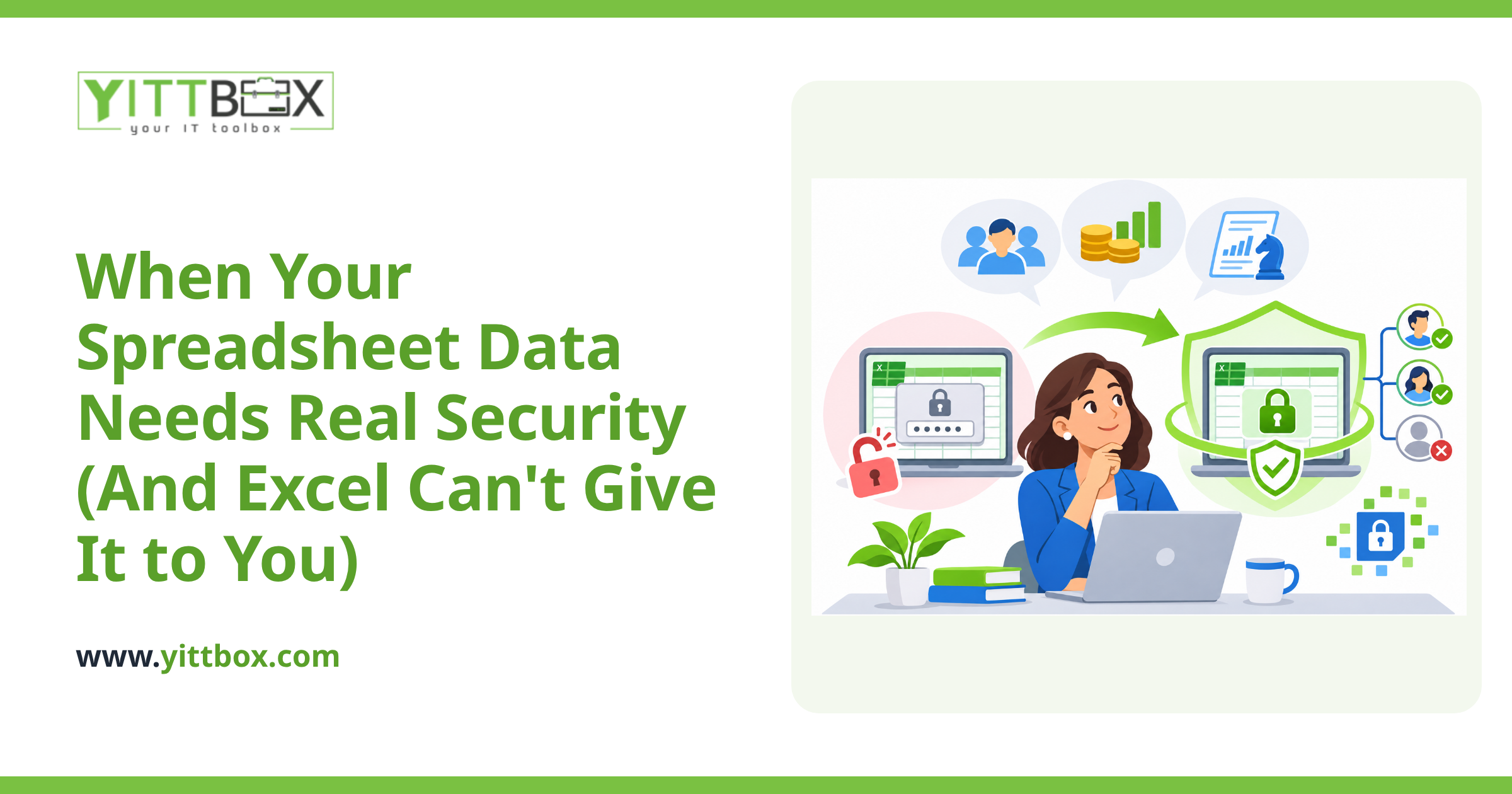

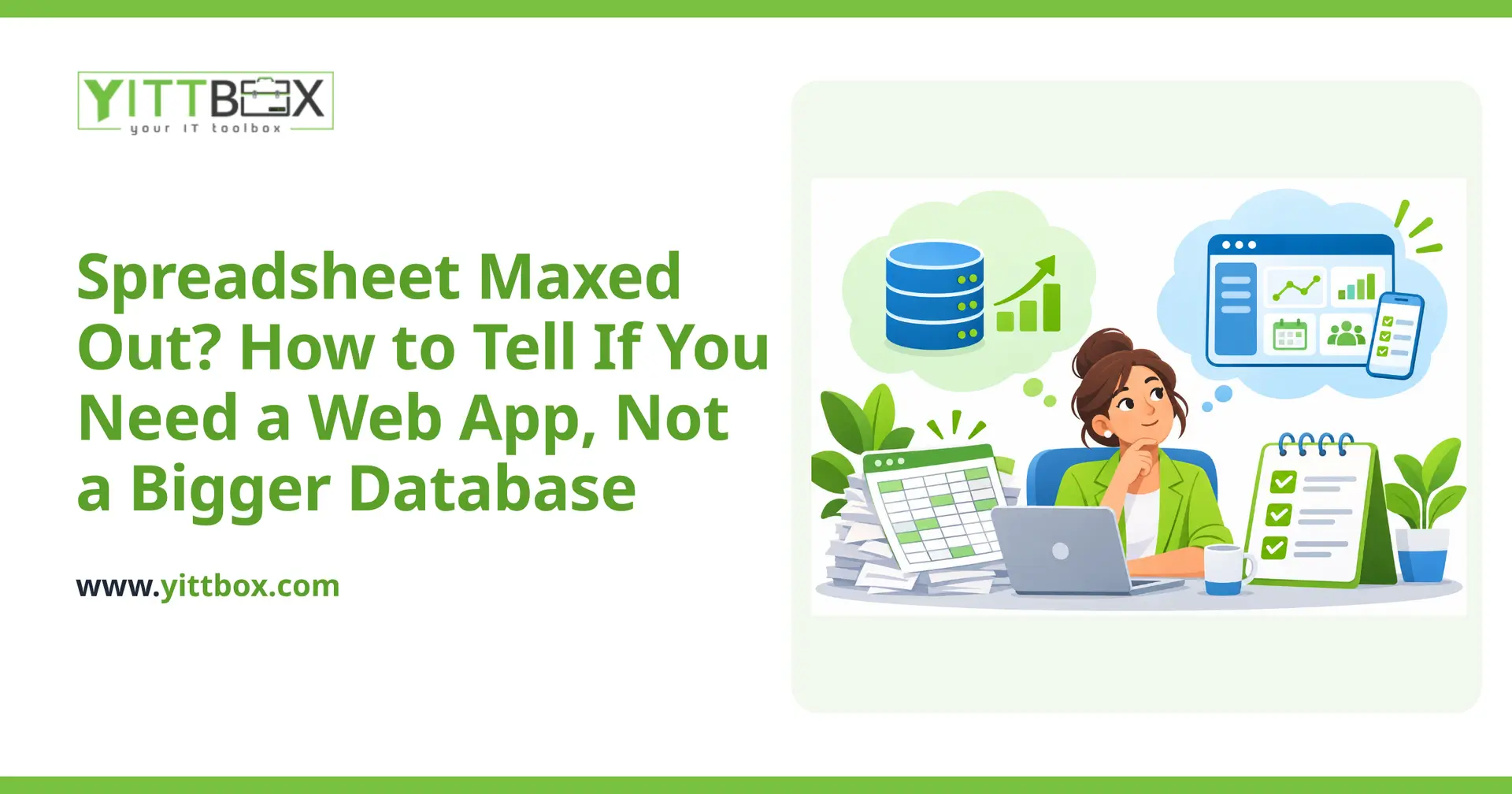
Your spreadsheet started simple. One tab, a few columns, a quick way to track jobs or customers or stock. Then it grew. Now it has fifteen tabs, color-coded rules nobody remembers setting, and a formula that breaks every time someone new touches it. When something goes wrong, only one person in the office can fix it.
At this point most owners ask the wrong question: "Do I need a bigger, more powerful database?" Sometimes the honest answer is that a bigger database won't fix your real problem. Here are the questions we hear most often, with straight answers under each.
How do I know if my spreadsheet has actually outgrown itself?
A spreadsheet has outgrown itself when the effort of keeping it working starts costing you more than the work it's meant to save. Watch for these signs:
- Only one person understands it. If that person is off sick or leaves, the business stalls.
- People overwrite each other's data. Two staff open the same file and one set of changes vanishes.
- You keep copies of copies. "final_v3_USE_THIS_ONE.xlsx" is a warning sign.
- You can't trust the numbers. A dragged formula or a stray cell throws totals off and nobody notices for weeks.
- Simple questions take ages. "How many open jobs do we have?" shouldn't need twenty minutes of filtering.
If two or three of these sound familiar, the spreadsheet isn't the tool for the job anymore, no matter how big or clever you make it.
What's the actual difference between a bigger database and a web app?
A database is where information is stored. A web app is the everyday screen your team uses to add, find, and work with that information, safely and in plain sight.
Upgrading to a "bigger database" often just gives you a larger container for the same mess. It doesn't stop mistakes, it doesn't control who can change what, and it usually still needs a technical person to get anything out of it. A web app puts sensible forms, buttons, and rules in front of the data, so:
- Staff enter data through screens that prevent obvious mistakes.
- Several people can work at once without clobbering each other.
- You see what you need with a click, not a formula.
- Access is controlled, so people only see and change what they should.
In short: a bigger database is a storage decision. A web app is a how we work every day decision. If your pain is about people, mistakes, and time, storage isn't the fix. You can read more about how that move works on our spreadsheet-to-app conversion page.
Isn't a web app overkill for a small business?
Not usually. "Web app" sounds big and expensive, but the term just means software you open in a browser instead of a spreadsheet file. It can be small and focused on the one job that's currently causing you the most pain.
The goal isn't to rebuild your whole business overnight. It's to take the process that's costing you time and errors, quotes, bookings, stock, job tracking, and turn it into something dependable. A tightly scoped app aimed at one real problem is often far cheaper than the ongoing cost of firefighting a broken spreadsheet.
Can't I just keep patching the spreadsheet?
You can, and for a while it's the sensible thing to do. Spreadsheets are brilliant for early days and one-off analysis. The question is whether patching is buying you time or slowly building a bigger problem.
Ask yourself:
- Is the data you hold important enough that losing it would hurt the business?
- Do more than one or two people need to use it at the same time?
- Are the same manual mistakes happening again and again?
- Would you struggle to hand this over to a new employee?
If you answered yes to most of those, every extra patch is adding risk rather than removing it. That's the moment to look at a proper tool.
How much of my current spreadsheet can be reused?
More than you'd expect. Your existing spreadsheet is a detailed record of how your business actually works, the fields you track, the rules you follow, the reports you rely on. That's genuinely useful starting material.
A good conversion takes your existing data and logic and rebuilds it as something more reliable, rather than starting from a blank page. You keep what works and lose the fragile parts. If you're weighing up the cost, our estimate page is a straightforward place to start.
What's the first step if I think I've outgrown spreadsheets?
The first step is an honest look at your current setup, before spending anything. Sometimes the right answer is a web app. Sometimes it's a smarter spreadsheet, or simply better structure. We'll tell you plainly either way.
We offer a free, no-pressure review of your situation. No pushy sales calls, no jargon, no obligation, just a clear conversation about whether your spreadsheet is holding you back and what your options are. You'll get a plain-English view of what a fix would involve and roughly what it would cost.
If that sounds useful, take a look at how we turn spreadsheets into proper tools or request a free estimate whenever you're ready. There's no rush, and no catch.
Comments
Be the first to comment on this post.