
You want a clear picture of how your business is doing. But when you sit down to build a report, the numbers you need are scattered across three or four Access files — one for orders, one for customers, maybe an older one someone set up years ago and never merged. Every report becomes a manual copy-paste job, and you're never quite sure the totals line up. If that sounds familiar, you're not stuck. Here's how to get real business intelligence out of a distributed Access setup, in plain English.
Why can't I just build reports across all my Access files at once?
Because Access was designed to work best as a single, self-contained file. When your data lives in separate files, each one usually has its own copy of similar tables — and those copies drift apart over time.
A customer might be spelled one way in the orders file and another way in the contacts file. A product code might exist in one file but not another. So when you try to pull a combined report, Access has no reliable way to know that "Acme Ltd" and "Acme Limited" are the same company. The result is reports you don't fully trust, which defeats the point.
What is the first step to getting reliable reporting?
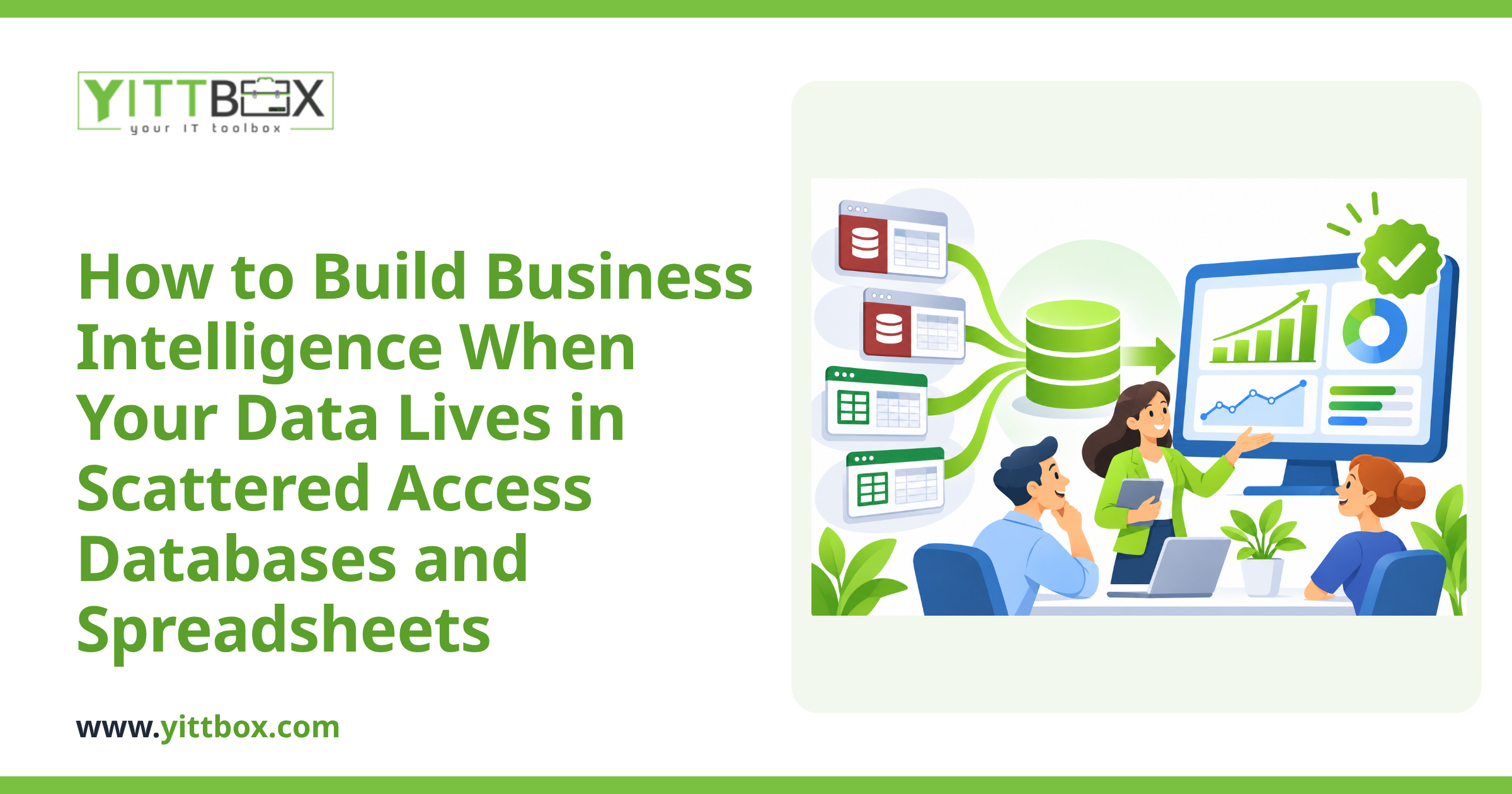
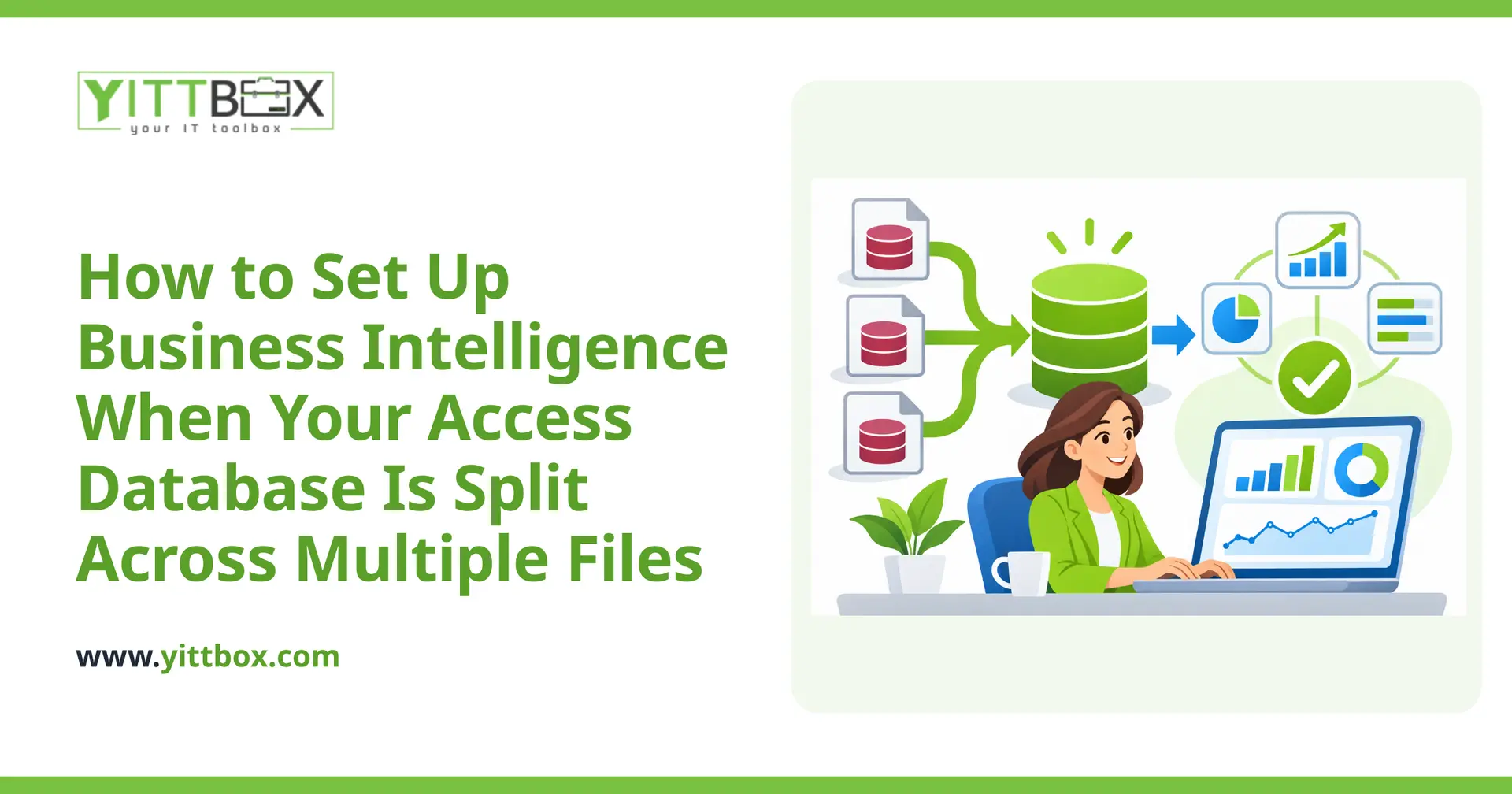
Consolidate first, report second. Trying to build dashboards on top of scattered files is like building a house on sand. The reliable path looks like this:
- Take inventory. List every Access file, what it contains, and who uses it.
- Find the overlaps. Identify the tables that appear in more than one file — customers, orders, products — and how they differ.
- Decide on one source of truth. For each type of data, pick which file holds the master version.
- Clean and merge. Standardize the naming, remove duplicates, and bring everything into one place.
Once your data lives in a single, tidy source, reporting stops being a fight. If the thought of untangling all that feels overwhelming, that's exactly the kind of thing worth a no-pressure look at your current setup before you commit to anything.
Do I have to give up Access to get proper business intelligence?
Not necessarily — but there's usually a better home for your data once it's consolidated. Access is fine for a single user entering records. It struggles when several people need it at once, when the files get large, or when you want live dashboards.
A common, sensible step is moving the underlying data into a proper database (something built to handle many users and large volumes safely) while keeping the day-to-day experience familiar for your team. From there, business intelligence — charts, trends, and figures that update on their own — becomes straightforward rather than a monthly chore.
What kind of insights will I actually get once this is sorted?
The whole point is answering the questions you can't easily answer today. Once your data sits in one clean source, you can see things like:
- Which customers or products bring in the most, and which quietly cost you money.
- How this month compares to the same month last year, without rebuilding a spreadsheet.
- Where orders slow down or bottleneck, so you can fix the cause.
- Trends over time that are invisible when the data is scattered.
These reports can update automatically, so you open a dashboard instead of spending an afternoon assembling one.
How long does something like this take?
It depends on how many files you have and how messy the overlaps are — but it's usually less daunting than owners expect. A small setup with two or three files and clean-ish data can move quickly. A tangle of a dozen files built up over many years takes longer, mostly in the careful cleaning stage.
The honest answer is that we can't give a real timeline without seeing what you've got. That's why we offer a free review of your situation first — so any estimate is based on your actual files, not a guess.
What should I do before I call anyone?
A little prep makes everything smoother, and none of it requires technical knowledge:
- Gather your files. Know where each Access file lives and who touches it.
- Note your pain. Write down the reports you wish you had but can't easily build.
- Ask around. Your team often knows exactly where the duplication and dead ends are.
That's genuinely enough to start a useful conversation.
Ready to see your whole business in one place?
Scattered Access files don't have to mean scattered decision-making. With your data consolidated and cleaned, the reporting you've been doing by hand can happen on its own — accurately and on demand.
If you'd like a plain-English opinion on the best path for your setup, we're happy to take a look. No pushy sales calls, no jargon — just a free, no-pressure review of where you are and what's realistic. You decide what happens next.
Comments
Be the first to comment on this post.