
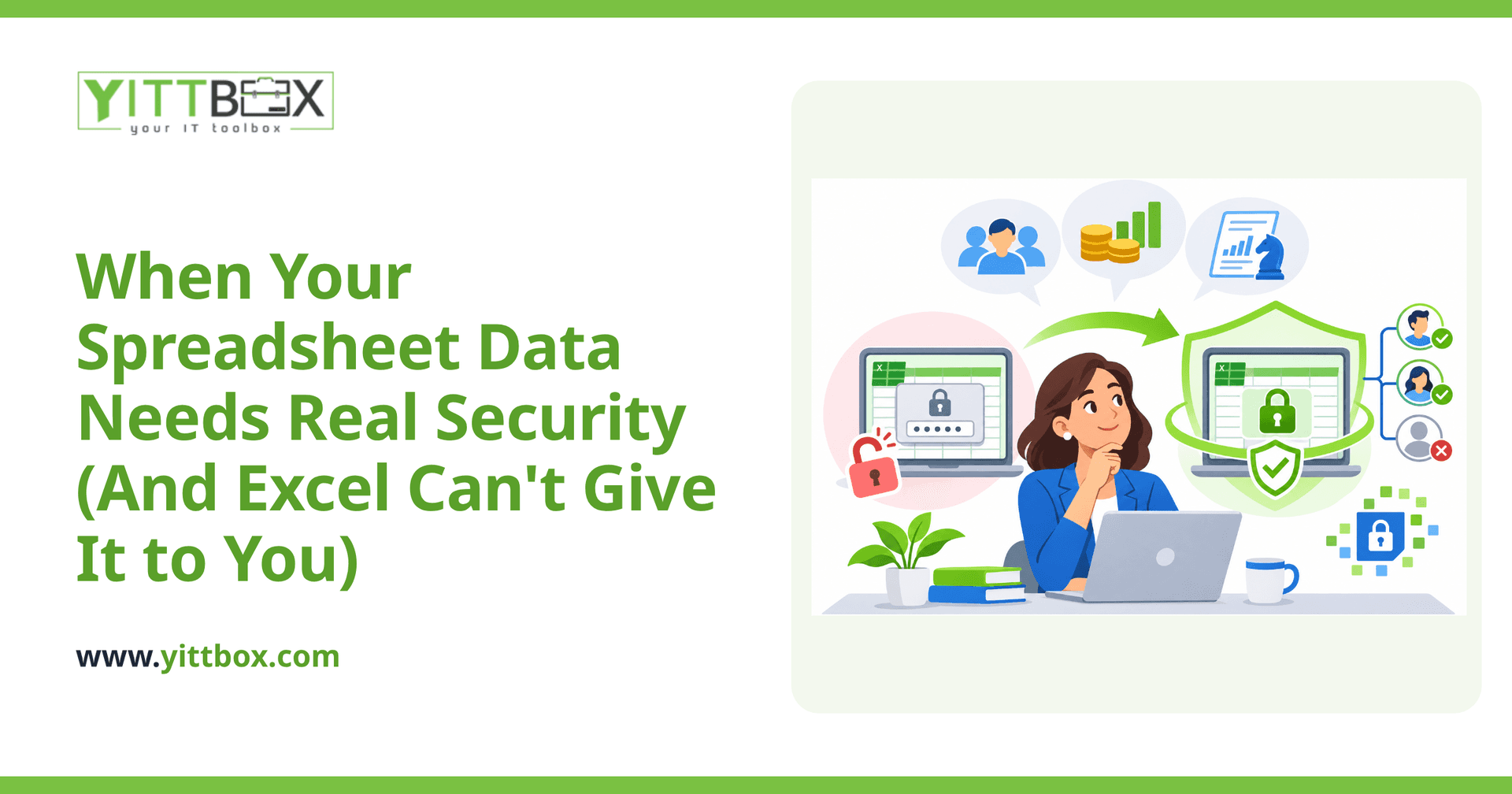
Spreadsheets are brilliant for a lot of things. They're quick, familiar, and they don't cost anything extra to start using. But there's a point where the data inside them gets more sensitive than the file itself can safely handle — customer records, payroll, health information, contracts, card details. If any of that lives in a shared workbook, it's worth pausing to ask whether Excel is actually protecting it, or just holding it.
This post walks through the honest signals that your data has outgrown a spreadsheet's built-in safeguards, and what proper encryption and access controls actually look like in plain English.
Isn't password-protecting my Excel file enough?
Usually not. Excel's password feature keeps casual snoopers out, but it wasn't built to be a serious security boundary. Once someone has the file and the password, they have everything — the whole workbook, forever, with no record that they opened it.
Real access control is different. It means each person only sees the data they're allowed to see, you can grant or remove access instantly, and every action leaves a trace. A shared password gives you none of that.
What kinds of data actually need encryption and access controls?
If your spreadsheet holds any of the following, it's time to take security seriously:
- Personal customer details — names paired with addresses, phone numbers, dates of birth, or account numbers.
- Payment or bank information — card numbers, sort codes, or anything tied to money moving.
- Health or medical records — even informal notes can carry legal weight.
- Employee data — salaries, national insurance or social security numbers, disciplinary notes.
- Contracts and confidential agreements — pricing, terms, or anything covered by an NDA.
The rule of thumb: if a leak of that spreadsheet would embarrass you, cost you a customer, or land you in front of a regulator, it needs more protection than a file password.
How do I know if my current setup is actually risky?
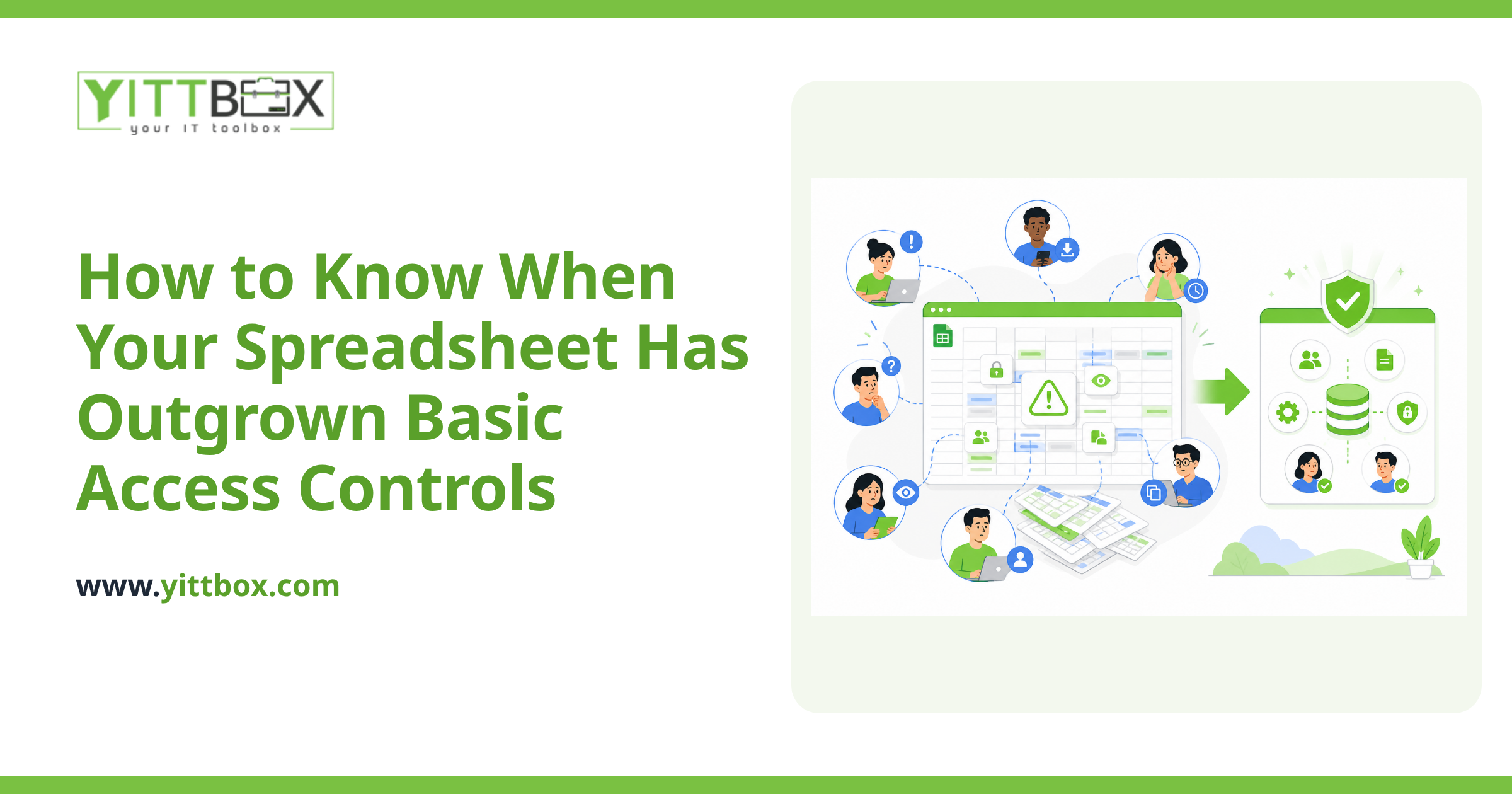
Look for these warning signs. Any one of them is worth attention; several together is a clear signal to act:
- The same file is emailed back and forth, so multiple versions float around inboxes.
- Everyone who can open the file can see every row, even the sensitive ones.
- You have no way of knowing who viewed, changed, or copied the data.
- Former employees might still have a copy saved somewhere.
- The file lives on a personal laptop, a USB stick, or a home computer.
- You'd struggle to answer a customer who asked, "Where exactly is my data stored, and who can see it?"
What does proper access control actually give me that Excel doesn't?
When data moves out of a spreadsheet and into a small custom application or database, you gain protections that simply aren't possible in a workbook:
- Role-based access — a warehouse clerk sees stock levels but never payroll; a manager sees more; you decide who sees what.
- Encryption at rest and in transit — the data is scrambled both while it's stored and while it travels, so a stolen file or intercepted email is useless.
- An audit trail — you can see who did what and when, which matters enormously if something ever goes wrong.
- Instant offboarding — when someone leaves, you switch off their access in seconds, and no copy walks out the door.
- One version of the truth — no more "final_v3_updated" files with conflicting numbers.
Do I have to rip everything out and start over?
No — and this is the part most owners worry about needlessly. Moving off spreadsheets doesn't mean throwing away the work you've already put in. In most cases your existing data can be brought across cleanly, and the new system can be built to feel familiar to the people already using it.
The goal isn't a giant, expensive overhaul. It's usually a focused, practical step: take the one or two spreadsheets carrying your most sensitive information and give them a proper home. You can read more about how that migration works on our spreadsheet conversion page.
Isn't this only a concern for big companies?
Quite the opposite. Larger organizations tend to have IT teams and locked-down systems already. It's smaller businesses — the ones running lean on spreadsheets they built themselves years ago — that carry the most exposure without realizing it. Regulators and customers don't lower their expectations because a company is small.
The good news is that small businesses can get the same protections without a corporate budget or a corporate headache. It's about matching the security to the sensitivity of the data, nothing more.
How do I figure out where I actually stand?
Start by listing every spreadsheet that holds personal, financial, or confidential information, and ask of each one: who can open this, and would I know if they misused it? That single question usually makes the priorities obvious.
If you'd like a second opinion, we're happy to give you a free, no-pressure review of your current setup. We'll look at what you have, tell you in plain English where the real risks are, and — honestly — tell you if you're fine as you are. No pushy sales calls, no obligation. You can request your free review here, and if it turns out a move makes sense, we'll explain exactly what a conversion project would involve before you commit to anything.
Comments
Be the first to comment on this post.