
You know the feeling. It's Monday morning, and someone needs the sales numbers by region. So you open the master spreadsheet, refresh the pivot table, fix the formula that broke over the weekend, and hope nobody changed a column heading. An hour later you have a report — and a nagging sense there has to be a better way.
Excel is a genuinely great tool. For plenty of small businesses, a well-built pivot table is all the reporting they'll ever need. But there's a point where spreadsheets quietly start costing you more than they save. This post will help you spot that point honestly, without anyone trying to sell you something you don't need.
How do I know if I've outgrown Excel pivot tables?
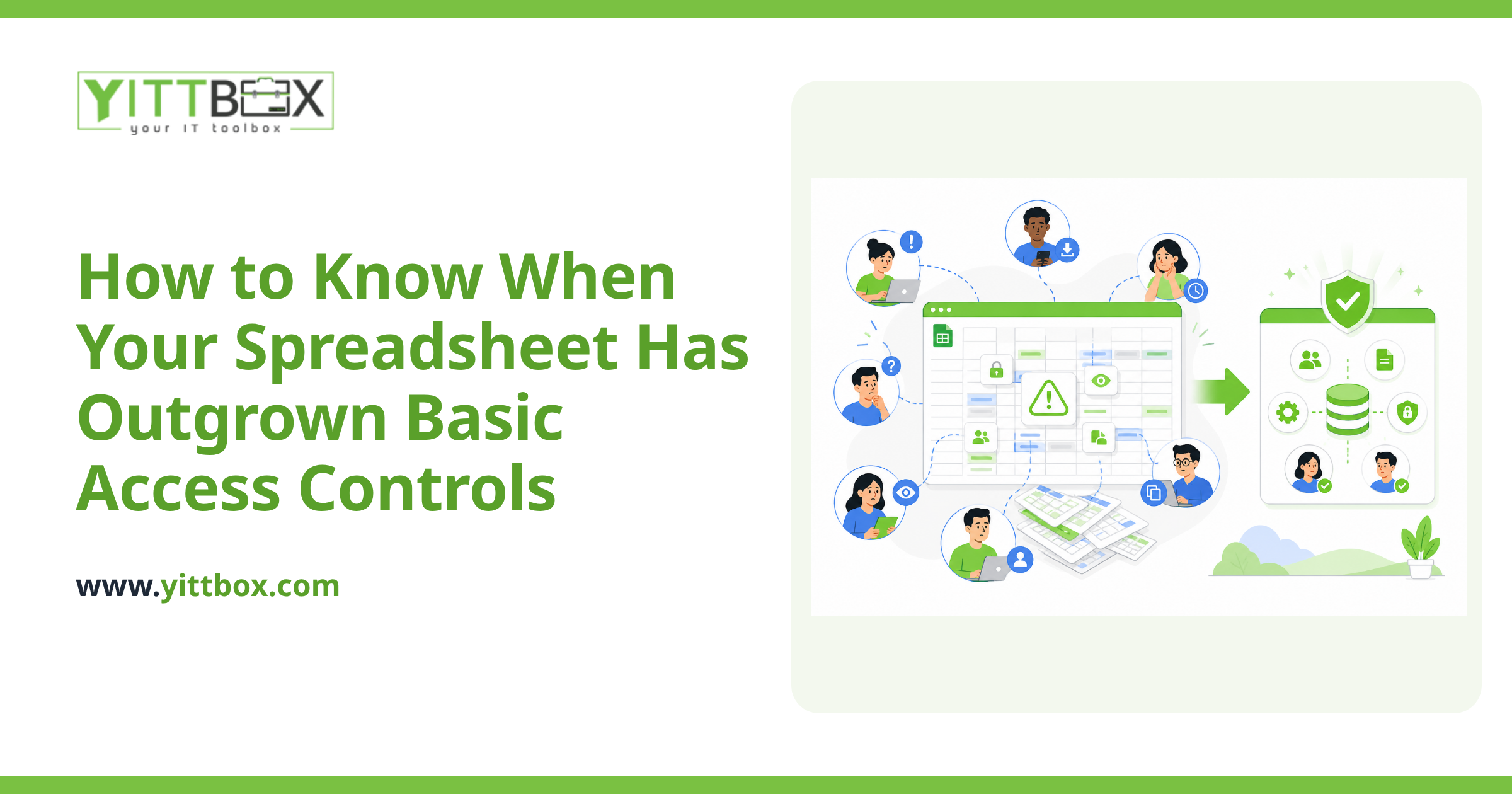
You've likely outgrown them when your reports take more effort to maintain than to actually use. A few clear warning signs:
- One person is the only one who understands the file. If reporting stops when they're on holiday, that's a risk, not a system.
- You're copying and pasting data between files to stitch a report together each week or month.
- The same numbers disagree depending on who ran the report or which version of the file they opened.
- Your spreadsheet is getting slow, crashing, or hitting Excel's row limits.
- You spend more time preparing the report than reading it.
If two or three of those sound familiar, it's worth taking a closer look. It doesn't automatically mean you need custom software — but it does mean the status quo has a hidden cost.
What can custom reporting do that a pivot table can't?
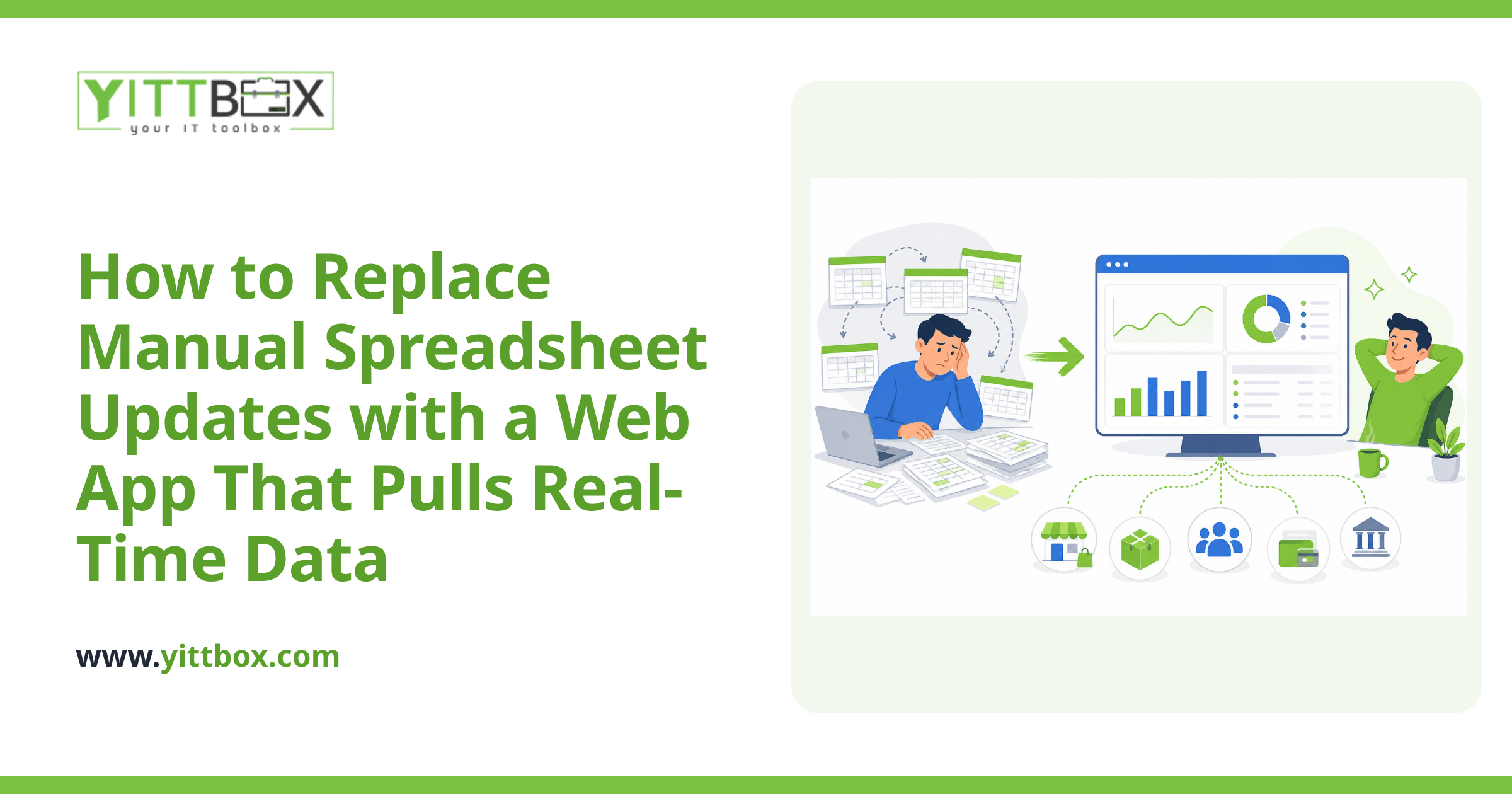
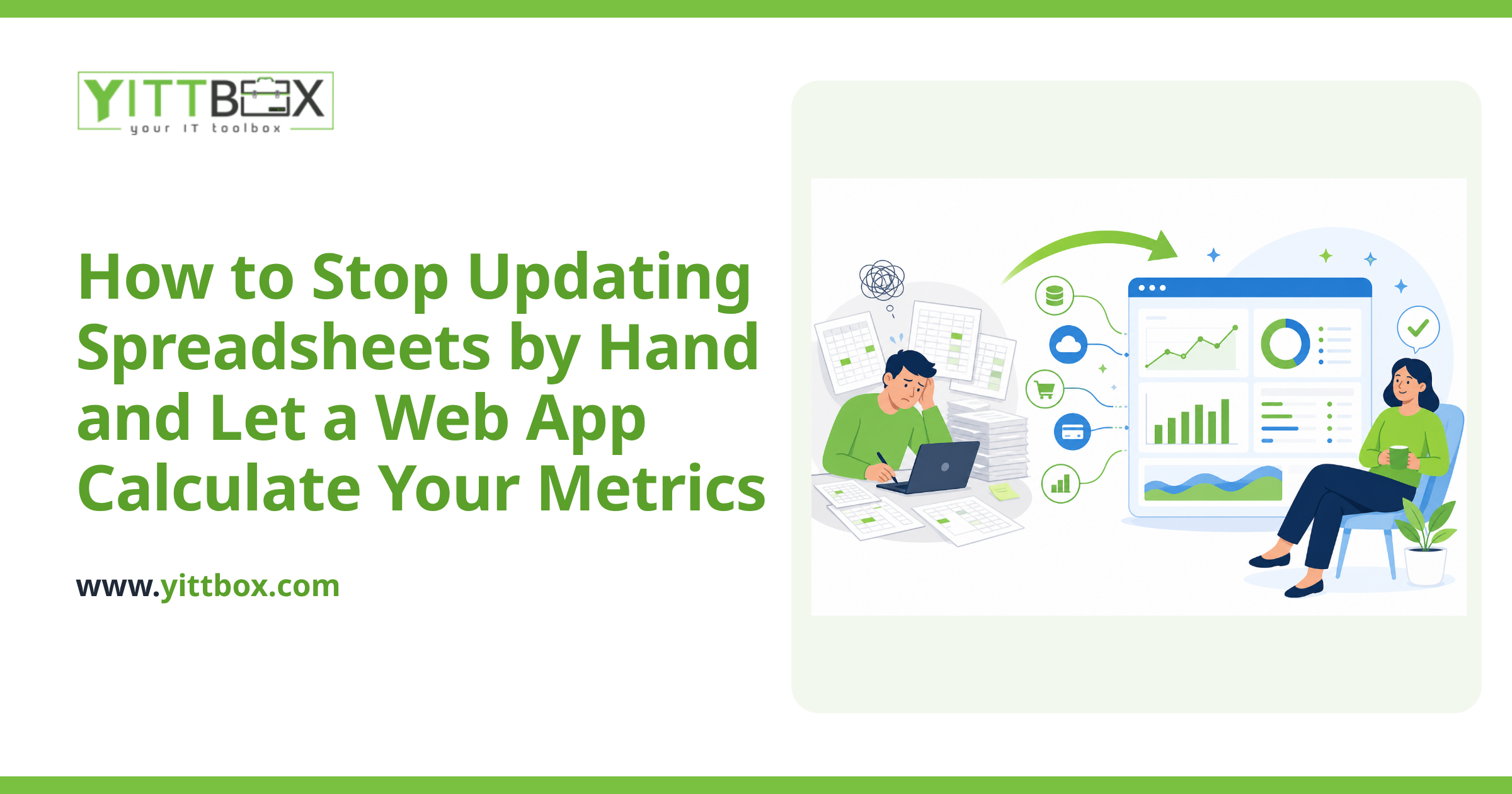
The biggest difference is that custom reporting pulls from a single, reliable source and updates itself. Instead of you feeding the report, the report feeds off your live data. In practice, that means:
- Numbers that are always current — no manual refresh, no forgotten steps.
- Reports anyone can open without knowing how the underlying data is put together.
- One agreed version of the truth, so sales, finance, and operations aren't arguing over whose figure is right.
- Views built around real decisions — margin by product line, jobs at risk of running late, cash coming in over the next 30 days.
- Access rules, so people see what they need and nothing they shouldn't.
A pivot table answers a question you already knew to ask. Good custom reporting surfaces the questions you didn't think to ask yet.
Isn't custom reporting overkill for a small business?
Not necessarily — and that's an honest answer, not a sales line. If your data lives in one clean spreadsheet and one person happily maintains it in ten minutes a week, building something custom would be overkill. Stick with what works.
Custom reporting earns its keep when the cost of the spreadsheet approach — lost hours, errors, decisions made on stale numbers — grows bigger than the cost of building something better. For many small businesses that tipping point arrives earlier than they expect, usually when the business grows faster than the spreadsheet was ever designed to handle. If you're unsure which side of the line you're on, a quick free review of your situation will give you a straight answer with no obligation.
What happens to all the data already sitting in my spreadsheets?
It comes with you. Moving to custom reporting doesn't mean throwing away years of history. Existing spreadsheets — and older systems like aging Access databases — can usually be brought across into a cleaner, more reliable setup. The goal is to keep everything valuable and leave behind the manual grind. If you're weighing up modernizing an older system, our notes on converting spreadsheets and legacy databases walk through how that transition typically works.
How do I decide without committing to a big project?
Start small and specific. You don't need a company-wide overhaul to get value. A good first step is to pick the single report that causes you the most pain each week and ask what it would take to make that one report reliable and automatic. Answer these before you spend anything:
- Which report do people actually rely on to make decisions?
- How many hours a month go into keeping it alive?
- What goes wrong when the numbers are late or off?
- What would change if that report was always right and always ready?
Those four answers usually make the decision obvious — and they cost you nothing but a little honest thinking.
Where should I go from here?
If your spreadsheets are still doing their job, keep using them with our blessing. If they've started fighting back, it's worth understanding your options in plain English before you invest a penny.
That's exactly what we offer: a free, no-pressure review of how your reporting works today and where custom reporting might save you real time. No pushy calls, no jargon — just a clear-eyed look at whether it's worth doing. And if the honest answer is that Excel is fine for now, we'll tell you that too.
Comments
Be the first to comment on this post.