You know the feeling. Someone on your team opens the master spreadsheet, makes a change, and saves it. An hour later, half the numbers are wrong, a formula got dragged over the wrong column, and nobody's quite sure who did what. If your business runs on shared Excel files, mistakes like these aren't a sign of a careless team. They're a sign that the tool has hit its limit.
The good news: the errors that drive you crazy are predictable, and once you understand why they happen, they're preventable. Here are the questions small-business owners ask us most often about this exact problem.
Why do shared spreadsheets cause so many errors in the first place?
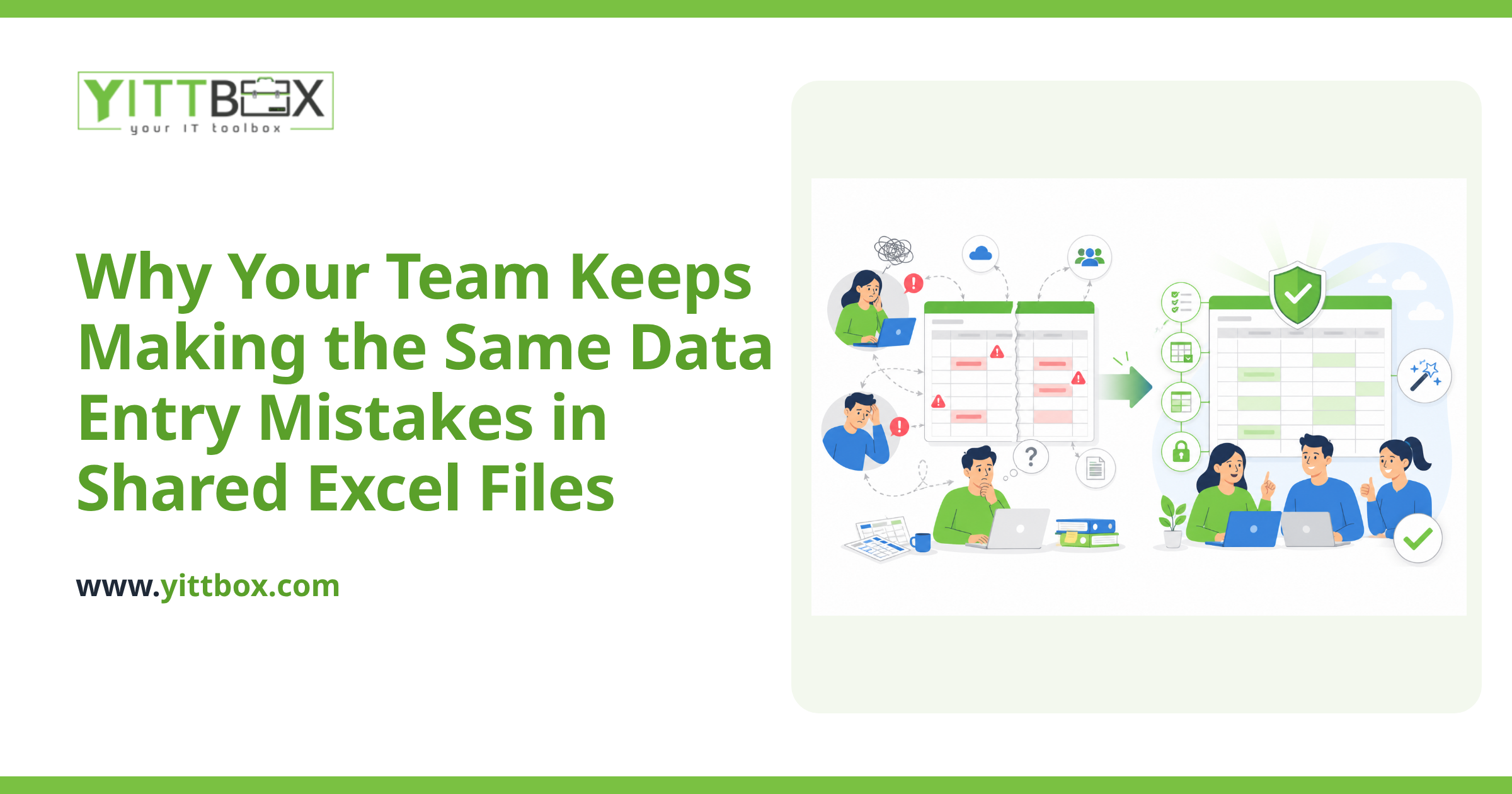
Because Excel was built for one person working on their own numbers, not for a whole team sharing the same data. When several people touch the same file, small problems pile up fast. The most common culprits are:
- Overwrites. Two people open the file, both make changes, and one person's work silently replaces the other's when they save.
- Broken formulas. A row gets inserted or a cell dragged, and calculations that used to work quietly start returning wrong answers.
- Inconsistent entry. One person types "NY," another types "New York," a third types "n.y." Now your totals and filters don't match reality.
- No record of changes. When a number looks wrong, there's no reliable way to see who changed it, when, or why.
None of these are your team's fault. They're the natural result of stretching a personal tool across a shared job.
Isn't Excel supposed to be good at this?
Excel is excellent at what it was designed for: quick calculations, one-off analysis, and letting a single person model numbers however they like. The trouble starts when a spreadsheet quietly becomes the system your whole business depends on. At that point you need rules, permissions, and structure that Excel simply doesn't enforce. It will happily let anyone type anything anywhere, and it trusts that everyone remembers the unwritten rules about which cells not to touch.
How does a web app actually prevent these mistakes?
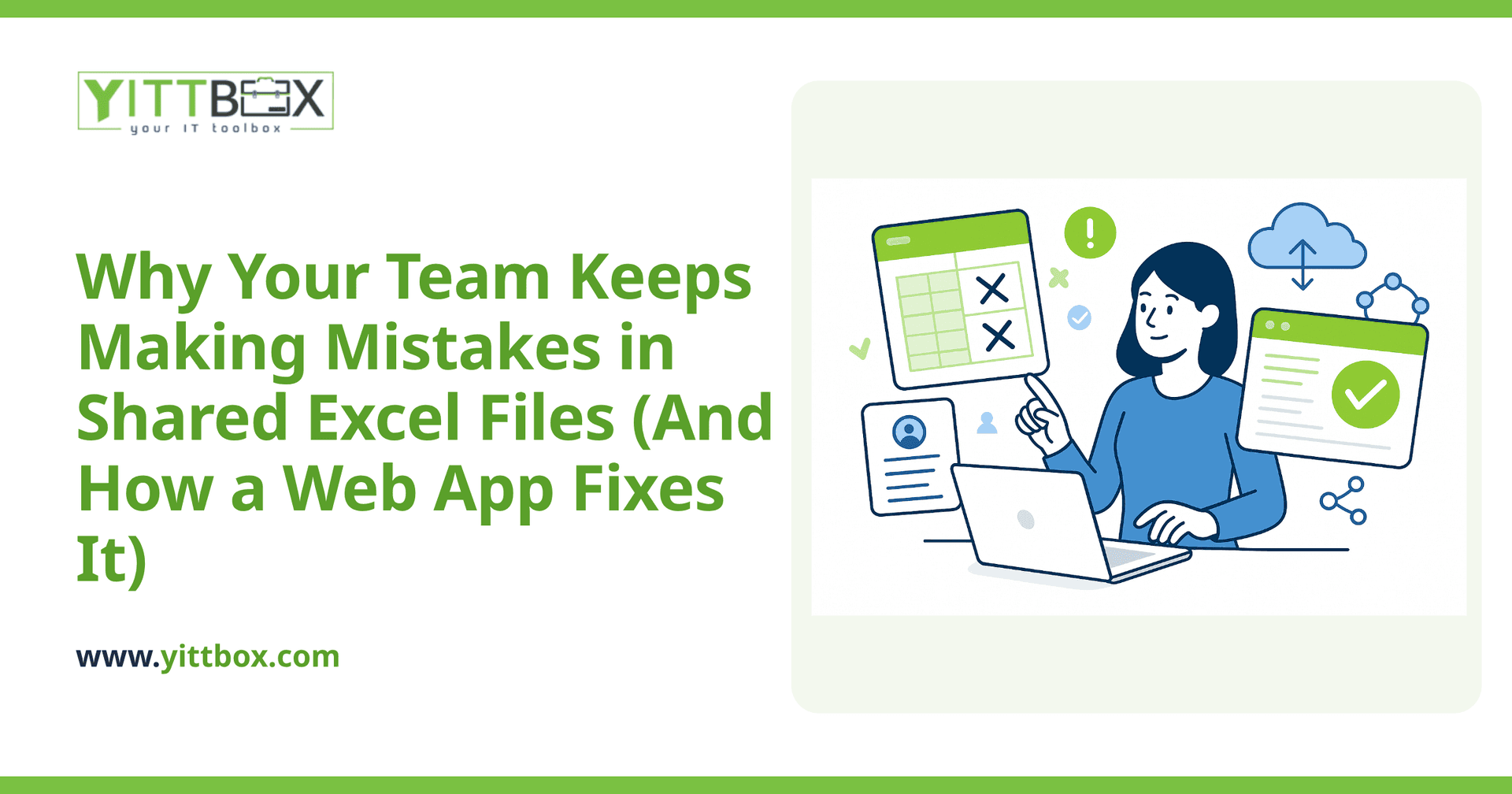
A custom web app replaces the free-for-all of an open spreadsheet with a system that guides people toward the right answer. Instead of a blank grid where anything is possible, your team gets forms and screens designed around how your business actually works. That difference removes whole categories of error:
- Everyone works from one live source. There's no "final_v3_FINAL.xlsx" floating around in email. When one person updates a record, everyone else sees it instantly, and nobody overwrites anybody.
- The data gets validated as it's entered. If a field should be a date, a phone number, or a choice from a set list, the app checks it right away and won't accept nonsense.
- Calculations are locked in. Your pricing, totals, and reports run the same way every time, because the logic lives in the system, not in fragile formulas anyone can drag over.
- Access is controlled by role. Sales sees what sales needs; the front desk sees what the front desk needs. People can't accidentally break parts of the system they never should have touched.
- Every change is tracked. When you need to know who updated a record and when, the answer is right there.
Do I have to throw away all my existing spreadsheets?
No. Your spreadsheets are years of hard-earned business knowledge, and there's no reason to lose that. A good build starts by importing your existing data so nothing gets left behind. In most cases we can take the structure you already use and turn it into a proper system, so the transition feels familiar rather than like starting from scratch. If you're weighing that move, our spreadsheet-to-web-app conversion page walks through how it typically works.
Won't a custom web app be complicated for my team to learn?
It's usually the opposite. A well-designed app is simpler than the spreadsheet it replaces, because it only shows people what they need and does the fiddly parts for them. There's no memorizing which tab holds which data or which columns are safe to edit. People fill in a clear form, hit save, and move on. The complexity lives under the hood where it belongs, not on your team's shoulders.
How do I know if my business is ready to move off spreadsheets?
A few honest signs it's time:
- You've had real errors that cost time, money, or a customer's trust.
- More than one or two people need the same file at the same time.
- You keep making copies of the spreadsheet and then can't tell which one is current.
- You spend hours each month cleaning up or reconciling data by hand.
- You're nervous about what happens if the one file gets corrupted or deleted.
If a couple of those sound familiar, you've probably outgrown the spreadsheet, and the mistakes will keep coming until the underlying tool changes.
What's a low-pressure way to find out what this would take?
Start with a conversation, not a commitment. We offer a free, no-pressure review of how you work today, and we'll tell you honestly whether a web app makes sense for your situation, in plain English, without any pushy sales calls. If it's worth building, we'll give you a straightforward estimate of what it involves. If it isn't, we'll tell you that too. Either way you'll come away understanding your options better than before, and you can take it from there on your own terms.
Comments
Be the first to comment on this post.