
Microsoft Access has quietly run thousands of small organizations for decades. It works, until the day it doesn't: the PC dies, the one person who knows it moves on, or the paperwork around it starts eating hours every week.
Here are the signs it's time to move, and what a safe move looks like.
1. Everything depends on one PC and one person
If the database, the scanned files and the know-how all live on one machine, you have a single point of failure. A cloud database removes it on day one.
2. The work happens after the data entry
Printing letters, buying stamps, driving checks to the bank. When the real cost is the manual steps around Access, a web app can remove them: online forms, card payments and emailed letters.
3. Only people at the office can do the work
Access doesn't travel well. A secure web app lets any approved person work from any device.
4. Your rules live inside queries nobody wants to touch
Years of business rules hide in Access queries. A good move rebuilds every one, so the new system behaves the way your team expects.
5. You're afraid to change it
That fear is healthy. The answer is to move in phases so work never stops.
What a safe move looks like: a real example
The AMC Four Thousand Footer Committee ran decades of hiking records (20,481 members, 29,971 finishes) on one Access database. We moved it in two phases:
- Phase 1: moved the data to a secure cloud database and kept the familiar Access screens.
- Phase 2: rebuilt all 161 queries in a web app, tested by the committee at every stage, and launched on the date they chose.
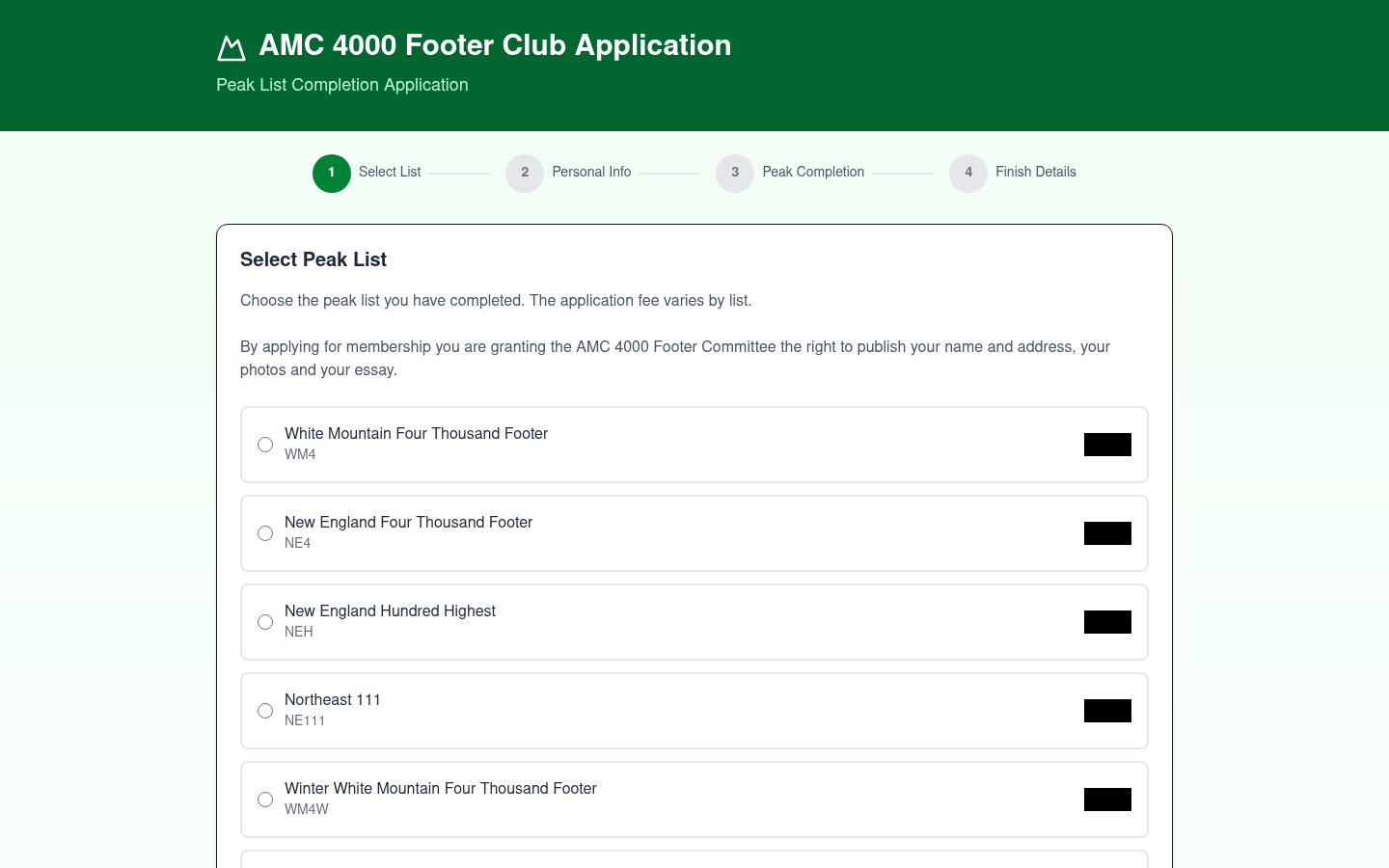
Processing an application dropped from 5-10 minutes to under one. Letters are emailed, payments are recorded automatically, and Access still works for paper forms.
"I can completely process an application in less than a minute."
Deane Morrison, Treasurer, AMC Four Thousand Footer Committee
Read the full story in the AMC Four Thousand Footer Committee case study.
Not sure where your Access database stands? Run our free Access Database Analyzer and see what you'd keep and what you'd gain.
Comments
Be the first to comment on this post.