

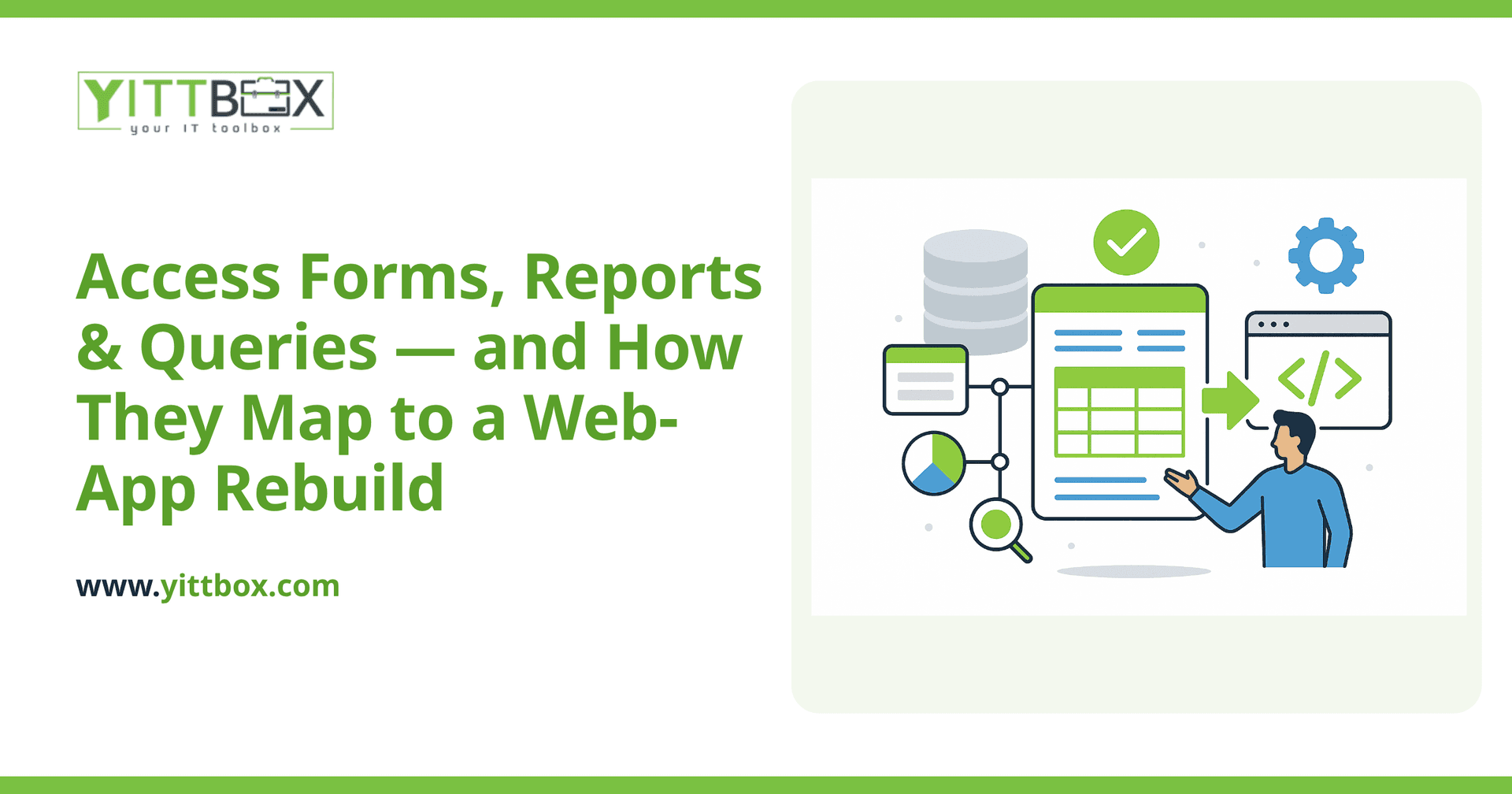
One of the most common worries we hear before a migration is some version of "will we lose the reports/forms/queries we've built up over the years?" The honest answer is no — but it's worth understanding exactly what happens to each one, because they don't all map over the same way.
This is one of five deep-dives into keeping Access running well (and knowing when it's time to move on) — part of our Microsoft Access Modernization: The Complete Guide. See the others: Access performance tuning, Access VBA, Access forms, reports & queries, Access security, auditing & backups, and Microsoft Access and HIPAA.
What happens to Access forms in a migration?
They get rebuilt as the screens and pages of the new application — same purpose (data entry, editing, viewing records), redesigned to match how your team actually works today rather than how the database was originally laid out, often years or a full staff turnover ago. This is where a rebuild earns real, visible value: validation that stops bad data before it's saved, cleaner navigation, and layouts that make sense for current workflows instead of accumulated years of "just add one more field here."
What happens to Access reports?
They come with you, rebuilt in the new system — and usually improved along the way. A lot of Access reports require someone to manually run and export them; in a modern web app, the equivalent reports typically update automatically and are available on demand, without anyone needing to remember to regenerate them. The specific views and layouts your team relies on are preserved; the manual friction around getting to them generally isn't.
What happens to Access queries?
Queries are the part that maps most directly, conceptually, to what the new system does under the hood — they become the database queries and business logic that power the web app's screens and reports. This is also, alongside VBA, one of the best opportunities in a migration: query logic gets reviewed as part of the rebuild, which is a natural point to catch and fix inefficient or outdated logic that's accumulated inconsistencies over years of incremental changes.
Do we lose any functionality in the mapping from Access to a web app?
Done properly, no — the goal of a good migration is that everything your forms, reports, and queries did for you keeps working, just on a platform that isn't capped by Access's size, concurrency, and security limits. Where a web app genuinely does more than Access ever could is role-based access (different users see and can do different things, cleanly, unlike Access's coarser permission model), real audit trails, and access from any device rather than only from a machine with Access installed and a network path to the file.
How much of the existing design carries over versus gets redesigned?
Both, deliberately. The business logic and data relationships your forms, reports, and queries encode — the actual rules your business runs on — carry over faithfully; that's non-negotiable, and it's the highest-value part of the work. The visual layout and interaction design, though, are usually rethought, since a web interface has different (and often better) options than an Access form ever did, and years of ad-hoc "just add a field here" accretion rarely deserves to be preserved pixel-for-pixel.
What should we do before a migration to make this mapping smoother?
List out your key forms, reports, and queries and, for each, briefly note what it's for and who uses it. You don't need deep technical documentation — just enough that whoever's doing the discovery work for your migration knows what exists and why, rather than having to reverse-engineer it from scratch. This is exactly the kind of input a proper discovery phase asks for, and having it ready in advance shortens that phase meaningfully.
What's the most common mistake teams make during this mapping?
Treating it as a one-to-one copy instead of a genuine rebuild. It's tempting to hand over the old forms, reports, and queries and ask for "the same thing, but web-based" — but a straight port carries over years of accumulated workarounds along with the parts that actually matter. The better approach separates the two explicitly during discovery: what does this form/report/query actually need to do for the business (that's non-negotiable and gets preserved), versus how it happens to be built today (which is open for improvement). Skipping that separation is the single biggest reason migrations end up more expensive or slower than expected — teams end up re-litigating requirements mid-build that should have been settled up front.
How long does mapping the existing forms, reports, and queries usually take?
It scales with how many distinct workflows the database actually supports, not with the size of the .accdb file. A database with 40 tables but 5 well-defined forms and 3 core reports maps faster than one with a handful of tables but 20 ad-hoc forms that grew organically over a decade, each with its own quirks. Discovery is the phase that surfaces this — listing out what exists, what's actually used regularly versus what's legacy cruft nobody remembers the purpose of, and who relies on each piece — and it's worth doing thoroughly before estimating a timeline, because guessing at scope from table count alone is one of the more common ways a migration estimate turns out wrong.
Not sure whether tuning is enough or it's time to migrate? Our instant estimator gives you a ballpark either way, or request an assessment and we'll give you an honest read.
Comments
Be the first to comment on this post.



