
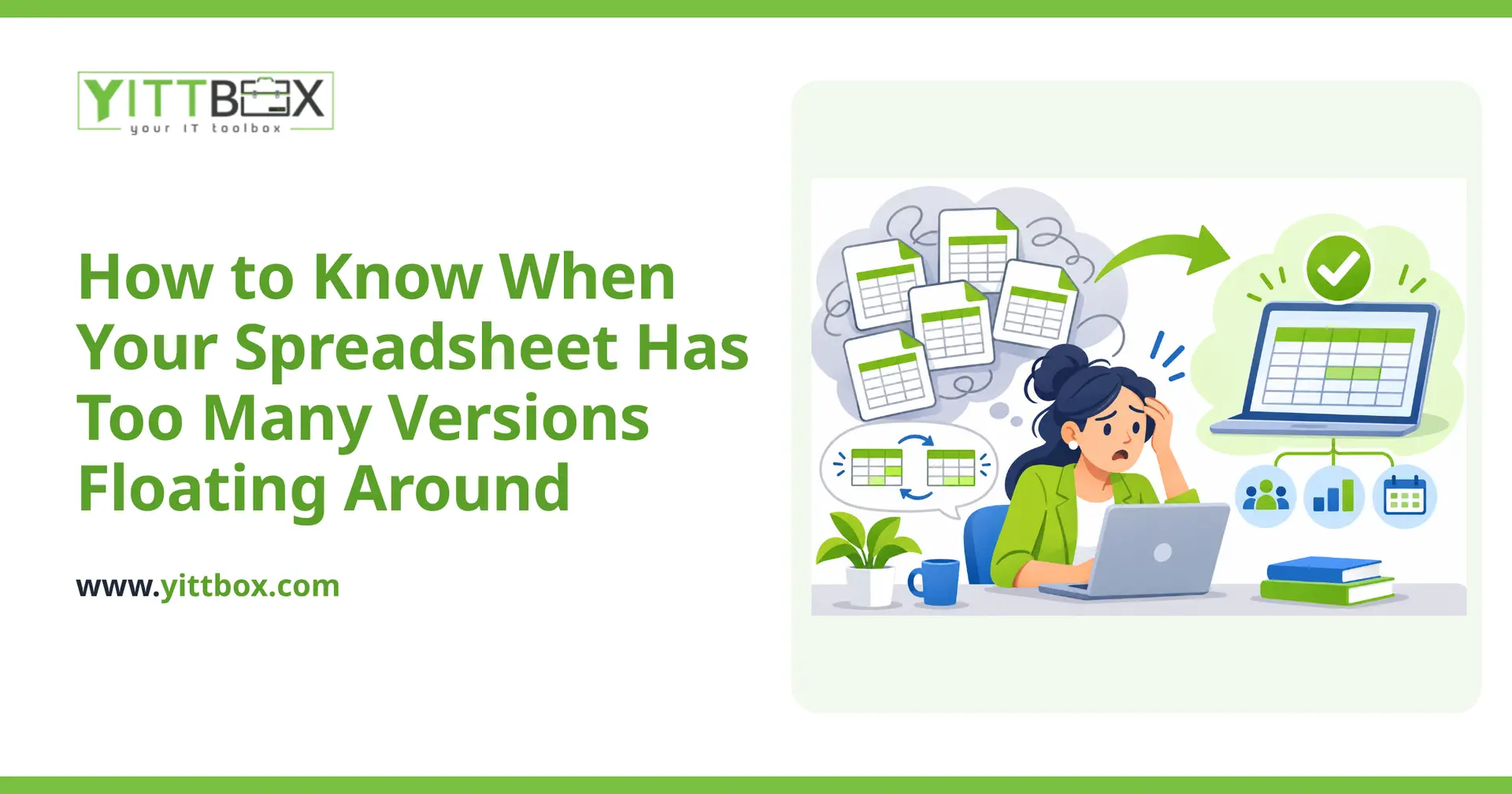
You open your inbox and there it is: Budget_FINAL_v3_updated_USE_THIS_ONE.xlsx. Someone on your team is working from last week's copy. A number you fixed on Tuesday is wrong again by Thursday. If any of this sounds familiar, your spreadsheet has quietly stopped being a tool and started being a liability.
Spreadsheets are wonderful for getting started. But there's a point where the same file that once saved you time begins to cost you time, money, and confidence in your own numbers. Here's how to spot that moment before it causes a real problem.
How do I know my spreadsheet has too many versions?
The clearest sign is that people ask "which one is the latest?" more than once a week. When your team can no longer trust that the file in front of them is correct, you've crossed the line.
A few other warning signs:
- Filenames with words like final, v2, updated, or someone's initials stacked on the end
- The same information typed into two or three different sheets
- People emailing copies back and forth instead of pointing to one shared source
- You keep a "master" copy that only one person is allowed to touch
- Nobody is quite sure who changed a number, or when
Why is having multiple versions actually a problem?
Because decisions get made on the wrong data. When two versions disagree, someone has to guess which is right — and sometimes they guess wrong. That can mean an order placed twice, an invoice missed, or a quote sent with an out-of-date price.
The hidden cost is time. Every time someone reconciles two copies, hunts for the latest file, or re-enters the same data, that's paid work that produces nothing new. It adds up quietly across a whole team.
Isn't a shared cloud spreadsheet enough to fix this?
It helps, and for a small, simple sheet it may be all you need. Putting one file in a shared drive so everyone edits the same copy solves the "which version" problem for a while.
But shared spreadsheets have their own limits:
- Anyone can accidentally overwrite or delete data with no easy way to undo it
- There's no way to stop someone typing text into a number field, or leaving a required box blank
- Two people editing at once can still create conflicts
- As rows and formulas grow, the file slows down and becomes fragile
A shared spreadsheet controls where the file lives. It doesn't control how the data goes in — and that's usually where the real errors creep in.
When should I move off spreadsheets entirely?
When the spreadsheet has become the thing your business runs on, rather than a place to jot things down. If losing that file for a day would genuinely disrupt your operation, it has outgrown its job.
Practical signals it's time to consider a custom application:
- More than a couple of people need to use it at the same time
- You're tracking related things — customers, jobs, and invoices — across separate tabs that should really connect
- You spend real time cleaning up mistakes that a proper form would have prevented
- You want reports or totals that you currently rebuild by hand
- You'd struggle to hand the spreadsheet to a new hire without a long explanation
A purpose-built system keeps one trusted set of data, lets the right people work at the same time, and only accepts information that makes sense. It does the checking for you, so you're not the last line of defense against a typo. If you're at this stage, our page on converting a spreadsheet into a proper application walks through what that looks like in plain terms.
Will replacing my spreadsheet be a big, disruptive project?
It doesn't have to be. The goal is to keep what already works about your spreadsheet and fix only the parts causing pain. A good replacement should feel familiar on day one, not like starting over.
A sensible approach usually looks like this:
- Look at how you actually work today, spreadsheet included
- Agree on the handful of things that matter most to fix first
- Build a straightforward version, get it into your hands, and adjust
- Bring your existing data across so nothing is lost
Throughout, you should always understand what's happening and why, in language that makes sense — no jargon, no guessing.
What's a simple first step?
Start by counting. Open your inbox and shared folder and see how many copies of the same spreadsheet you can find. If the number surprises you, that's your answer.
From there, you don't need to commit to anything. We offer a free, no-pressure review of your current setup — we'll look at how you're using your spreadsheet and tell you honestly whether it's worth changing and what that would involve. No pushy sales calls, no obligation. If you'd like a rough sense of cost and scope, you can also request an estimate, and if you already know you're ready to move, here's how we turn spreadsheets into reliable tools.
Spreadsheets earned their place by helping you get started. When they start creating more work than they save, it's simply a sign your business has grown — and that's a good problem to solve.
Comments
Be the first to comment on this post.