
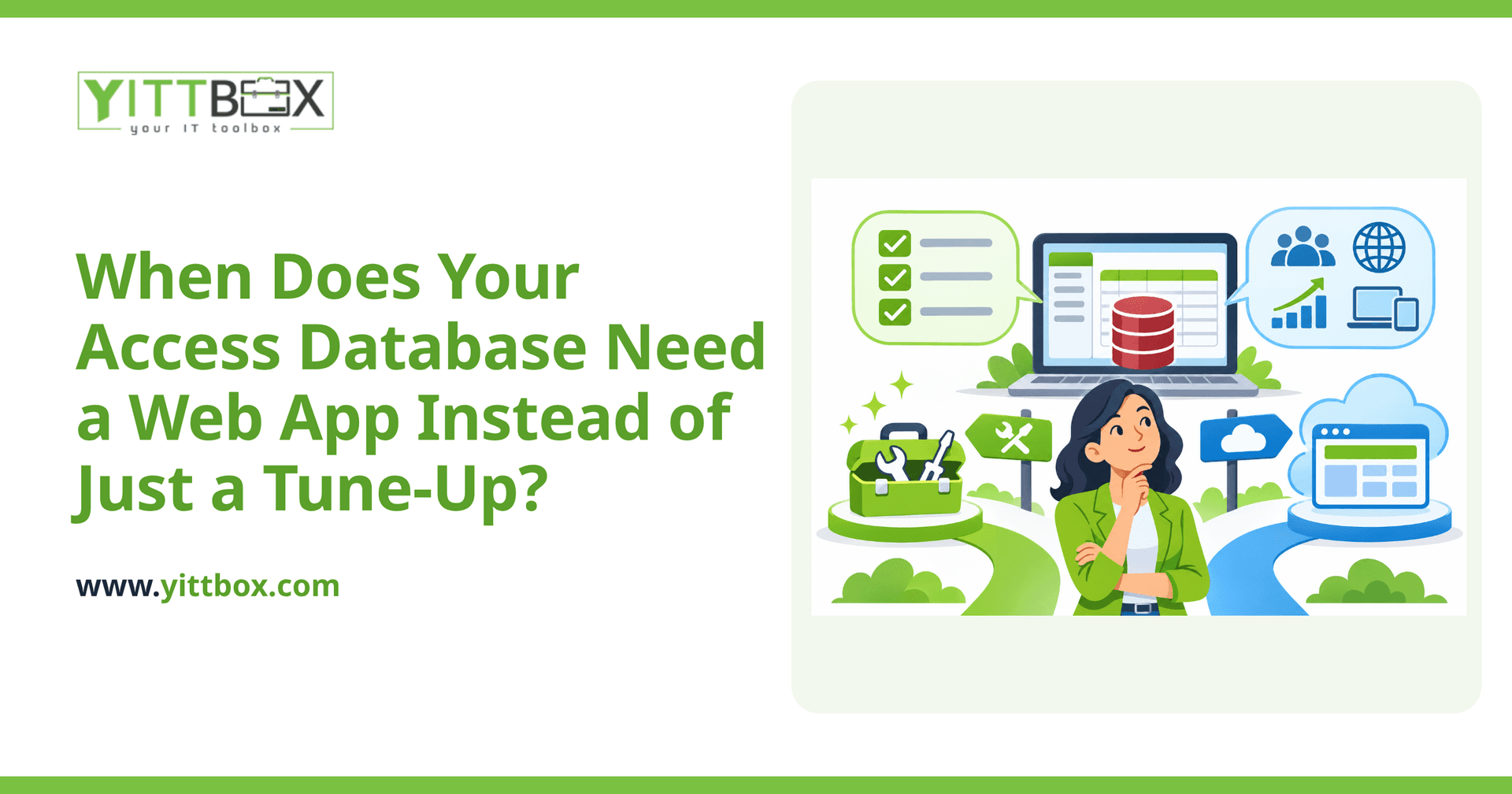
Your Access database has probably served you well for years. It tracks your customers, your jobs, or your inventory, and most days it does the job. But lately it's felt slower, clunkier, or more fragile — and you're wondering whether you should pay someone to optimize it, or whether it's time for something bigger. This post walks through the honest signs that a web app would serve you better, and when a simple fix is genuinely all you need.
How do I know if my Access database just needs optimizing?
If your database works fine for the one or two people who use it, and your frustrations are mostly about speed or the odd error, optimization is often the smart, cheaper choice. Access can be cleaned up, re-indexed, and repaired to run noticeably faster.
Optimization usually makes sense when:
- Only a couple of people use the database, and never at the same time
- Everyone works in the same office on the same network
- The core design still fits how you work — it's just slow or a little buggy
- You don't need to reach it from home, a phone, or a customer's site
If that sounds like you, don't let anyone talk you into a rebuild you don't need. A focused clean-up may be all it takes.
What are the warning signs I've outgrown Access?
You've likely outgrown Access when the problems aren't about speed anymore — they're about what the database simply can't do. These are the signals we hear most often from business owners:
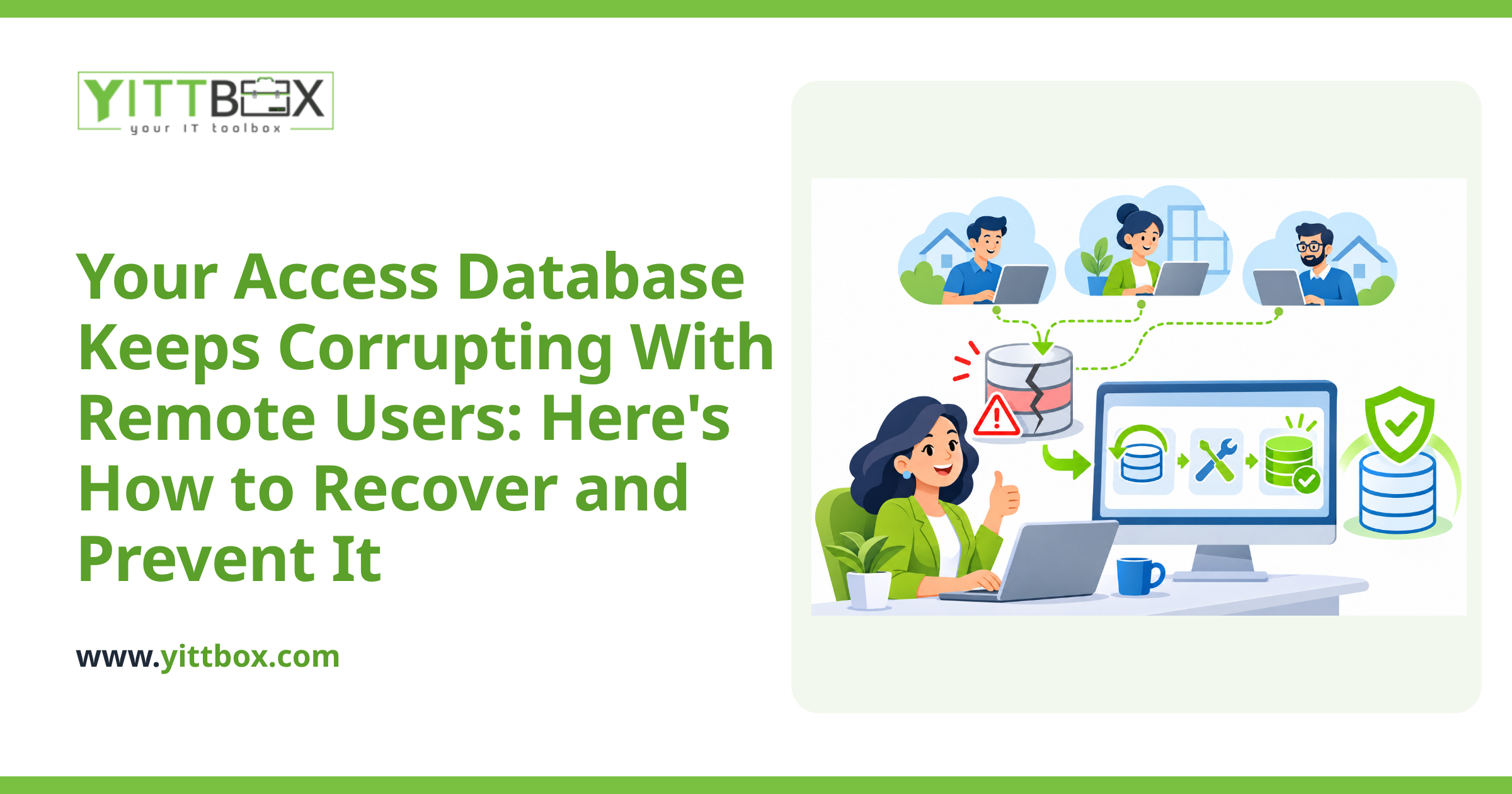
- Multiple people need it at once and the file locks up, throws errors, or gets corrupted
- You email copies around and nobody's sure which version is the real one
- You need access away from the office — from home, on the road, or at a job site
- Only one person understands how it works, and everything stops if they're out
- You're pasting data between Access and spreadsheets by hand to get reports out
When these show up, optimizing the old file is like patching a roof that's really at the end of its life. It buys time, but the underlying limits don't go away. A web app can replace that Access database and remove those ceilings for good.
Why does Access break when more people use it?
Access was built as a desktop tool, not a multi-user system. When several people open the same file over a network, it can slow to a crawl, lock records, or corrupt the whole database. There are ways to reduce the risk, but they're workarounds — not cures.
A web app is built the opposite way from the start. Everyone works against one central database at the same time, from their own browser, with no shared file to corrupt. That single change alone solves a huge share of the day-to-day headaches small businesses have with Access.
Won't a web app cost far more than fixing what I have?
Not always — and the honest comparison isn't just the upfront price. Optimizing Access is cheaper today, but if you're going to hit the same walls again in a year, you may end up paying twice. A web app costs more to build, but it removes the recurring cost of lost time, manual workarounds, and version confusion.
The right question isn't "which is cheaper this month?" It's "which one actually matches how my business runs now?" If your Access setup fits, keep it. If you're constantly working around it, the web app usually pays back the difference. If you're not sure where you land, a plain-English estimate gives you real numbers instead of guesswork.
Can I keep the data I already have?
Yes. One of the biggest fears owners have is losing years of records — but your existing data can be moved into a new web app. Customers, jobs, history, all of it comes across, and it's usually cleaner and better organized afterward. You don't start from scratch, and you don't retype anything by hand.
What can a web app do that Access can't?
Beyond fixing the multi-user and remote-access problems, a web app opens up things Access was never good at:
- Secure logins so different staff see only what they should
- Access from any device with a browser — office, home, or phone
- Automatic backups, so a corrupted file is no longer a disaster
- Reports and dashboards without exporting to spreadsheets first
- Connections to the other tools you already use
None of this means Access is bad. It means there's a point where your needs quietly grow past what it was designed to do — and it helps to recognize that point rather than fight it.
How do I decide without committing to anything?
Start by being honest about which list above sounds like your business. If your problems are about speed alone, ask about optimizing first. If they're about people, places, and limits, a web app is probably the better long-term move.
If you'd like a second opinion, we offer a free, no-pressure review of your current setup. We'll look at how you use your Access database, tell you plainly whether a tune-up or a move to a web app makes more sense, and give you straight answers either way. No pushy sales calls, and no obligation — just clear advice you can act on when you're ready.
Comments
Be the first to comment on this post.