
Spreadsheets are brilliant for getting started. They're free, familiar, and you can build one in an afternoon. But the same spreadsheet that ran your business smoothly with two people can quietly become a daily headache once your team grows. The tricky part is that the breaking point rarely announces itself — it creeps up as small annoyances until one day a broken formula or an overwritten row costs you real time and money.
Here are the honest questions we hear most from business owners wondering whether they've outgrown their spreadsheets, with straight answers under each.
How do I know if my spreadsheet has become a problem?
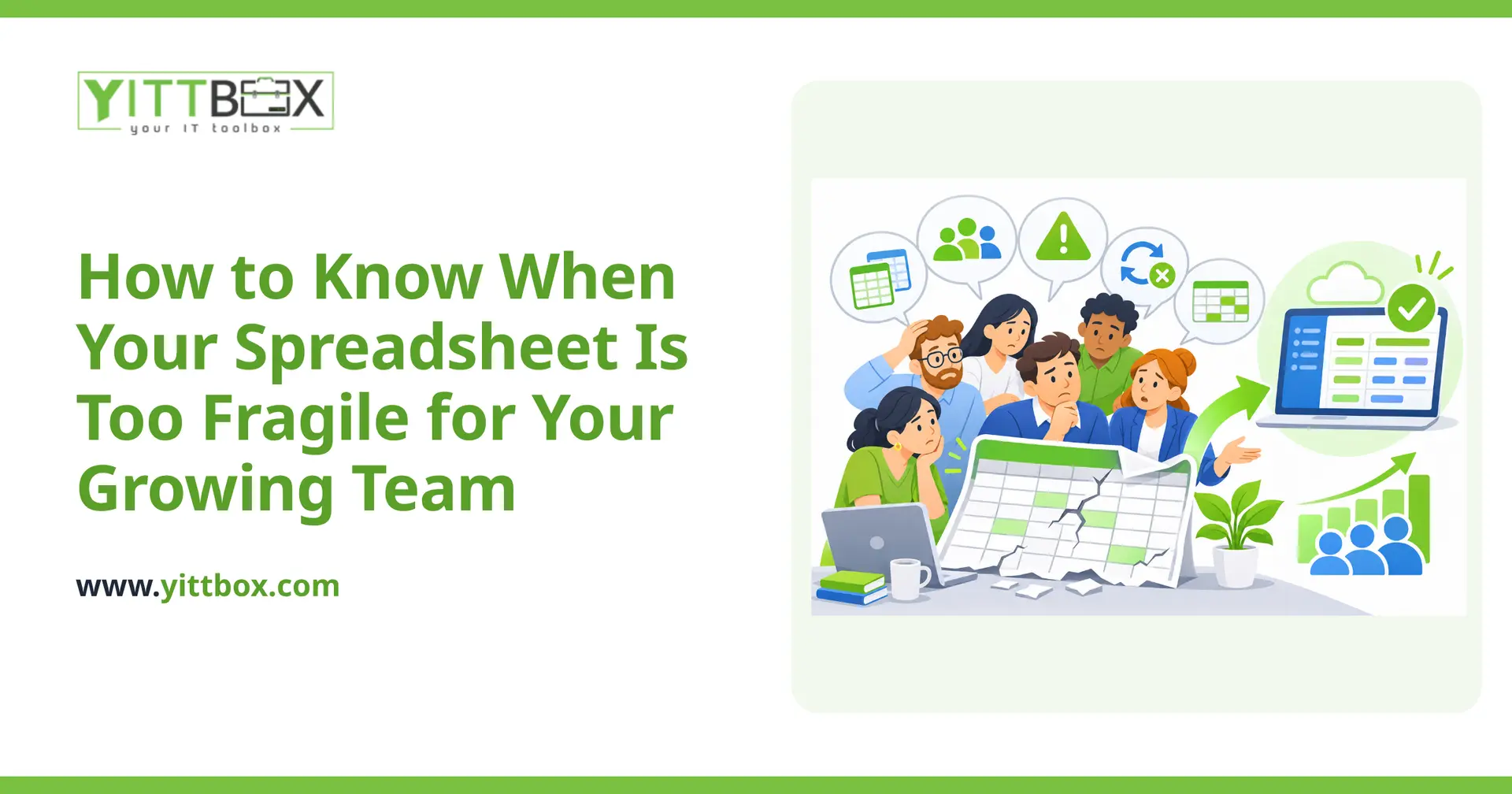
The clearest sign is that people are working around the spreadsheet instead of with it. If your team keeps private copies, emails versions back and forth, or asks one person to "just make the change," the spreadsheet has stopped being a shared source of truth. Watch for these everyday warning signs:
- You have files named things like "Final_v3_USE THIS ONE.xlsx"
- Two people edit the same file and one person's work disappears
- A single wrong click breaks a formula and nobody's sure what changed
- Only one person actually understands how the whole thing works
- You spend hours each week copying data between sheets by hand
None of these mean you did anything wrong. They simply mean the tool is being asked to do more than it was designed for.
Is it really that risky to keep using a spreadsheet?
It can be, and the risk grows with your team. Spreadsheets have almost no guardrails. There's usually nothing stopping someone from typing text into a number field, deleting a row that other calculations depend on, or saving over yesterday's version. With one or two careful users, that's manageable. With five, ten, or more people touching the same data, small mistakes multiply and become harder to trace.
The other quiet risk is the "key person" problem. When one employee is the only person who knows how the spreadsheet works, your business becomes dependent on them being available. If they're out sick or move on, that knowledge can walk out the door with them.
What are the signs my team has outgrown it?
Beyond broken formulas, the growth signals are usually about people and process rather than the file itself. Ask yourself:
- Do multiple people need to update the same information at once?
- Are you tracking things a spreadsheet can't easily handle — like who did what and when?
- Do you need different staff to see different information, or to be blocked from certain data entirely?
- Are you re-typing the same data into invoices, emails, or reports?
- Is finding one piece of information starting to take real effort?
If you're nodding at several of these, you haven't failed at spreadsheets — you've simply grown past what they can comfortably do. That's a good problem to have. It usually means the business is working.
Do I have to replace everything at once?
No, and we'd usually advise against it. The most successful moves happen in stages. Often the smart first step is to tackle the one spreadsheet causing the most pain — the one your team complains about, or the one that breaks most often — and leave the rest alone for now.
A custom application can pick up exactly where your spreadsheet left off, keeping the parts that work while fixing the parts that don't. You get proper multi-user access, automatic backups, sensible rules that prevent bad data, and the ability to see who changed what. You can read more about how that transition works on our spreadsheet conversion page.
Won't moving off spreadsheets be expensive and complicated?
It's a fair worry, and the honest answer is: it depends on what you actually need. Some businesses need a full custom web application. Others just need a simple, shared system that does three things reliably. The cost and complexity should match the problem — not the other way around.
That's why we start with a free, no-pressure review of your situation. We'll look at how you work now, where the spreadsheet is straining, and whether a change is even worth making yet. Sometimes the answer is "you're fine for another year." We'd rather tell you that than sell you something you don't need. If you'd like a plain-English idea of scope and cost, you can request an estimate and we'll walk you through it.
What should I do first?
Start by writing down the moments your spreadsheet frustrated you this month. The version that got overwritten. The formula that broke. The hour spent copying data. That short list is the clearest picture of whether you've outgrown your current setup — and it makes any conversation about improving things far more useful.
When you're ready, we're happy to take a look with no obligation. There are no pushy sales calls, just a straightforward conversation about what would genuinely help. You can tell us about your spreadsheet whenever it suits you, and we'll explain your options in plain English.
Comments
Be the first to comment on this post.