
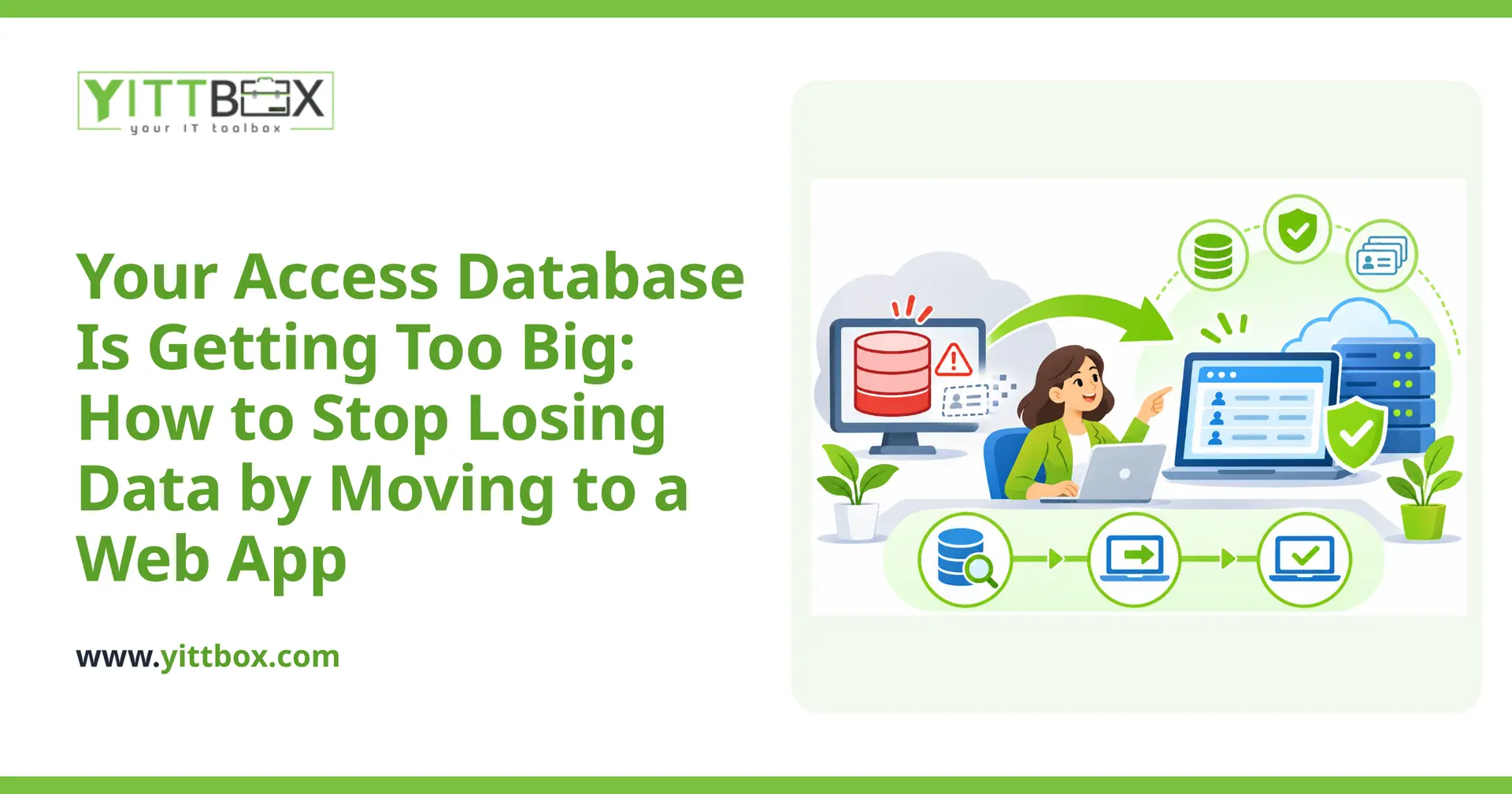
You built your business on an Access database, and for years it did the job. But lately the file keeps swelling past 1GB, the app slows to a crawl, and every so often someone opens it and finds a record has vanished or turned to gibberish. If your team has started keeping backup spreadsheets "just in case," that's a warning sign. Access has a hard 2GB file limit, and databases that get close to it become unstable, corruption-prone, and painfully slow.
The good news: you don't have to live with this. Here are the questions small-business owners ask us most often when their Access setup starts losing data, with straight answers to each.
Why does my Access database lose data when the file gets too large?
Access stores your entire database — tables, forms, queries, and data — inside a single file. As that file grows toward its 2GB ceiling, a few things go wrong:
- Corruption risk rises. A dropped network connection or a crash mid-save can damage the whole file, not just one record.
- Multiple users collide. Access was designed for a handful of people at once. When several team members write to a bloated file over a network, records get overwritten or lost.
- Performance degrades. Bloat from deleted records and temporary data slows everything down, which leads to timeouts and half-saved entries.
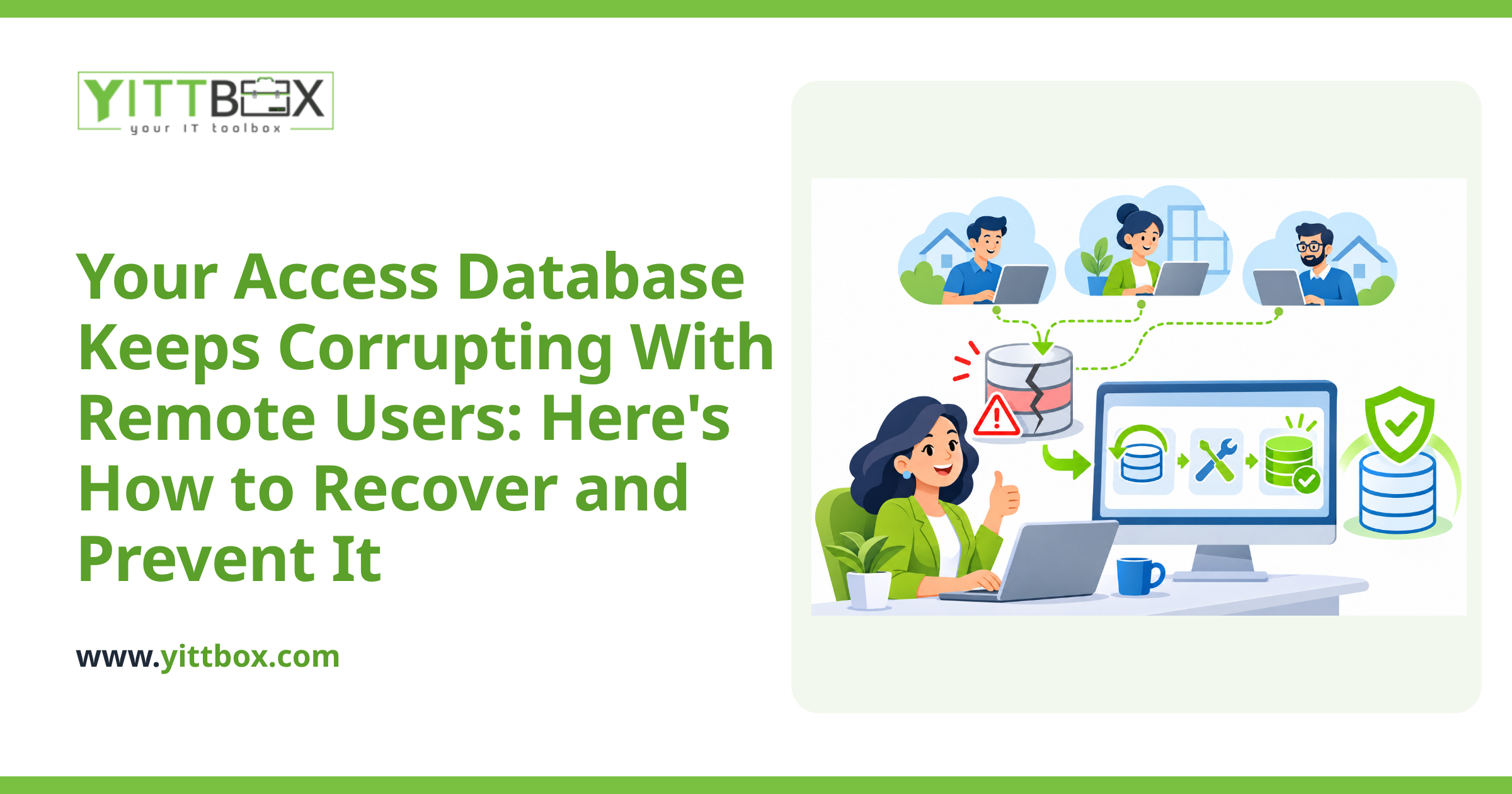
Compacting and repairing helps temporarily, but if you're constantly bumping the size limit, the file has simply outgrown the tool.
Will a web app actually stop the data loss?
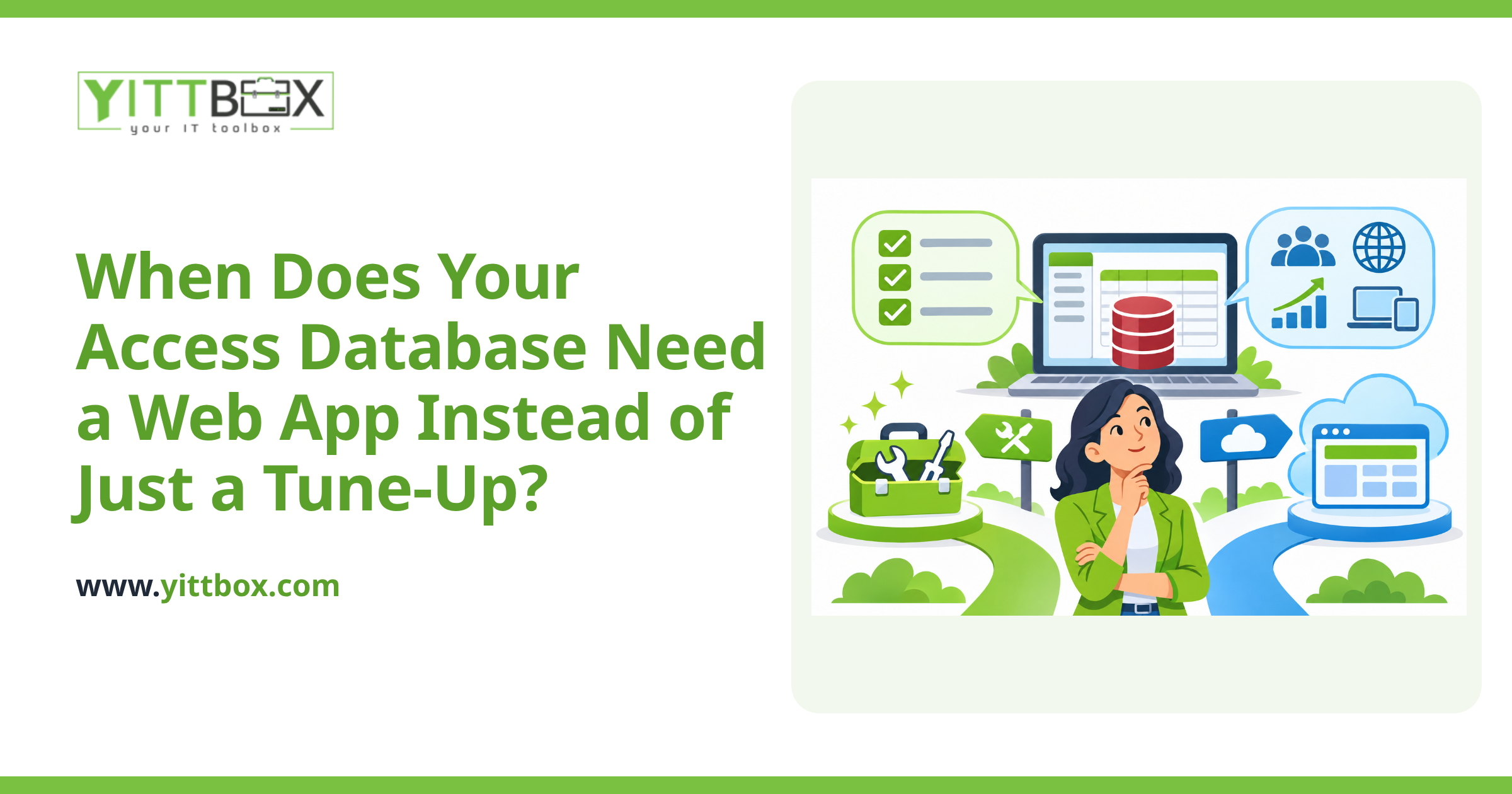
Yes — because a web app is built differently from the ground up. Instead of one shared file, your data lives in a proper server-based database designed for many people writing to it at the same time. That change alone removes the biggest causes of the corruption and vanishing records you're seeing.
With a web app you get:
- No single-file limit. Server databases handle millions of records without the 2GB wall.
- Safe simultaneous access. Ten people can update records at once without stepping on each other.
- Automatic, reliable backups. Your data is protected on a schedule, not hostage to one file on one machine.
- Access from anywhere. Staff can work from the office, home, or a job site through a browser.
We walk through exactly how this migration works on our Access-to-web-app conversion page, including how your existing data comes across safely.
Will I lose my existing data when we move off Access?
No. A careful migration keeps every record intact. The process is methodical: we map out your current tables and relationships, move the data into the new database, and check it against the original so nothing is dropped or scrambled. Your old Access file stays untouched as a safety net until you've confirmed the new system is doing everything you need.
Because we communicate in plain English the whole way through, you'll always know which data has moved, what's been verified, and what's next — no jargon, no guessing.
Do I have to rebuild everything from scratch?
Usually not. Much of the work you already did — your forms, your reports, the way you think about your records — becomes the blueprint for the web app. We rebuild the parts that matter to your daily work and quietly leave behind the clutter that piled up over the years.
It's also a chance to fix the annoyances you've simply tolerated:
- Reports that took ages to run
- Manual steps someone has to remember every day
- Data entered twice in two different places
- Fields nobody uses anymore
You end up with something cleaner and faster, not just a like-for-like copy of an old system.
How long does it take, and how disruptive is it?
It depends on how complex your database is, but most small-business projects are measured in weeks, not years. A well-planned migration is designed to keep your team working the whole time. Typically you keep using the old system while the new one is built and tested, then switch over once you're confident. There's no "big bang" weekend where everything is offline and everyone holds their breath.
How much does it cost to move from Access to a web app?
Every business is different, so there's no honest one-size-fits-all number. The cost depends on how much data you have, how many features you rely on, and how many people use it. What we can promise is a clear, plain-English estimate with no surprises. You can request a project estimate here whenever you're ready.
What's the safest first step if I'm worried about losing data now?
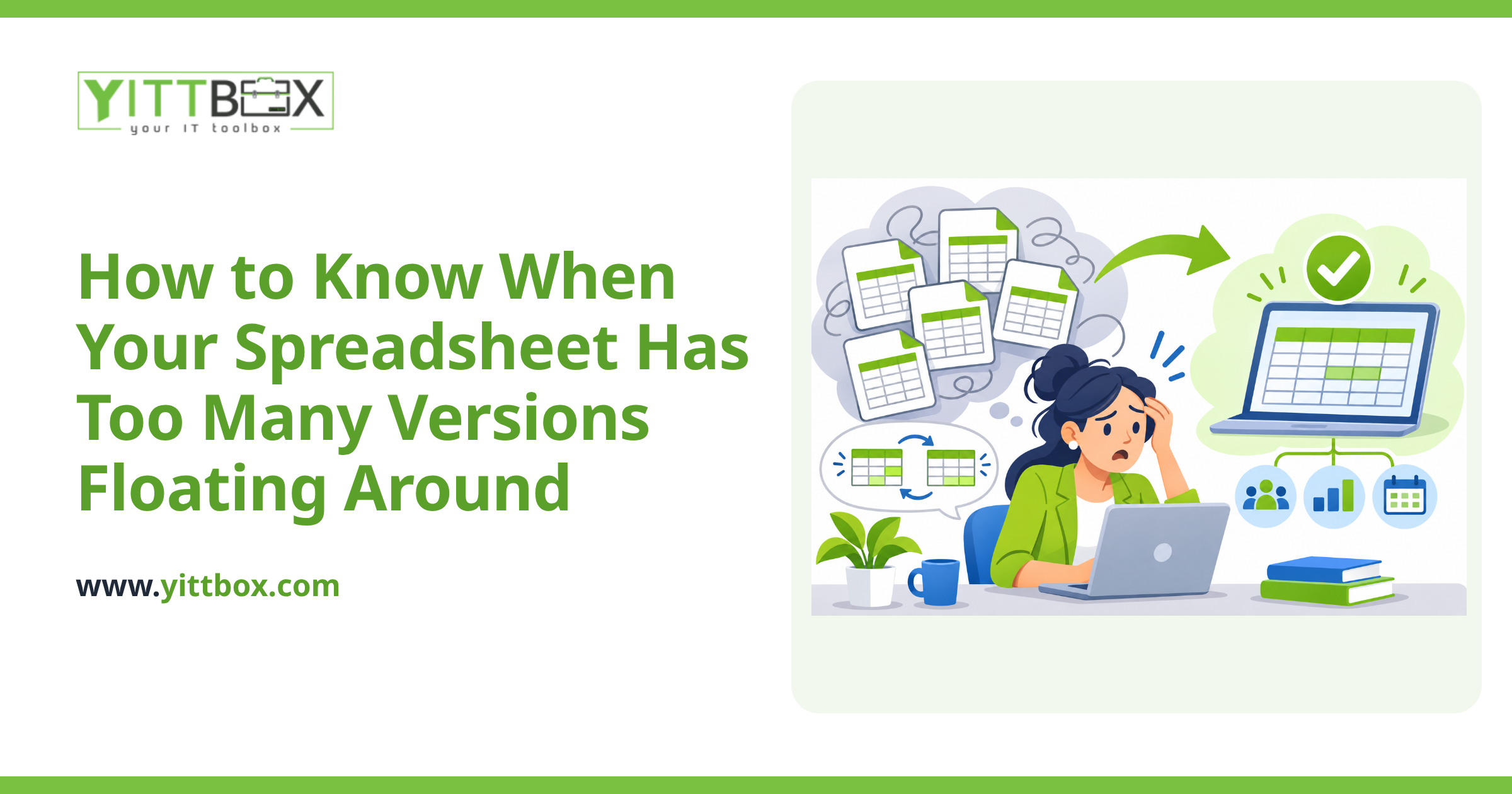
Don't wait for the file to hit the wall. Two things you can do today: make a fresh backup of your Access file and store it somewhere off that machine, and stop relying on side spreadsheets that create conflicting versions of the truth.
Then, when you have a spare half hour, take us up on a free, no-pressure review of your setup. We'll look at where your database stands, tell you honestly how close you are to trouble, and lay out your options in plain English. No pushy sales calls, no obligation — just a clear picture of what a move to a web app would involve. You can start that conversation on our conversion page or ask for an estimate when the timing's right.
Comments
Be the first to comment on this post.