If your business runs on a shared spreadsheet, you've probably lived this nightmare: two people open the same file, both make changes, and one person's work quietly disappears when the other hits save. Or you get the dreaded "file is locked for editing" message and everyone waits their turn. It's frustrating, it wastes time, and worst of all, it can cost you real data.
The good news is that this is a solved problem. A properly built web app lets your entire team work in the same data at the same time without stepping on each other. Here's how it works, in plain English.
Why does my spreadsheet keep losing changes when two people edit it?
Because most spreadsheets were never designed for real teamwork. A spreadsheet file is a single document. When two people edit it, you either end up with duplicate copies ("budget_FINAL_v3_really_final.xlsx") or one person overwrites the other. Even cloud spreadsheets that allow shared editing tend to break down once you have lots of rows, formulas, and people relying on them daily.
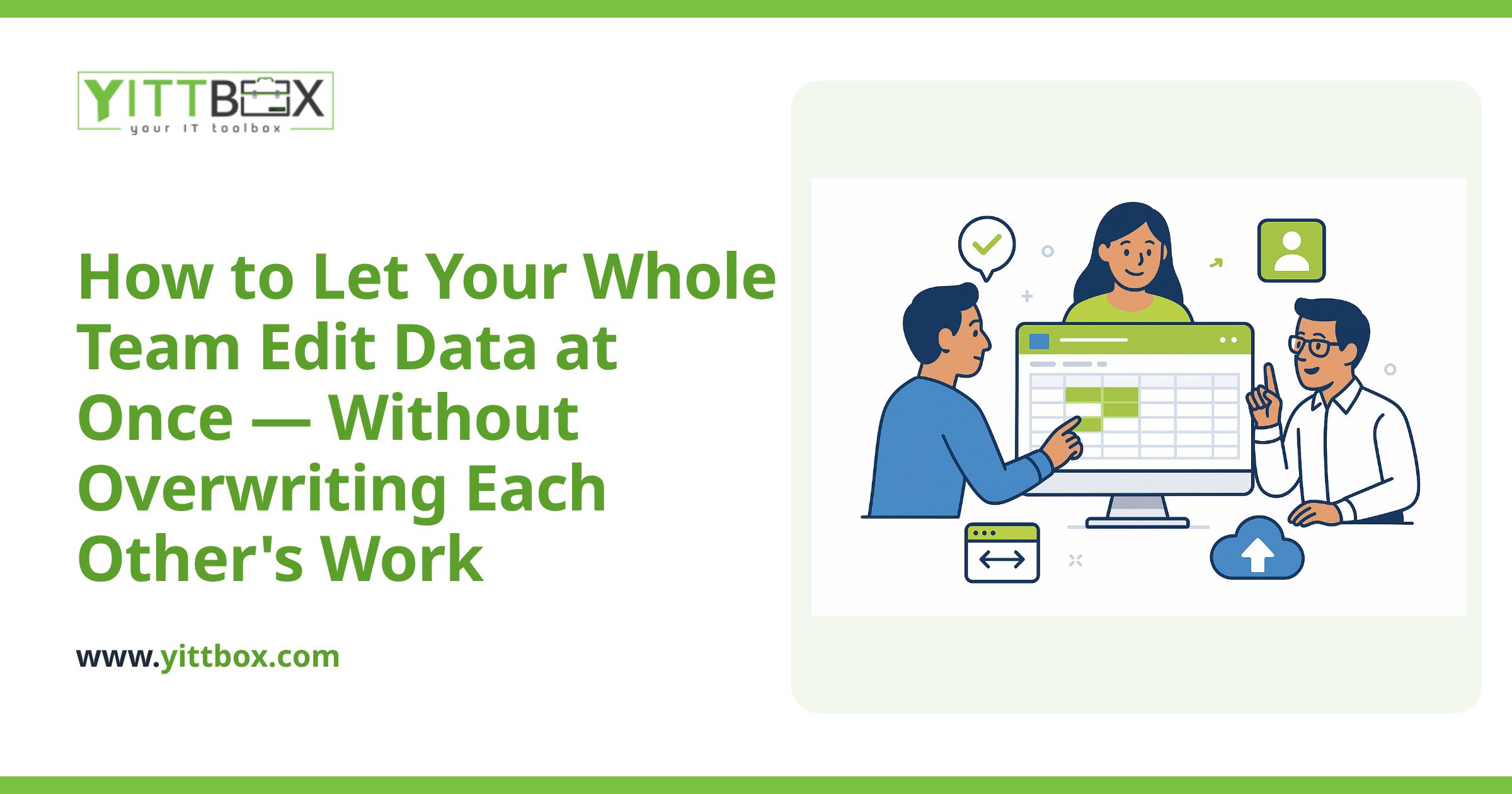
A web app solves this by storing your information in a proper database instead of a file. Everyone connects to the same central source, and the app manages who can change what and when — so nothing gets silently overwritten.
How does a web app let people edit at the same time without conflicts?
It comes down to a few techniques working together behind the scenes. You don't need to understand the plumbing, but here's the plain-English version of what a well-built app does:
- Central database: All your data lives in one place, not in copies scattered across email and desktops.
- Record-level editing: Instead of locking the whole file, the app only manages the specific record someone is working on. Two people can edit different customers, orders, or jobs at the very same moment with zero conflict.
- Conflict detection: If two people genuinely try to change the exact same field at once, the app notices and handles it gracefully — usually by warning the second person rather than throwing away their work.
- An audit trail: Good apps keep a history of who changed what and when, so if something looks wrong you can trace it back instead of guessing.
The result is that your team simply gets on with their work, and the app quietly keeps everything in order.
What happens if two people change the exact same thing at once?
A well-designed app won't let one change silently wipe out the other. Instead of overwriting, it will typically flag the clash and let the person decide what to do — keep their version, take the other, or merge the two. The key point is that the decision is made deliberately by a human, rather than lost by accident. This is the single biggest difference between a real application and a shared file.
Do I need to move all my data at once, or can I start small?
You can absolutely start small. In fact, we usually recommend it. Many businesses begin by moving just their most painful spreadsheet — the one everyone fights over — into a simple web app, then expand from there once the team sees how much smoother it is.
Your existing data doesn't have to be thrown away, either. The information you've built up over the years can be carried across into the new system. If you're curious about what that process looks like, we've written more about how we convert spreadsheets and old databases into web apps without losing your history.
Will my team have to learn complicated new software?
No — and if they do, something has gone wrong in the design. A good custom web app is built around how your team already works, using the same words you use for your customers, jobs, and products. Most people are up and running the same day.
Because the app runs in a normal web browser, there's nothing to install on each computer, and your team can reach it from the office, from home, or on the road. Everyone always sees the current, up-to-date information.
How much does it cost to build a web app like this?
It depends on how much you need it to do — a single shared list is very different from a system that runs your whole operation. That's exactly why we don't quote blind. We'd rather understand your situation first, then give you an honest range based on what you actually need, not a scary number designed to cover every possibility.
If you'd like a rough idea for your specific case, you can ask us for a free, no-pressure estimate and we'll walk you through it in plain terms.
What's the first step?
Start by writing down the one spreadsheet or process that causes the most "who changed this?" moments. That's almost always the best place to begin.
When you're ready, we offer a free, no-pressure review of your current setup. There's no pushy sales call and no obligation — just a straightforward conversation about what's slowing your team down and whether a web app would genuinely help. We'll explain everything in plain English, and if a simpler fix would do the job, we'll tell you that too.
You can book your free review here whenever it suits you.
Comments
Be the first to comment on this post.