You know the routine. Someone on your team spends the last Friday of every month copying numbers from one spreadsheet into another, fixing broken formulas, and stitching together a report that's out of date almost as soon as it's finished. It works — until the person who built the spreadsheet leaves, or a single wrong cell throws off the totals and nobody notices for weeks.
Moving off Excel doesn't mean giving up your reports. It usually means getting better ones: reports that build themselves, stay accurate, and land in your inbox without anyone lifting a finger. Here's how that actually works, in plain English.
What does an "automated report" actually mean?
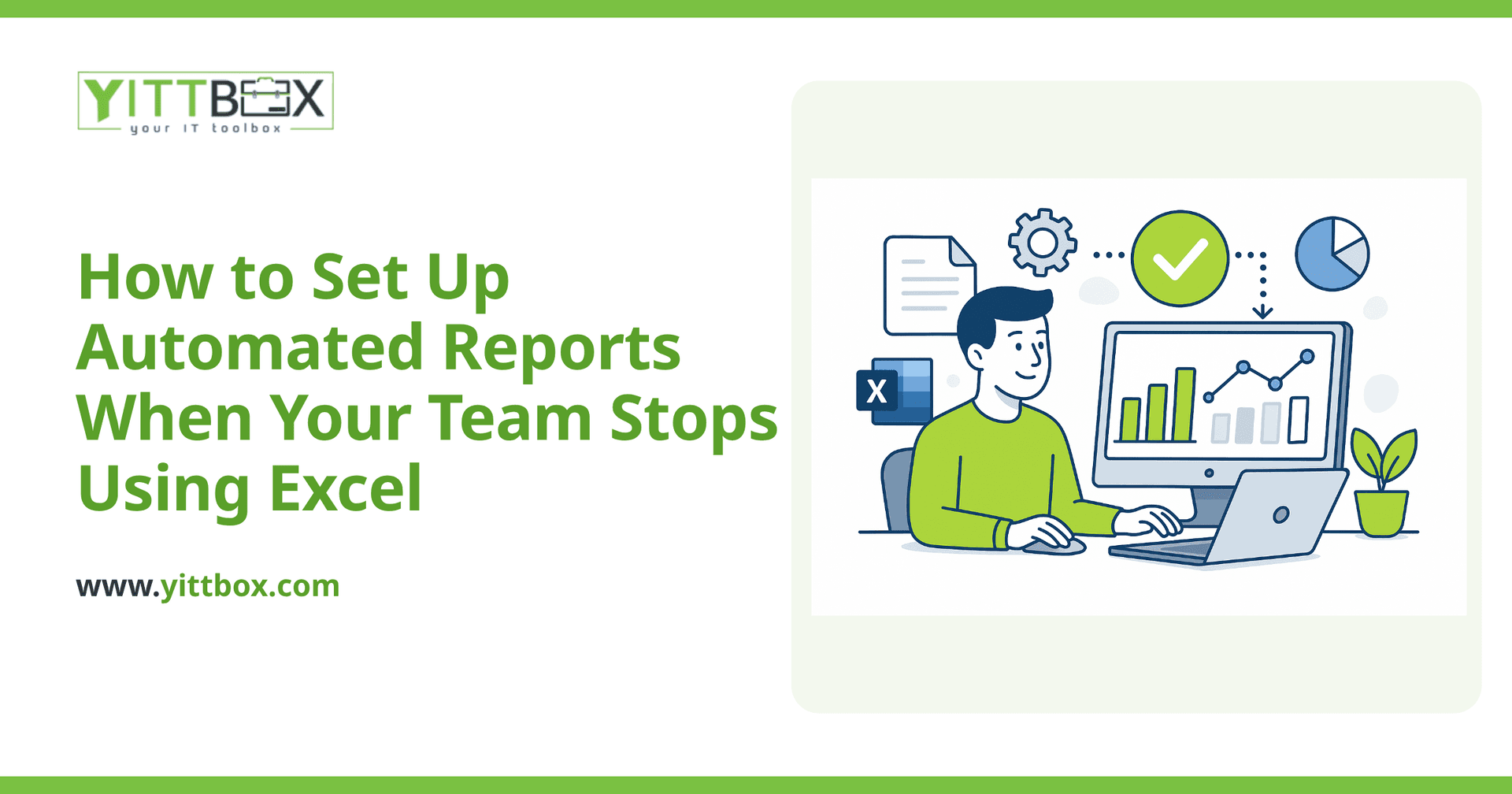
An automated report is one your system builds for you on a schedule, using live data, without anyone manually copying or pasting anything.
Instead of someone opening five spreadsheets and assembling a summary by hand, the report pulls straight from wherever your data already lives — your orders, your customers, your jobs — and produces the numbers on its own. You decide what it shows and when it runs. The system does the rest.
- Scheduled: daily, weekly, or monthly, delivered automatically.
- Live: always based on your current data, not a snapshot someone made last Tuesday.
- Consistent: the same calculations every time, so the numbers are trustworthy.
Why can't I just keep automating things inside Excel?
You can automate some things in Excel, but it tends to get fragile fast — especially once more than one person is involved.
Spreadsheets were designed for one person doing calculations at a desk. The moment several people are editing, emailing versions back and forth, and relying on hidden formulas, small problems pile up:
- Two people edit different copies and the versions drift apart.
- A formula quietly breaks and reports the wrong total for months.
- Only one person understands how it all fits together — and when they're out, everything stalls.
- The file grows so large it's slow to open or crashes.
Automated reporting inside a proper system avoids all of that because the data lives in one place and the calculations are locked down, not scattered across cells anyone can overwrite. If your spreadsheets have reached that breaking point, our guide on converting a spreadsheet or Access database into a real application walks through what the move looks like.
Where does the data come from once we leave Excel?
It comes from a central place — usually a simple database or web application that your team uses day to day.
The key shift is that people stop entering data into spreadsheets and start entering it into a shared system: adding a customer, logging a job, recording a payment. Because everything is captured in one place as it happens, reports can be generated from that same source at any moment. Nobody has to gather the data first — it's already together and up to date.
This is often the biggest relief for business owners. The reporting isn't a separate chore anymore; it's a by-product of your team simply doing their normal work.
Will I still be able to get the exact reports I have now?
Almost always, yes — and usually with fewer errors and less effort than before.
A good starting point is to gather the reports you rely on today and note what each one needs to show. From there, those same views can be rebuilt to generate automatically. Most owners find they can recreate everything they had, then add things that were too painful to do by hand, such as:
- Automatic month-end summaries emailed to you.
- Dashboards you can check any time instead of waiting for a report.
- Alerts when a number crosses a threshold you care about.
- Reports filtered per person, per location, or per client.
How long does it take to set up automated reporting?
It depends on how many reports you need and how tidy your current data is, but most small businesses see something working sooner than they expect.
The honest answer is that the reporting itself is often the quick part. The bigger question is where your data will live once you're off spreadsheets. If you already have a system, reports can frequently be layered on top of it. If you're starting from spreadsheets, the data usually needs a proper home first — and that's a project worth scoping properly rather than guessing at. You can ask us for a plain-English estimate once you know roughly what you want to track.
What should I do before I move anything?
Before touching any technology, get clear on two things: what data you actually record, and what decisions you make from your reports.
A short checklist to work through:
- List every report or spreadsheet you currently rely on.
- For each one, write down who reads it and what decision it informs.
- Note which numbers people constantly ask for but can't easily get today.
- Flag the reports that break, take too long, or depend on one person.
That list becomes the blueprint for what your automated reporting should deliver. It also tells you which reports you can quietly retire because nobody actually uses them.
Ready to stop copying and pasting?
If your month-end still runs on someone bravely wrangling spreadsheets, it may be time to give that data a proper home and let the reports build themselves. There's no pushy sales call and no obligation — just a free, no-pressure review of where you are now and what a sensible next step looks like.
When you're ready, tell us what you're working with and we'll explain your options in plain English. You can start with a quick no-pressure estimate or read more about moving off spreadsheets and Access whenever it suits you.
Comments
Be the first to comment on this post.