
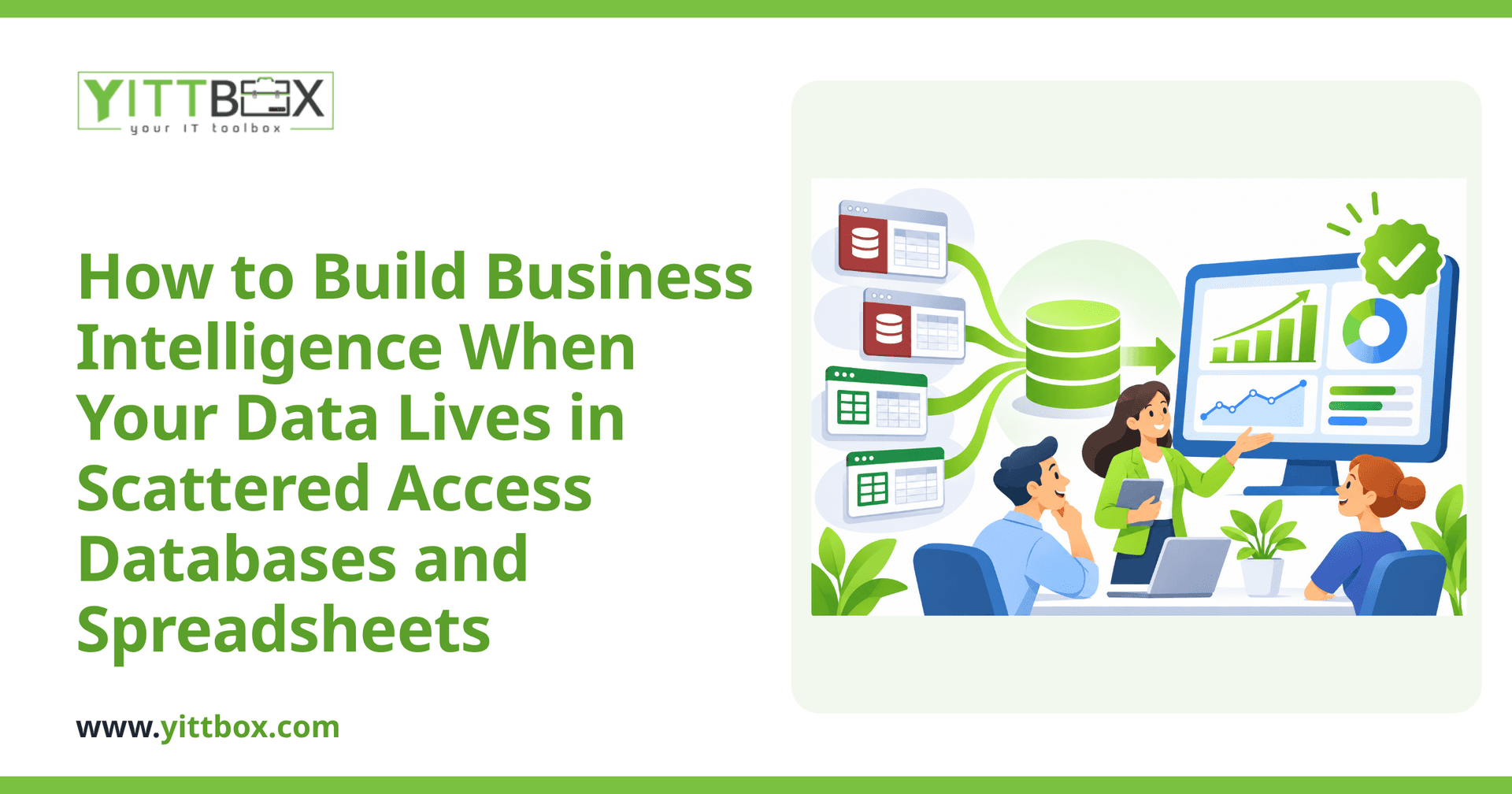
You want a clear picture of how your business is doing. Instead, the numbers you need are trapped in three different Access databases, a shared drive full of spreadsheets, and a couple of files that only one person really understands. Every time you need a report, someone spends half a day copying, pasting, and double-checking figures — and you still aren't sure the totals match. If that sounds familiar, you're not behind. You're just running a business that has grown faster than its tools. Here's how to turn that mess into reporting you can actually trust.
Can I get useful reports when my data is spread across different places?
Yes. You don't need to throw everything out and start over to get reliable reporting. The goal is to bring your data together in one place so it can be read consistently, even if it started life in separate Access files and spreadsheets. Once the information sits in a single, well-organized source, building dashboards and reports on top of it becomes straightforward.
The mistake many owners make is trying to fix the reporting before fixing the data underneath it. Get the foundation right first, and the reports almost take care of themselves.
What actually needs to happen to bring the data together?
At a high level, business intelligence on scattered data comes down to a few practical steps:
- Find every source. List each database and spreadsheet that holds real information — sales, customers, stock, jobs, hours, whatever matters to you.
- Agree what the numbers mean. If "active customer" means one thing in a spreadsheet and something else in an Access database, reports will never agree. Definitions come first.
- Consolidate into one home. The data gets moved into a single, structured database that becomes your single source of truth.
- Clean as you go. Duplicates, typos, and blank fields get sorted out during the move so you're not reporting on rubbish.
- Build the reports and dashboards. Only once the data is tidy and unified do you put the charts and summaries on top.
That's the honest sequence. Anyone promising instant dashboards without dealing with the underlying data is skipping the part that makes them accurate.
Do I have to give up Access and spreadsheets entirely?
Not necessarily, but they're rarely the right long-term home for a growing business. Access and spreadsheets are wonderful for getting started — they're cheap, flexible, and easy to change. The trouble comes when several people need the same data at once, when files get too big, or when one broken formula quietly throws off a month of numbers.
Most owners we speak to don't want to keep patching those files forever; they want something steadier they can rely on. Moving to a proper custom database or web application means your data is stored once, updated in real time, and available to everyone who needs it — without the copy-paste ritual.
How do I know if my spreadsheets have outgrown their usefulness?
A few common warning signs tell you it's time:
- Two people can't safely work in the same file at the same time.
- Reports take hours to assemble and still need checking.
- Only one or two people truly understand how the files fit together.
- You've had a scare where a wrong number nearly caused a bad decision.
- You avoid asking certain questions because pulling the answer is too painful.
If you're nodding along to two or more of these, the cost of staying put is probably higher than you think — mostly in wasted hours and decisions made on shaky figures. Our page on moving off spreadsheets and Access walks through what that shift looks like in plain terms.
Won't consolidating everything be disruptive to the business?
It doesn't have to be. A sensible project works around how you already operate, not against it. Your existing files keep running while the new setup is built alongside them, and the switch happens when you're ready — not in a big risky leap. Good planning means you keep working throughout, and nothing gets deleted until you're confident the new version holds everything correctly.
The bigger disruption, honestly, is carrying on as you are: the slow drip of lost hours, mismatched reports, and the nagging worry that the numbers aren't quite right.
How much does this kind of project cost?
It depends on how many sources you have and how tangled they've become — but you shouldn't have to guess. The best first step is a proper look at your actual situation before anyone talks numbers. You can request a free, no-pressure review and we'll give you an honest picture of what's involved, what it might cost, and whether it's even worth doing yet. No sales calls chasing you afterwards, and no jargon — just a straight answer in plain English.
Where should I start?
Start small and start honest. Write down every place your important data currently lives and one question you wish you could answer instantly but can't. That single list tells you most of what you need to know about the gap between where you are and where you want to be.
When you're ready to close that gap, we're happy to take a look with no obligation. Book a free review of your situation and we'll talk you through your options clearly, in words that make sense — so you can decide what's right for your business without any pressure.
Comments
Be the first to comment on this post.