
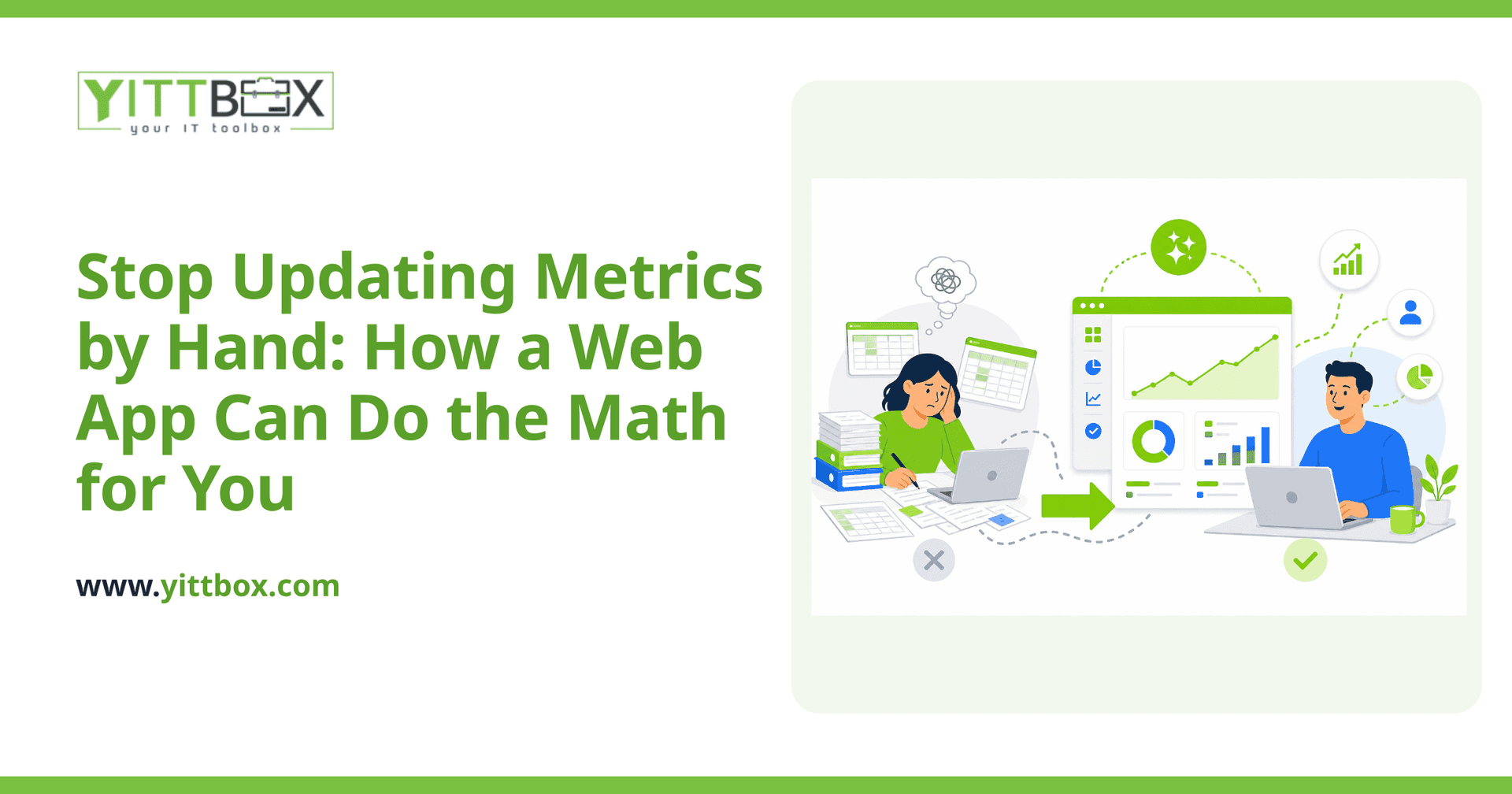
You know the routine. Someone exports a report, pastes it into a spreadsheet, drags a formula down a few hundred rows, and prays nobody bumped a cell out of place. Then someone else needs the same numbers, so you email the file around and lose track of which version is current. If your key business metrics still live in a spreadsheet you update by hand, you're spending real time on work a computer should be doing for you — and quietly risking mistakes every time.
The good news: replacing manual Excel updates with a small web app is one of the most practical, cost-effective upgrades a small business can make. Here's how it works, in plain English.
Why not just keep using Excel?
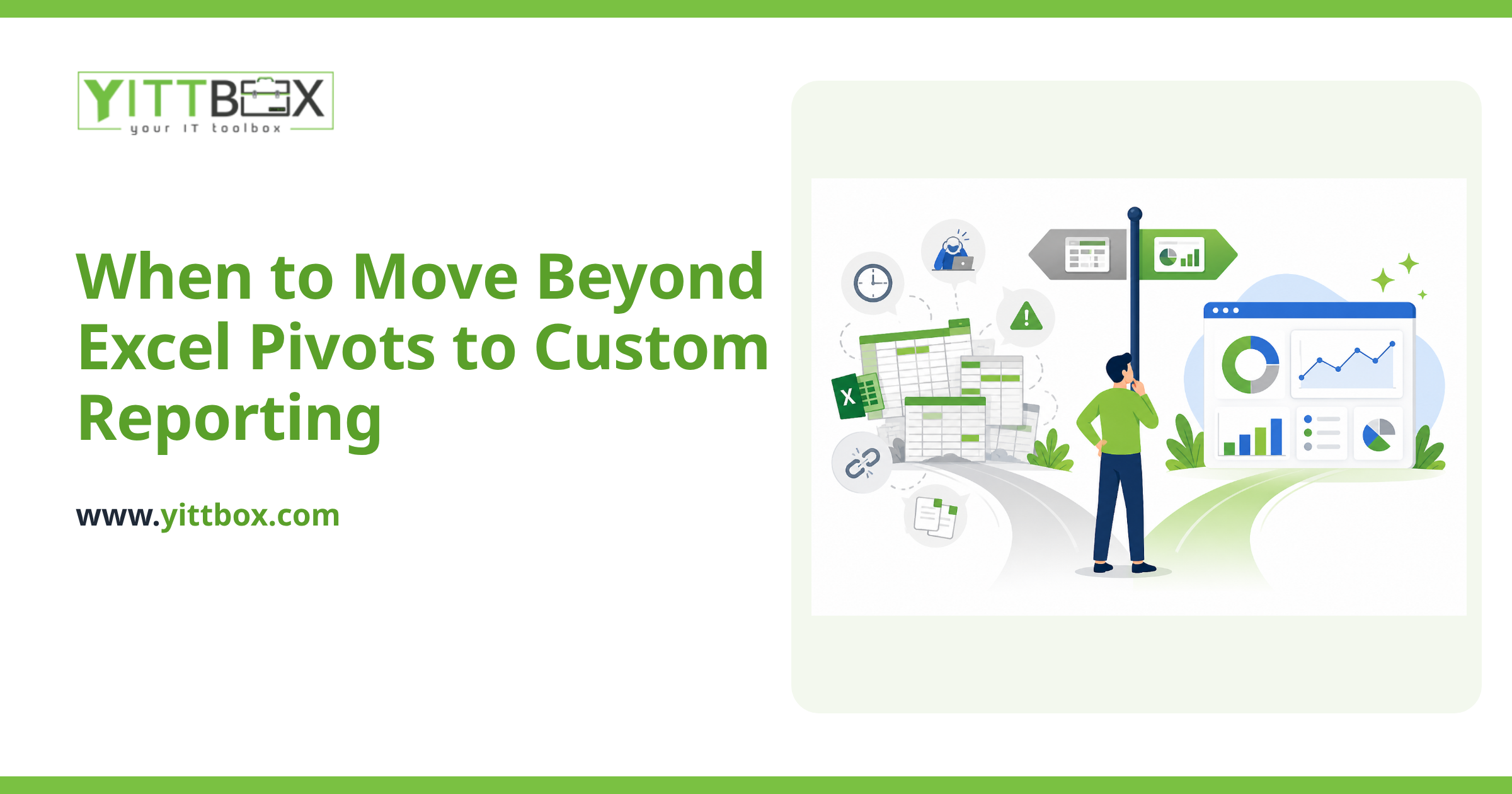
Excel is genuinely great for what it was built for — quick, personal, one-off calculations. It starts to hurt when a spreadsheet becomes the backbone of your business.
The usual pain points look like this:
- Manual entry eats hours that could go toward actual work.
- Formulas break silently when a row is inserted or a cell is overwritten.
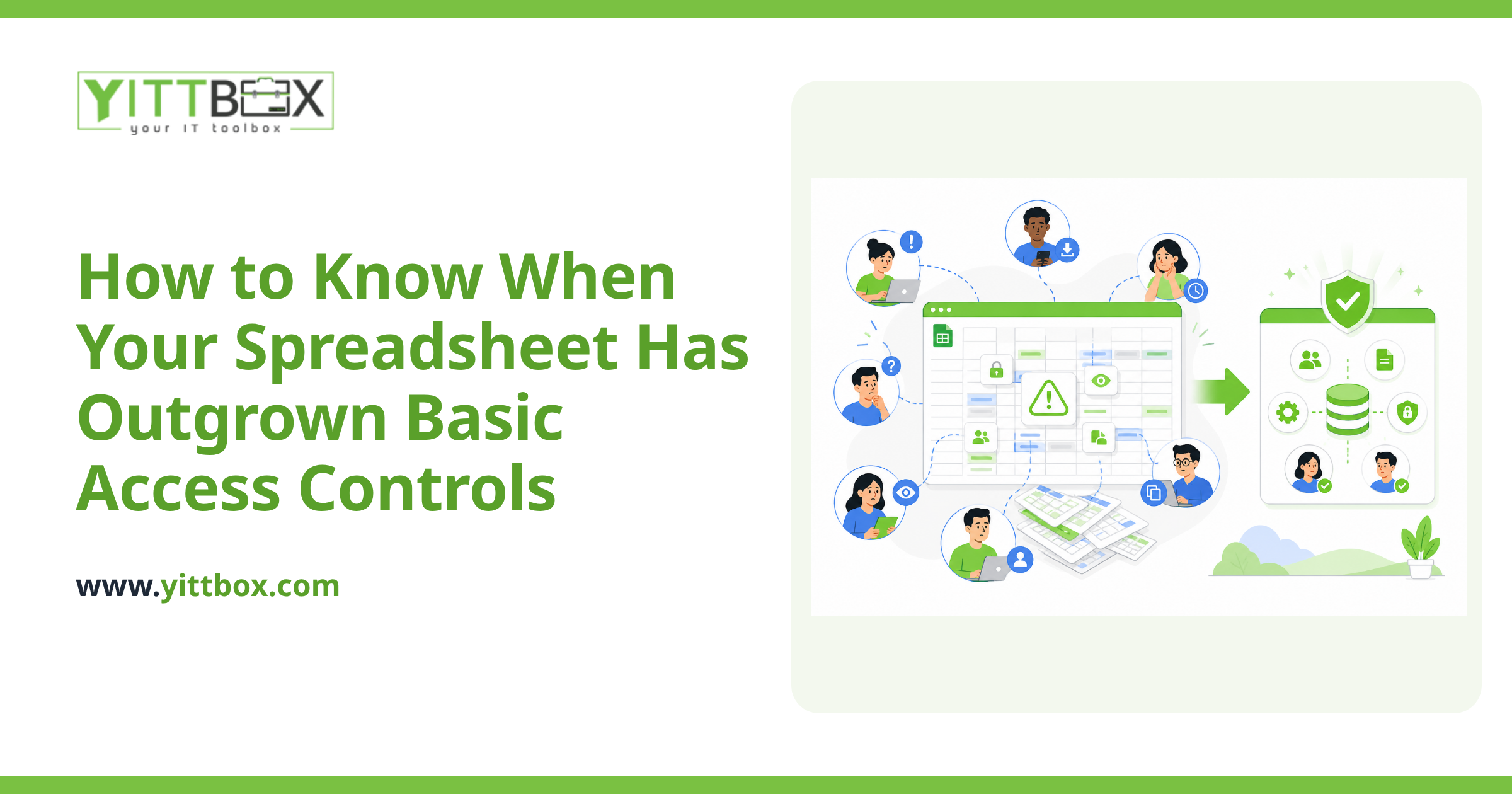
- Multiple copies float around, and nobody's sure which one is right.
- Only one person really understands it, and everything stalls when they're out.
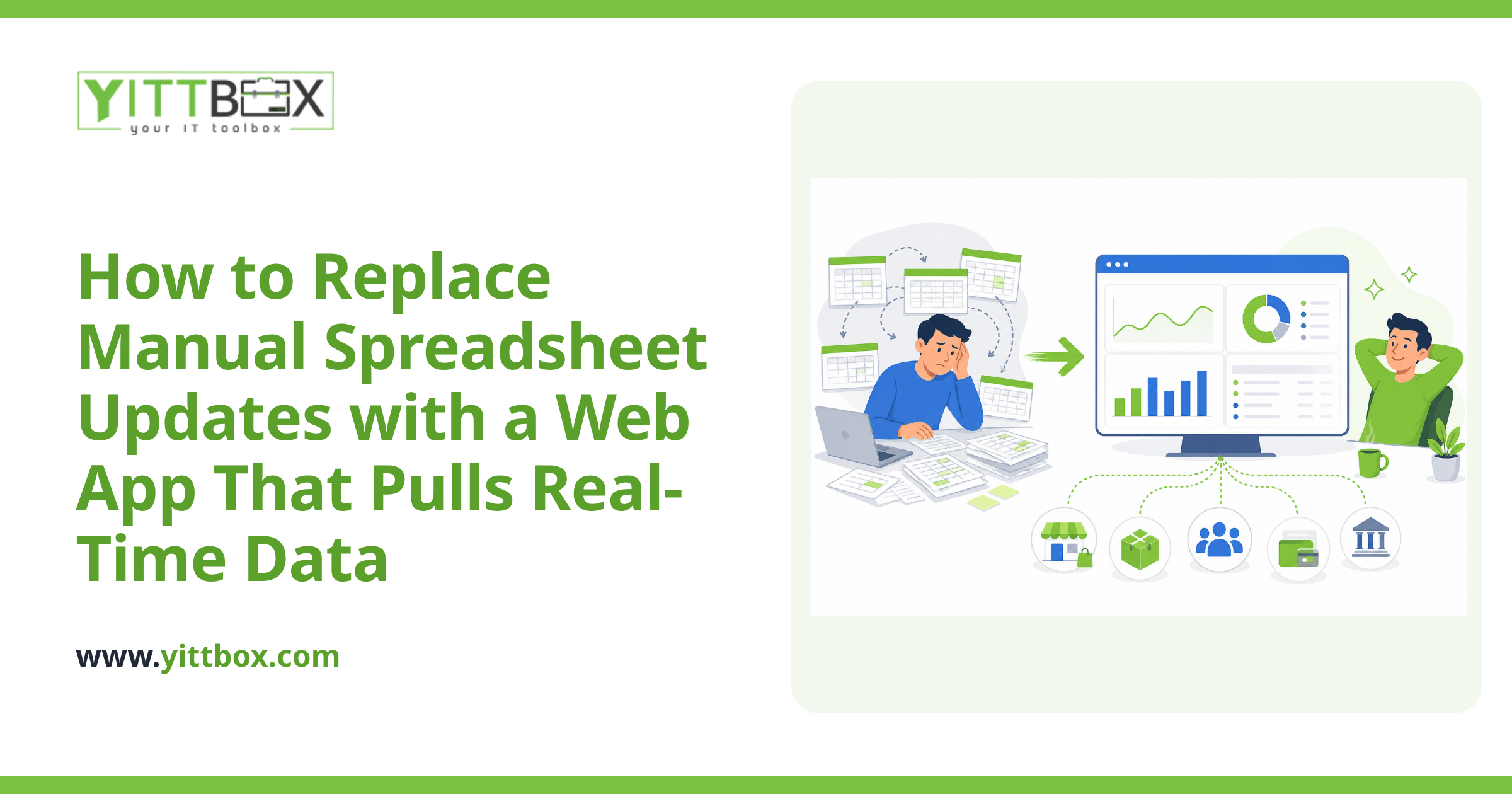
A web app fixes these by storing your data in one place, running the calculations automatically, and showing everyone the same up-to-date numbers.
What exactly is a web app in this context?
It's a private tool you and your team open in a web browser — no software to install. Instead of typing numbers into cells, people fill in simple forms or the data flows in from systems you already use. Behind the scenes, the app does the arithmetic your spreadsheet formulas used to do, then displays the results as clear totals, dashboards, or reports.
Practically, that means someone enters a sale, logs a job, or records a reading once — and every metric that depends on it updates instantly, without anyone dragging a formula anywhere.
How does the app calculate metrics automatically?
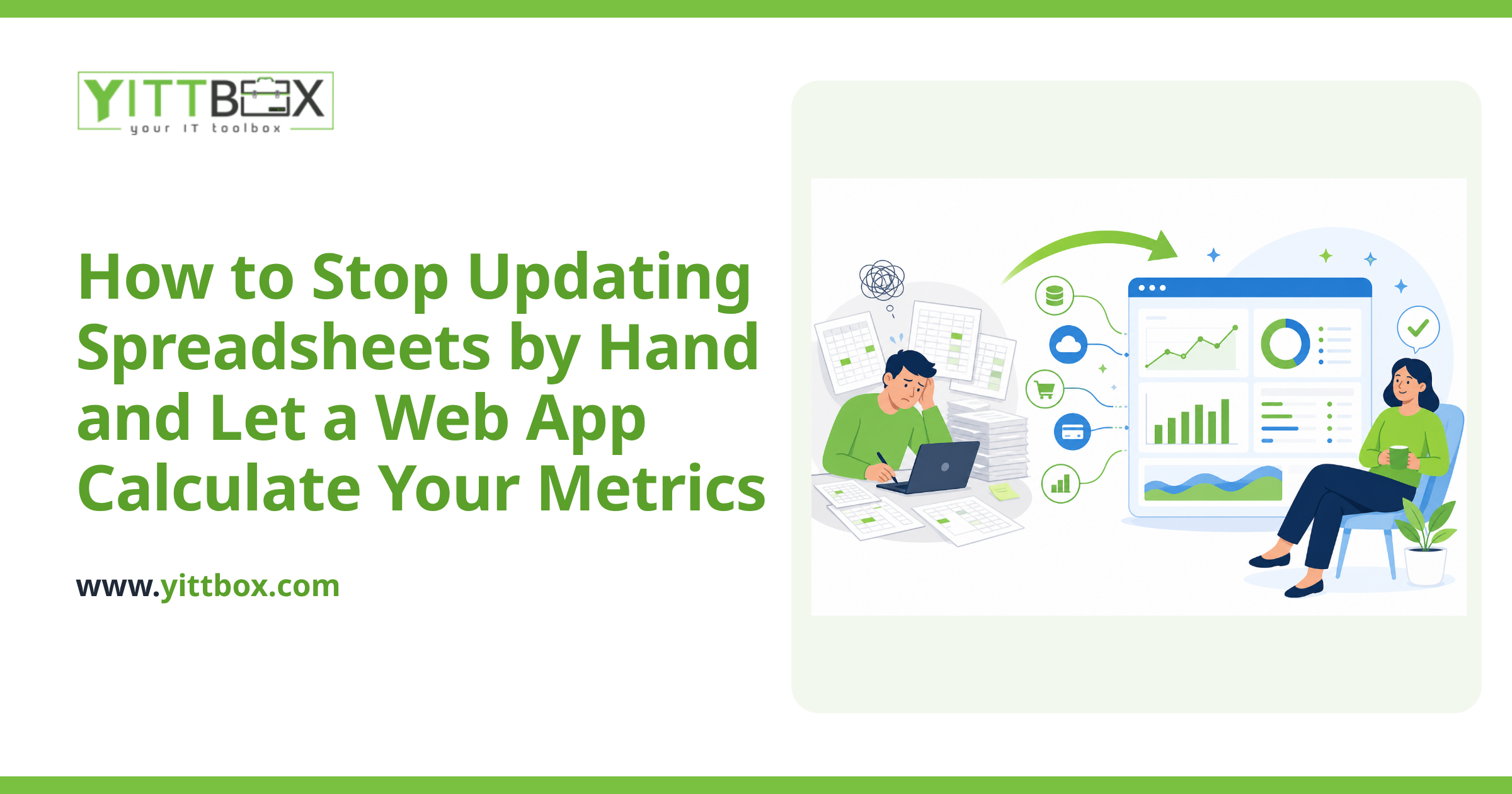
The logic is the same math you already trust in your spreadsheet — it's just moved somewhere reliable and set to run on its own. During setup, we map out exactly how each number is worked out today, then build those rules into the app so they run every time the underlying data changes.
A few common examples:
- Running totals and averages that recalculate the moment new data arrives.
- Performance dashboards showing this week versus last, or actual versus target.
- Automatic alerts when a number crosses a threshold you care about.
- Scheduled reports that land in an inbox instead of being built by hand every Friday.
The point is that the calculation happens quietly and consistently, so you spend your time reading the results rather than producing them. If you already know roughly what you'd want it to track, you can get a free estimate to see what building it would involve.
Will I lose the data and formulas I've already built?
No — and this is a worry we hear a lot. Your existing spreadsheet is often the perfect starting point. It already contains your history and the logic that runs your business, so we use it as the blueprint rather than throwing it away.
Moving from a spreadsheet to a proper app is a well-worn path. We can bring your existing data across, preserve the calculations you rely on, and set things up so the transition feels like an upgrade, not a fresh start. If you're weighing that move, our spreadsheet-to-web-app conversion page walks through how it typically goes.
How long does it take and how disruptive is it?
It depends on how many metrics you track and where your data comes from, but a focused first version — one that replaces your most painful manual updates — is usually a matter of weeks, not months. We deliberately start small so you see value early rather than waiting for a giant launch.
You keep working the way you do now until the app is ready. When it is, we walk your team through it in plain terms, and we're around afterward to smooth out the rough edges. No jargon, no assuming you speak developer.
How much does something like this cost?
Less than most people expect, because you don't have to build everything at once. A tightly scoped app that automates a handful of important calculations is far cheaper than a sprawling all-in-one system — and it starts saving you time immediately.
The honest answer is that it varies with your needs, which is why we'd rather look at your actual situation than quote a number blind. You can request a free estimate and we'll give you a straight figure with no obligation.
What's the first step?
Start by noticing where the manual work hurts most — the report you dread building, the spreadsheet everyone's afraid to touch, the numbers you're never quite sure are current. Those are exactly the tasks worth handing to an app.
When you're ready, we offer a free, no-pressure review of how your metrics work today and where automation would help. No sales calls, no pushy follow-ups — just a clear, plain-English look at your options and what it would take to stop updating spreadsheets by hand for good.
Comments
Be the first to comment on this post.