You click "Run Report," go make coffee, answer a few emails, and come back to find it's still churning. Meanwhile, the numbers you actually need to make a decision this morning are locked inside an Access database that grinds to a halt every time someone asks it a real question. If that sounds familiar, you're not doing anything wrong — you've just outgrown the tool. Here are the honest answers to the questions small-business owners ask us most about moving from slow reports to real-time dashboards.
Why do my Access database reports take so long to run?
Usually it's a mix of three things: the database has grown far bigger than it was designed for, multiple people are using it at once over a network, and the reports are calculating everything from scratch every single time you open them.
Access was built for one person working with a modest amount of data on their own machine. Once you have years of records, several staff sharing the file, and reports that crunch totals across the whole history, every click has to fight through all of that. It's not that your setup is broken — it's being asked to do a job it was never built for.
- Data volume: Access slows down noticeably as tables grow into the hundreds of thousands of rows.
- Shared access: Several people in the same file at once creates locking and lag.
- Recalculating on demand: Reports that total everything live are far slower than ones reading from a prepared summary.
What exactly is a real-time dashboard?
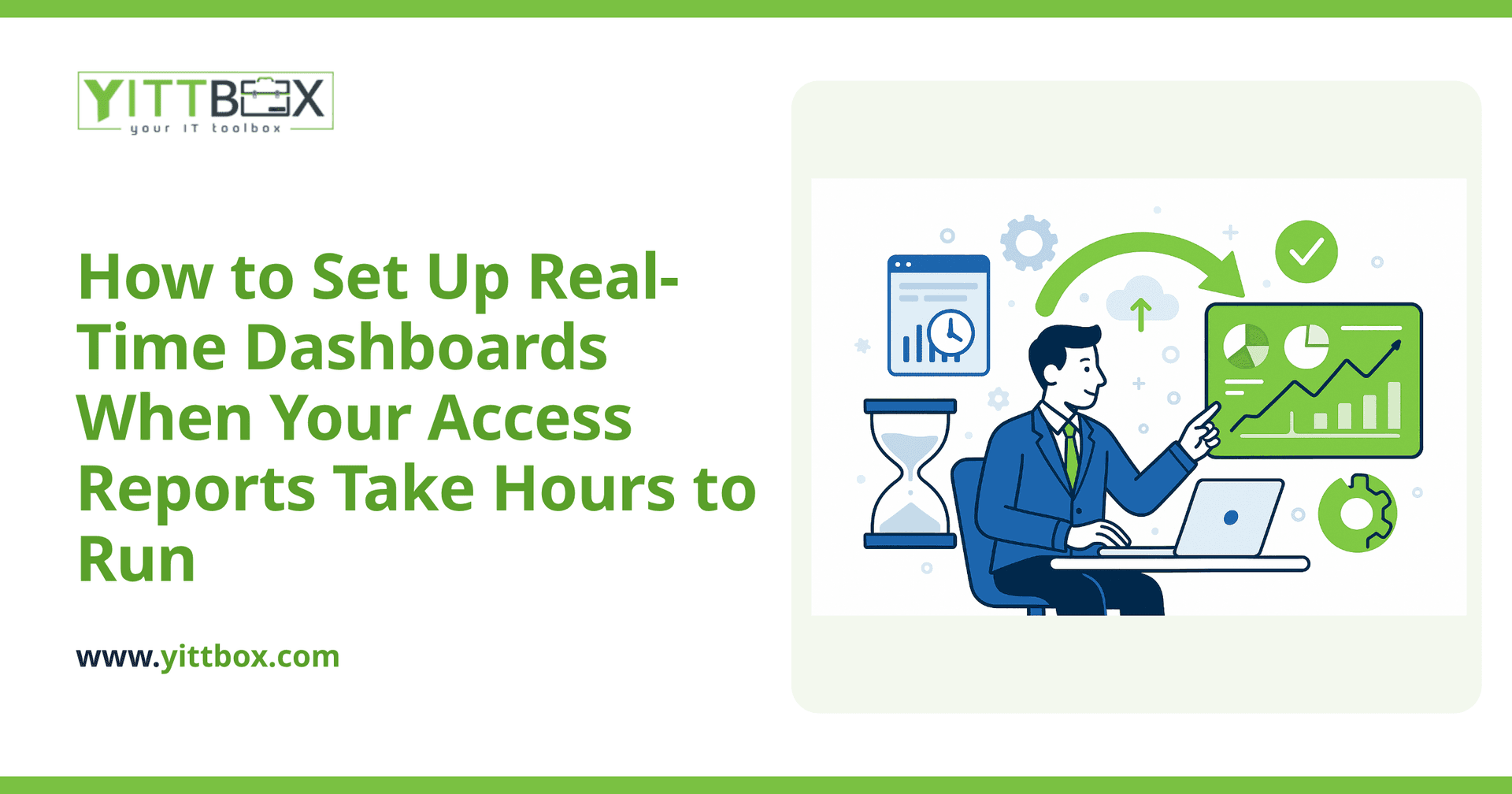
A real-time dashboard is a single screen — usually in your web browser — that shows your key numbers as they stand right now, updating automatically without anyone running a report.
Instead of waiting for a report to generate, you open a page and see today's sales, outstanding invoices, jobs in progress, or whatever matters to your business, laid out in charts and simple tiles. The data refreshes on its own, so the number you see is the number as it is, not as it was three hours ago when someone last ran the export.
Do I have to throw away my Access database to get one?
No. In most cases the sensible path is to move your data into a proper database that's built for speed and multiple users, then build the dashboard on top of that. Your existing information comes with you.
Think of it as a promotion for your data rather than a demolition. The records you've spent years building up are valuable, and a good migration carries them over cleanly. We walk through this process on our database conversion page, but the short version is: your data moves to a stronger foundation, and the slow, fragile parts get replaced with something that responds instantly.
How does a dashboard actually stay fast when the reports were so slow?
Two reasons. First, modern databases are designed to handle large data and many users at once. Second, a well-built dashboard reads from data that's already been prepared and organized, so it isn't recalculating your entire history every time you look at it.
In plain terms, the heavy lifting happens quietly in the background on a schedule, and the screen you look at just displays the finished result. That's why a dashboard can load in a couple of seconds even when it's summarizing years of records.
What information should I put on a dashboard first?
Start with the handful of numbers you'd want to know if you only had thirty seconds to check on the business. Resist the urge to put everything on there.
- Money coming in: sales, revenue, or bookings for the day, week, and month.
- Money owed to you: outstanding or overdue invoices.
- Work in progress: open jobs, orders, or tickets and where each one stands.
- Warning signs: anything that needs attention today — low stock, missed deadlines, unassigned work.
A focused dashboard that answers your most urgent questions beats a cluttered one you have to hunt through. Extra views can always be added once the essentials are working.
How long does it take to build one?
It depends on how tidy your existing data is and how many views you need, but a first useful dashboard is usually a matter of weeks, not months. We often deliver a core version early so you get value quickly, then refine it based on how you actually use it.
The honest answer is that we can't quote a timeline properly without seeing your data, which is why we offer a free, no-pressure review before anything is committed. You can request one from our estimate page — there's no sales call to sit through and no obligation.
What will this cost me?
Every situation is different, so we don't publish a flat price that would be wrong for most people. What we can promise is a clear, plain-English breakdown before any work begins, so you know exactly what you're paying for and why.
The bigger cost is often the one you're already paying: hours lost each week waiting on reports, and decisions delayed because the numbers weren't in front of you when you needed them.
Where should I start?
Start by writing down the three questions you most wish you could answer at a glance each morning. That short list is the seed of your dashboard.
When you're ready, we'll take a look at your current Access setup and tell you honestly what's involved — the quick wins, the trade-offs, and a realistic plan. Grab a free review whenever it suits you. No pressure, no jargon, just a straight answer about whether real-time dashboards make sense for your business.
Comments
Be the first to comment on this post.