You built a spreadsheet years ago to track orders, or customers, or inventory. It worked. Then someone typed text into a number column, another person deleted a formula by accident, and a third saved their own copy that nobody can find. Now you're never quite sure the numbers are right — and you're the one who has to double-check everything.
This is one of the most common reasons small businesses outgrow spreadsheets. The problem usually isn't the data itself. It's that spreadsheets can't reliably stop bad data from getting in. Below are the questions we hear most often from owners in exactly this spot.
Why aren't spreadsheet formulas reliable enough for validation?
Because spreadsheet rules are suggestions, not guarantees. Anyone can paste over a formula, ignore a dropdown, or turn off a warning. There's nothing stopping a mistake from being saved.
A few weak points show up again and again:
- Formulas break silently. Delete one cell and a whole column of calculations can go wrong without any alert.
- Data validation is easy to bypass. Excel and Google Sheets dropdowns can be pasted right over.
- No accountability. You often can't tell who changed what, or when.
- Copies multiply. Once there are three versions floating around, none of them is the truth.
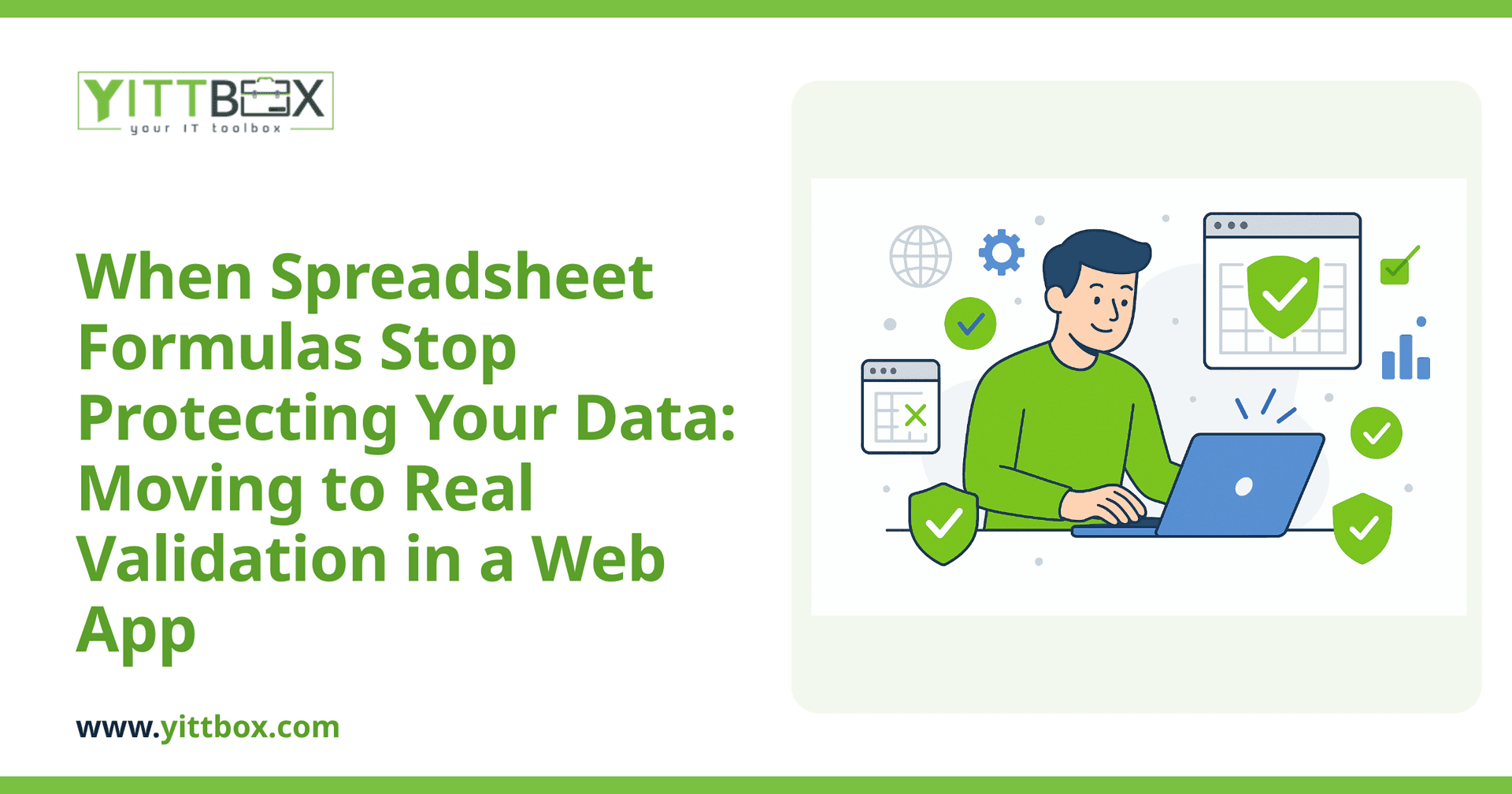
A web app flips this around. The rules live in the system itself, so bad data is stopped at the door instead of caught later — if you catch it at all.
What does "data validation" actually mean in a web app?
It means the software checks every entry against your rules before it saves anything — and simply won't accept information that doesn't fit.
In plain terms, you decide what "correct" looks like, and the app enforces it every single time. Common examples include:
- Required fields: a record can't be saved without a customer name or an order date.
- Format checks: phone numbers, emails, and ZIP codes have to look like real ones.
- Number ranges: a quantity can't be negative; a discount can't exceed 100%.
- Dropdown lists that can't be overwritten: a status is always one of your approved options, never a typo.
- Cross-checks between fields: a delivery date can't be earlier than the order date.
The difference from a spreadsheet is that these rules aren't optional. They apply to everyone, on every device, without anyone needing to remember them.
What kinds of rules should I set up first?
Start with the mistakes that already cost you time. You don't need to map out every possible rule on day one — you need to fix the ones that keep biting you.
A practical order to think about it:
- Prevent empty essentials. Which fields must never be blank? Those become required.
- Standardize the messy stuff. Replace free-text fields that get filled in ten different ways with fixed choices.
- Guard the numbers. Set sensible limits so totals, quantities, and prices can't be entered wrong.
- Protect the relationships. If two pieces of data have to agree — dates, statuses, stock levels — build a check that keeps them honest.
When we help a business move off spreadsheets and into a proper web app, we usually spend the first conversation just listing the errors that happen most. Those become your first validation rules, because they deliver the most relief fastest.
Won't strict rules slow my team down?
Done well, it's the opposite. Good validation saves time because people stop cleaning up messes and stop second-guessing the data.
The trick is helpful rules, not annoying ones. That means:
- Clear messages: instead of a cryptic error, the app says exactly what's wrong and how to fix it.
- Sensible defaults: fields fill themselves in where the answer is obvious, so there's less typing.
- Rules that match reality: if your business genuinely has exceptions, the app allows for them rather than fighting your team.
When the rules reflect how you actually work, people barely notice them — they just stop making the mistakes they used to.
Can I keep my existing data when I move to a web app?
Yes. Your history is valuable, and a good build brings it across rather than starting from scratch.
The usual approach is to clean the data as it moves in — spotting the gaps, duplicates, and odd entries that built up over the years — so you begin with a tidy foundation. From that point on, the validation rules keep it tidy. It's often the first time an owner trusts every number in the system.
How do I know if this is worth it for a business my size?
The honest answer: it's worth it when unreliable data is costing you money, time, or peace of mind — and only you can judge that. If you're re-checking figures, chasing errors, or afraid of what a wrong number might do, that's usually the signal.
We make it easy to find out without any pressure. We'll take a free, no-obligation look at how you're working today and tell you plainly whether a web app would help — and if it wouldn't, we'll say so. No pushy sales calls, no jargon, just a straight answer.
If you'd like that kind of honest read on your situation, ask us for a free review and we'll walk through it in plain English. And when you're ready to leave the spreadsheet behind for good, here's how we handle the move.
Comments
Be the first to comment on this post.