

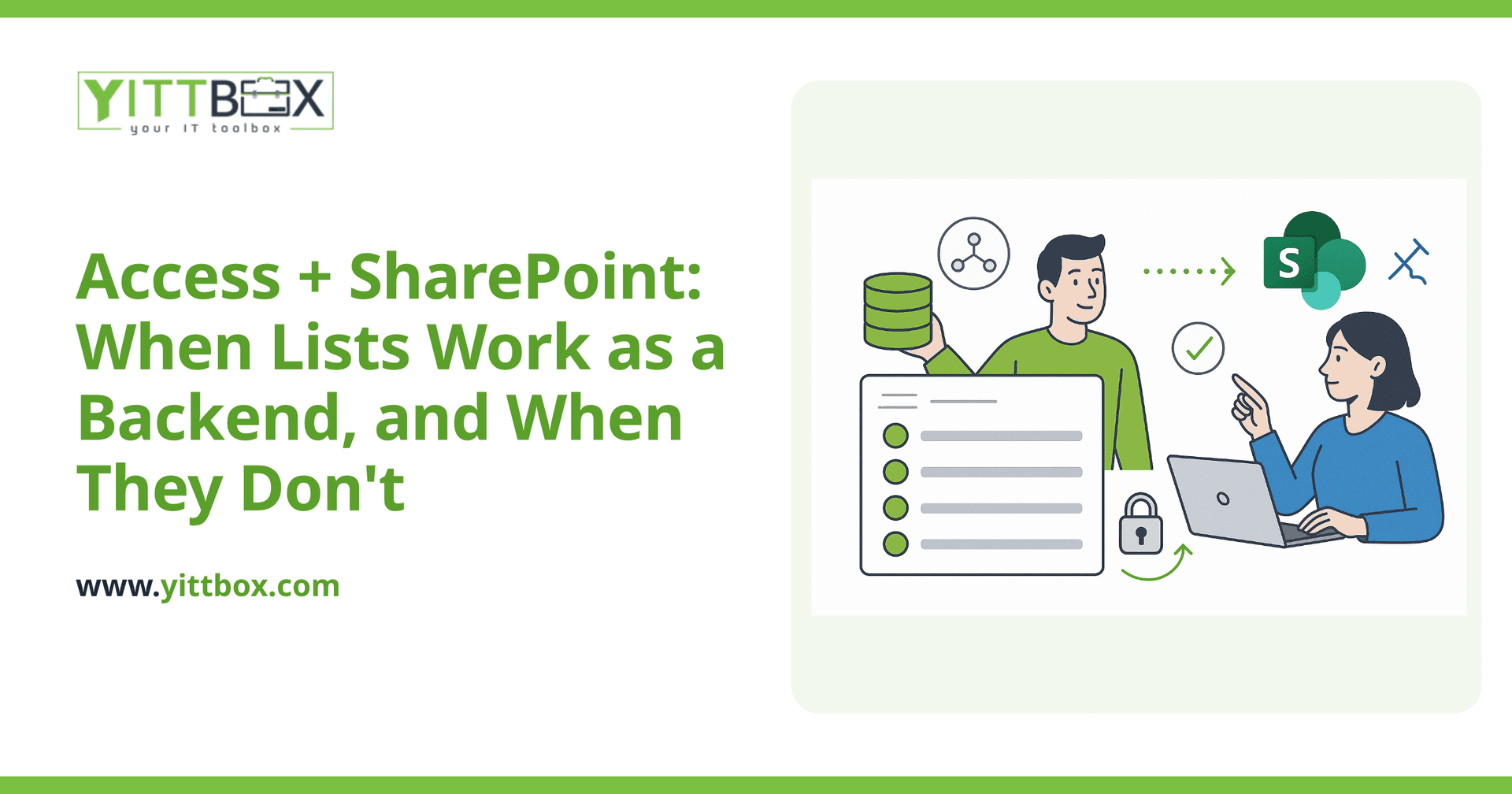
Using SharePoint Lists as a data backend instead of Access is a path a lot of Microsoft 365 shops consider, mostly because the tooling is already sitting there, included in licensing they already pay for. It's a real option for a narrower set of use cases than most people expect. Here's the honest version.
This is one of five deep-dives into specific Access migration targets — part of our Microsoft Access Modernization: The Complete Guide. See the others: Access to SQL Server, Access to Azure SQL, Access to Dataverse / Power Apps, Access + SharePoint, and Access to open-source databases.
What does "Access + SharePoint" actually mean as a migration target?
Two different patterns get called this, and they're worth telling apart. The first — largely deprecated by Microsoft — was linking Access directly to SharePoint Lists as an external data source, keeping Access as the interface. The second, more current pattern, is retiring the Access file entirely and rebuilding the interface on top of SharePoint Lists, typically paired with Power Apps or Power Automate for anything beyond basic list views. When people ask about this migration target today, it's almost always the second pattern they mean.
When does SharePoint work well as a backend?
When your data is genuinely list-shaped: a document tracker, a simple asset register, a request log, a straightforward inventory count — the kind of data that's naturally one flat table or a small number of loosely related lists, without deep relational structure or heavy transactional logic. If your team is already living in SharePoint and Teams for document management, adding a list-based tracker there keeps everything in one place, and there's no additional licensing cost if you're already on Microsoft 365 Business or Enterprise plans that include SharePoint.
Where does this break down?
SharePoint Lists were built for exactly what the name says — lists — not for a full relational database engine. The moment your Access database has real relational complexity (several tables with meaningful foreign-key relationships, lookups that reference multiple related records, business rules that span tables), you're pushing SharePoint Lists well past their comfortable range. List view thresholds, list-level performance at scale, and the genuine awkwardness of representing anything beyond simple one-to-many relationships all become real friction, not theoretical concerns. VBA-heavy Access apps with substantial custom logic are a particularly poor fit — that logic has to be rebuilt in Power Automate flows, which is a meaningfully different (and often more constrained) way of expressing the same rules.
How does this compare to Dataverse / Power Apps as a target?
They overlap but aren't interchangeable. Dataverse is a real, purpose-built data platform with proper relational modeling, security, and business-logic support — closer in spirit to what Access's back end actually did. SharePoint Lists are, structurally, closer to a smart spreadsheet with permissions than a database. If your data has any real relational shape to it, Dataverse is almost always the better-fitting target of the two; SharePoint Lists earn their place specifically when the data is simple and the appeal is "we already have this, and it's included." See our fuller Access to Dataverse / Power Apps guide for that comparison in more depth.
What's the honest way to decide?
List out your Access tables and count the real relationships between them. One or two simple tables, mostly independent, with light or no VBA logic — SharePoint Lists is a legitimate, low-cost option worth trying. Several interrelated tables, meaningful business logic in macros or VBA, or reporting needs beyond a basic filtered view — you're better served by Dataverse, a proper SQL Server/Azure SQL back end, or a custom web application, in roughly that order of increasing capability and cost.
Is this the cheapest migration path?
Often the cheapest to start, if you're already paying for the Microsoft 365 tier that includes SharePoint — there's no new platform cost, only build time. But "cheapest to start" isn't the same as "cheapest overall" if the data outgrows list structures within a year or two and you end up migrating again. Weigh the build savings now against the real risk of a second migration later if your data's complexity was underestimated.
Not sure this is the right target for your situation? Our instant estimator asks the right questions and gives you a ballpark, or request an assessment and we'll give you an honest read — including telling you when a different target, or no migration at all, is the right call.
Comments
Be the first to comment on this post.



